
DocsReference
On this page
Screenshots
Every screen of Kubernanny, taken from the built-in demo clusters (DEMO=broken, warning, healthy), in English unless marked German. Regenerate all of them with scripts/screenshots/run.sh.
Getting started#
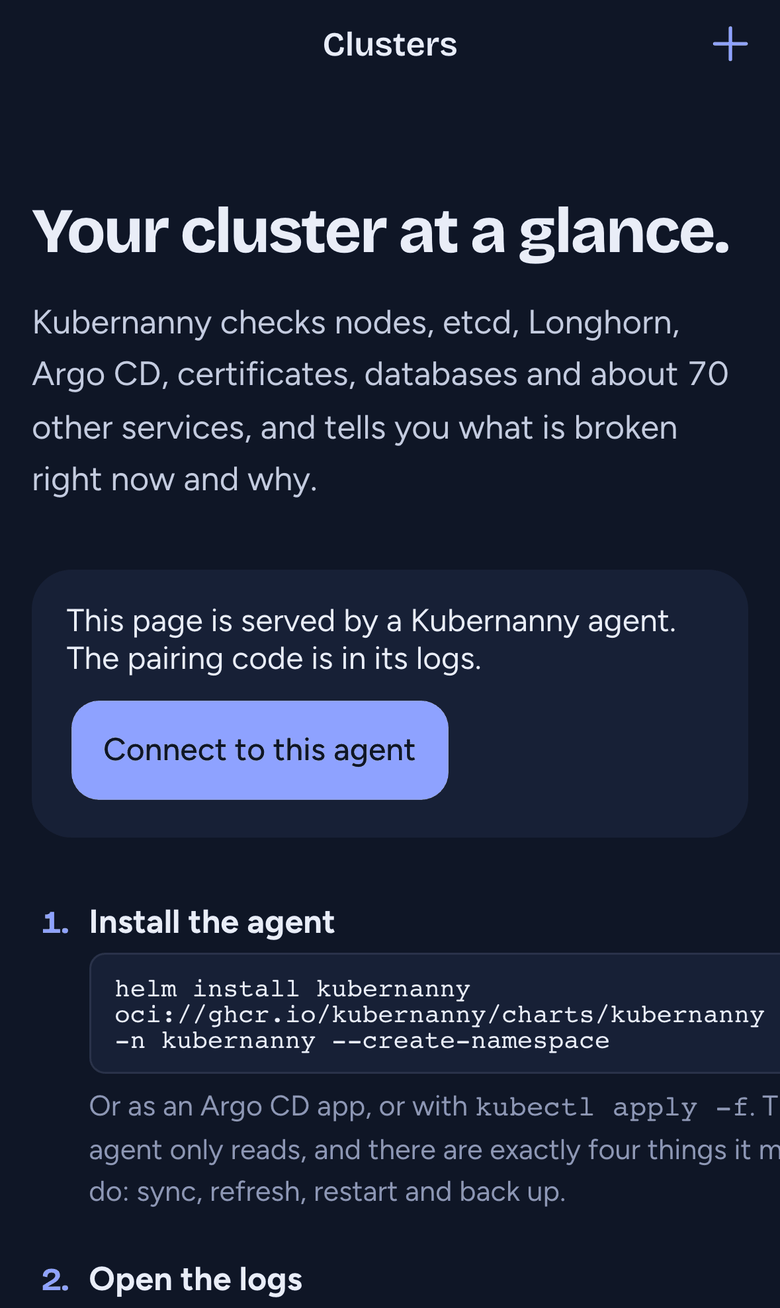 First start: what Kubernanny is, and the web UI noticing it is served by an agent |
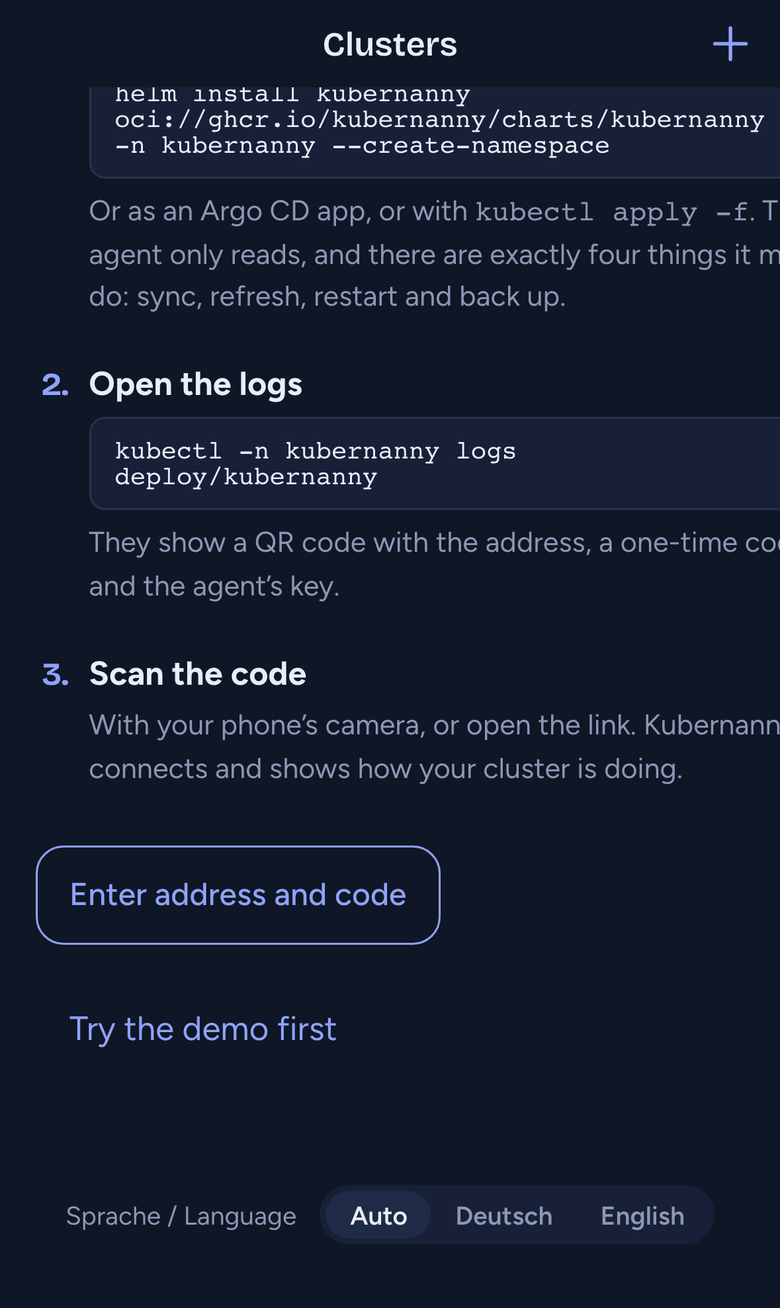 Install in three steps, commands copyable |
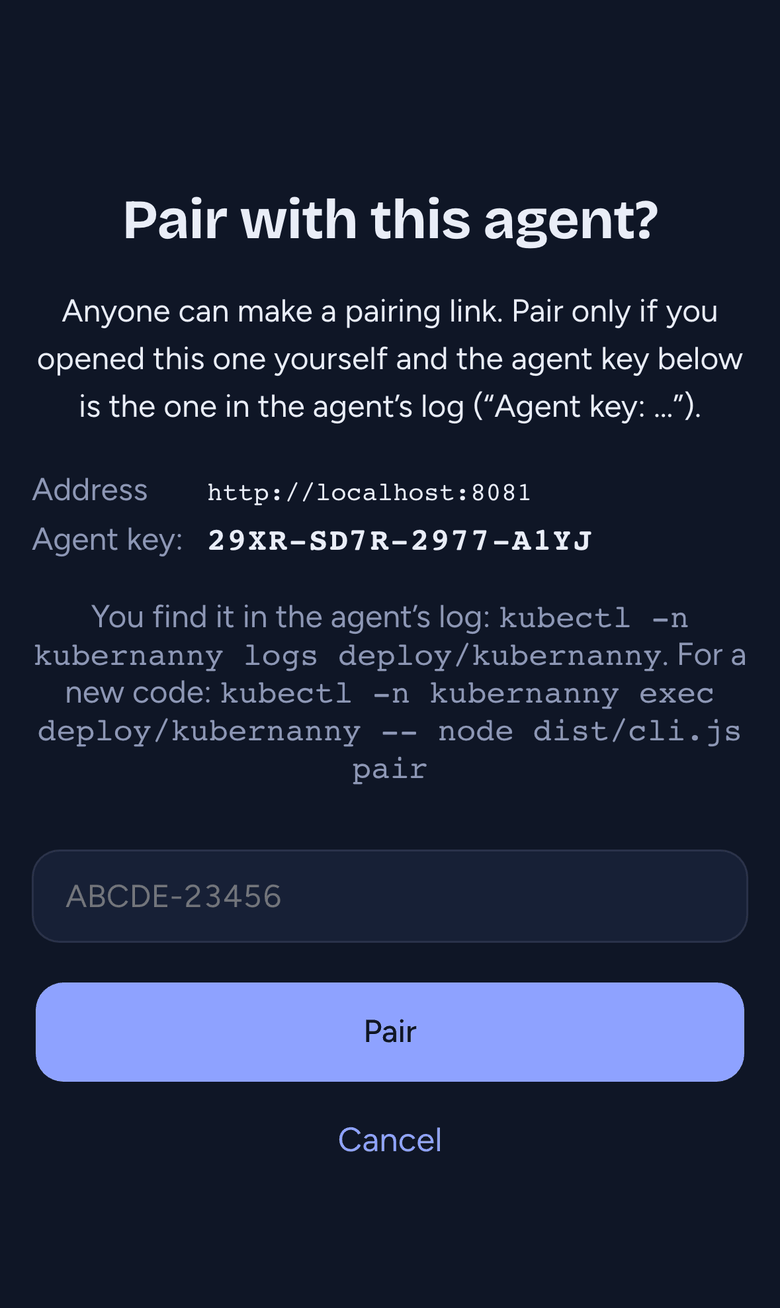 Pairing by typing the one-time code from the log |
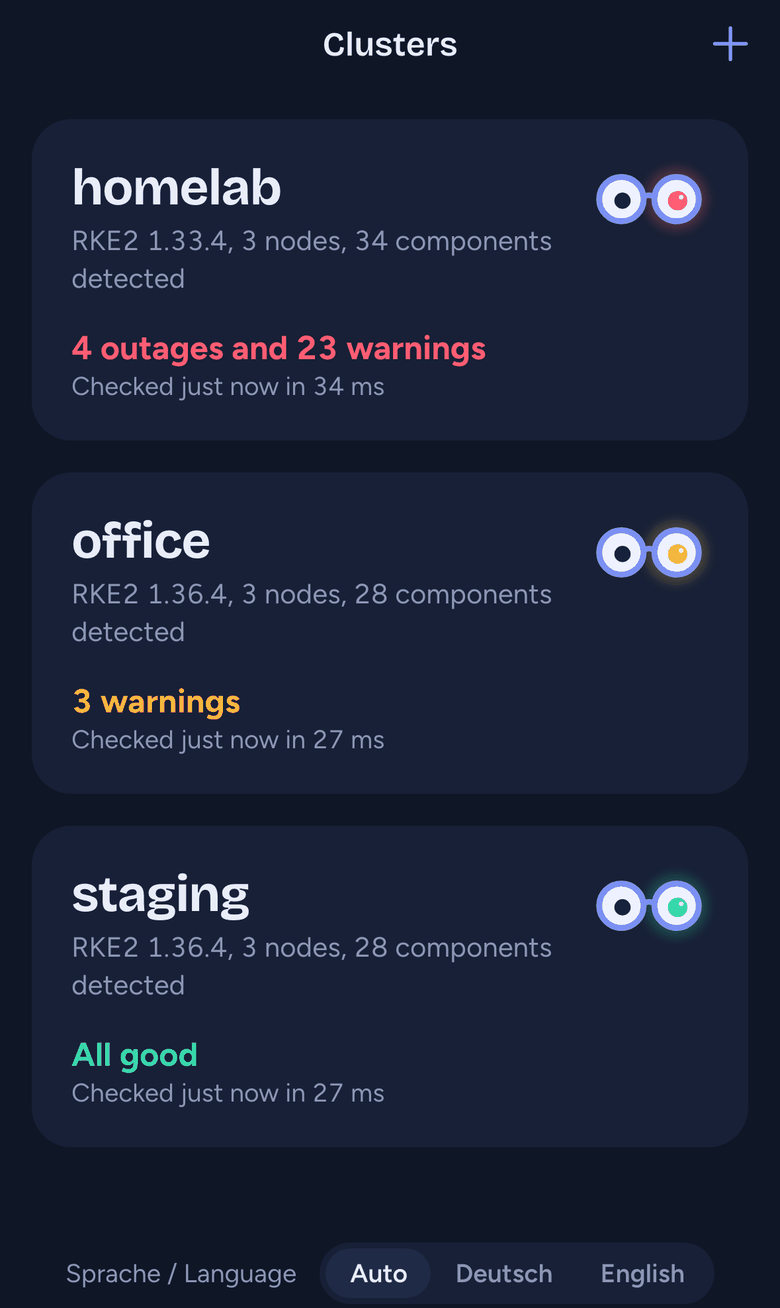 Three clusters: red, yellow, green |
Overview#
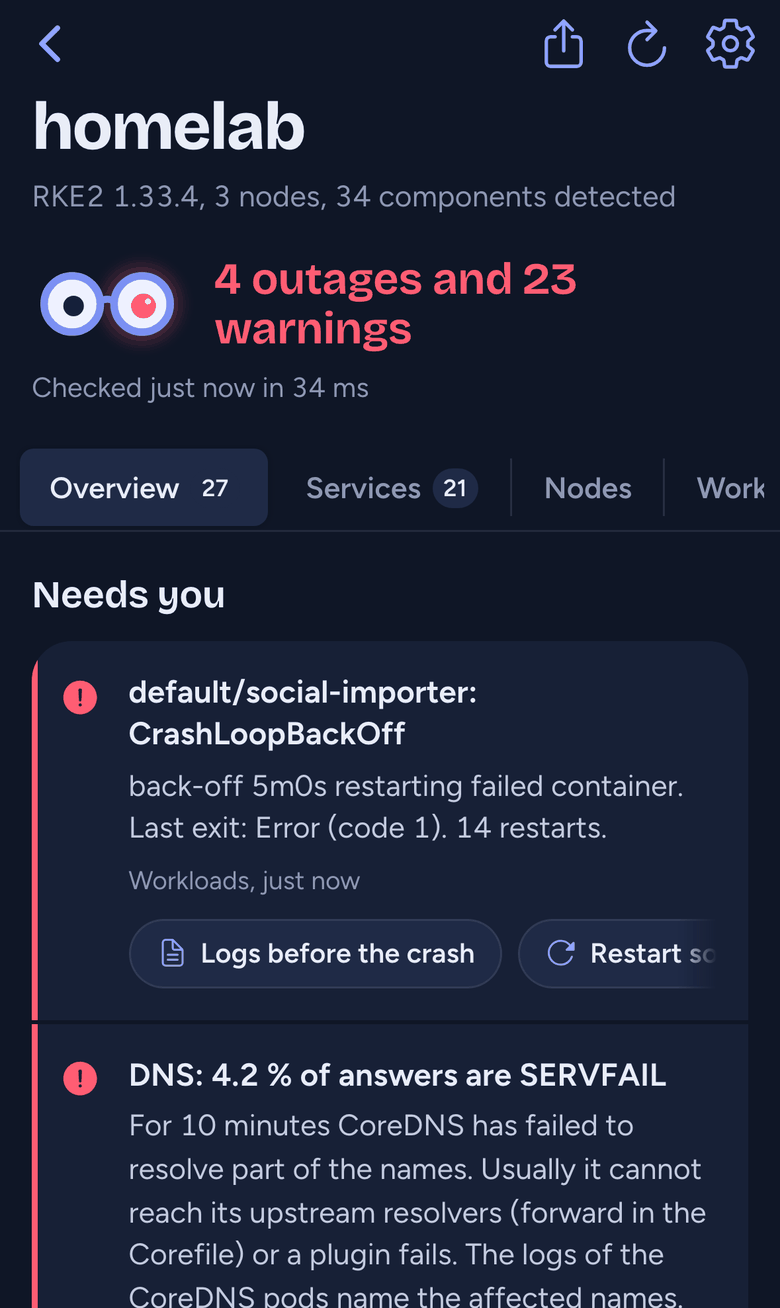 A cluster with outages: the nanny's eye and a one-sentence headline |
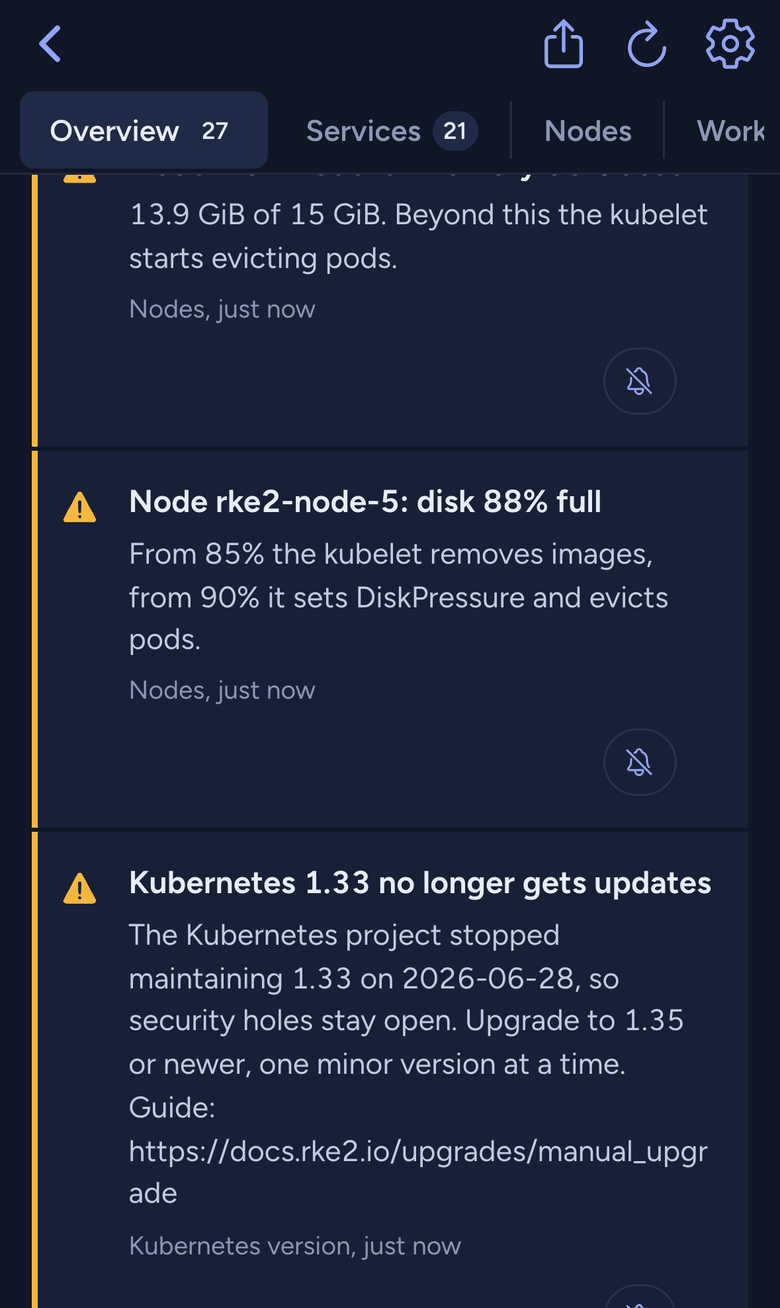 Problems with cause, age and the action that fixes them |
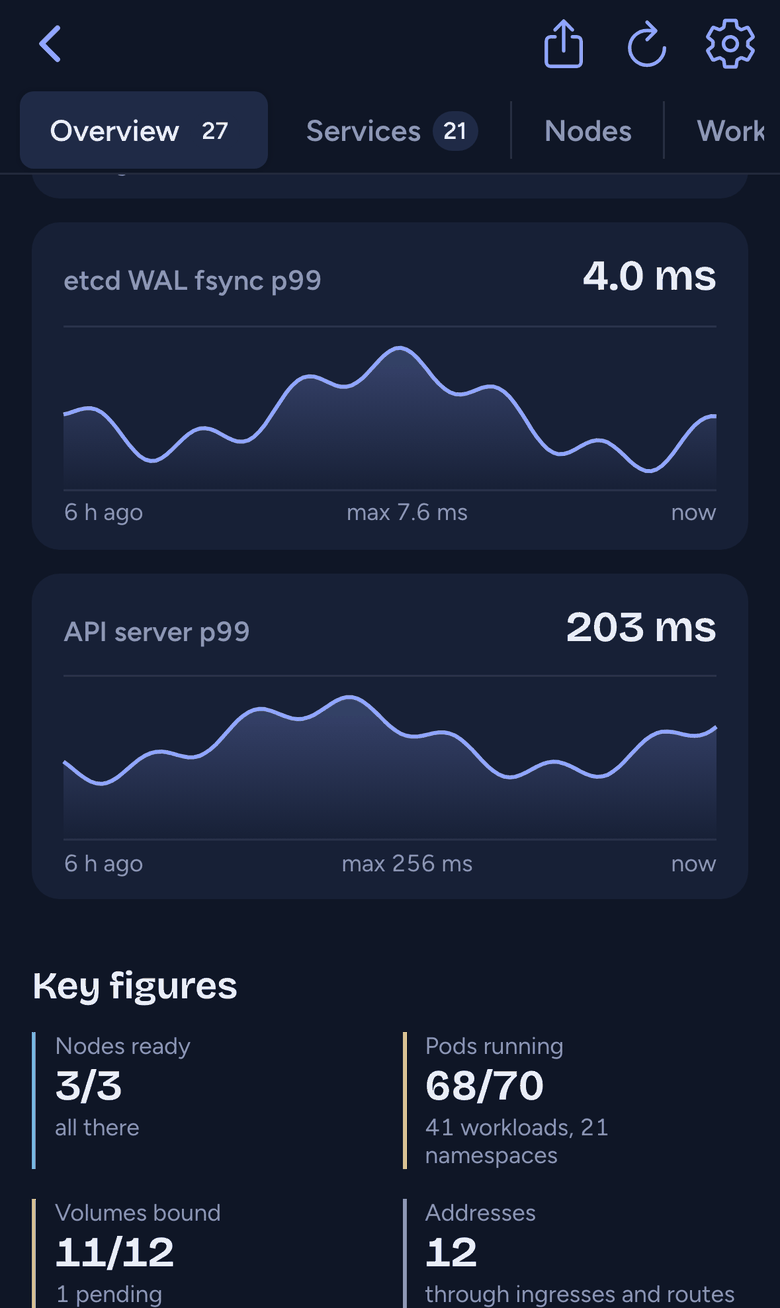
 Key numbers and components needing attention |
|
 Components needing attention, broken first |
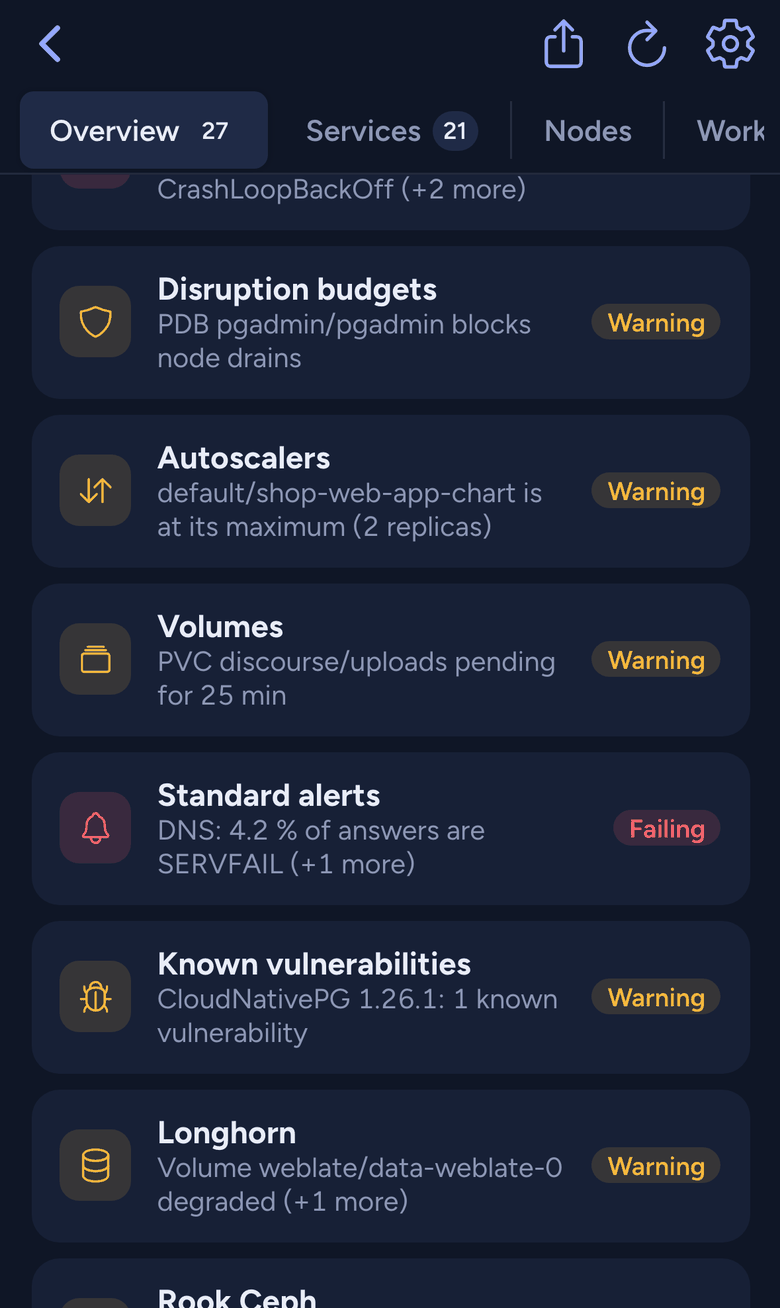 More of the same list |
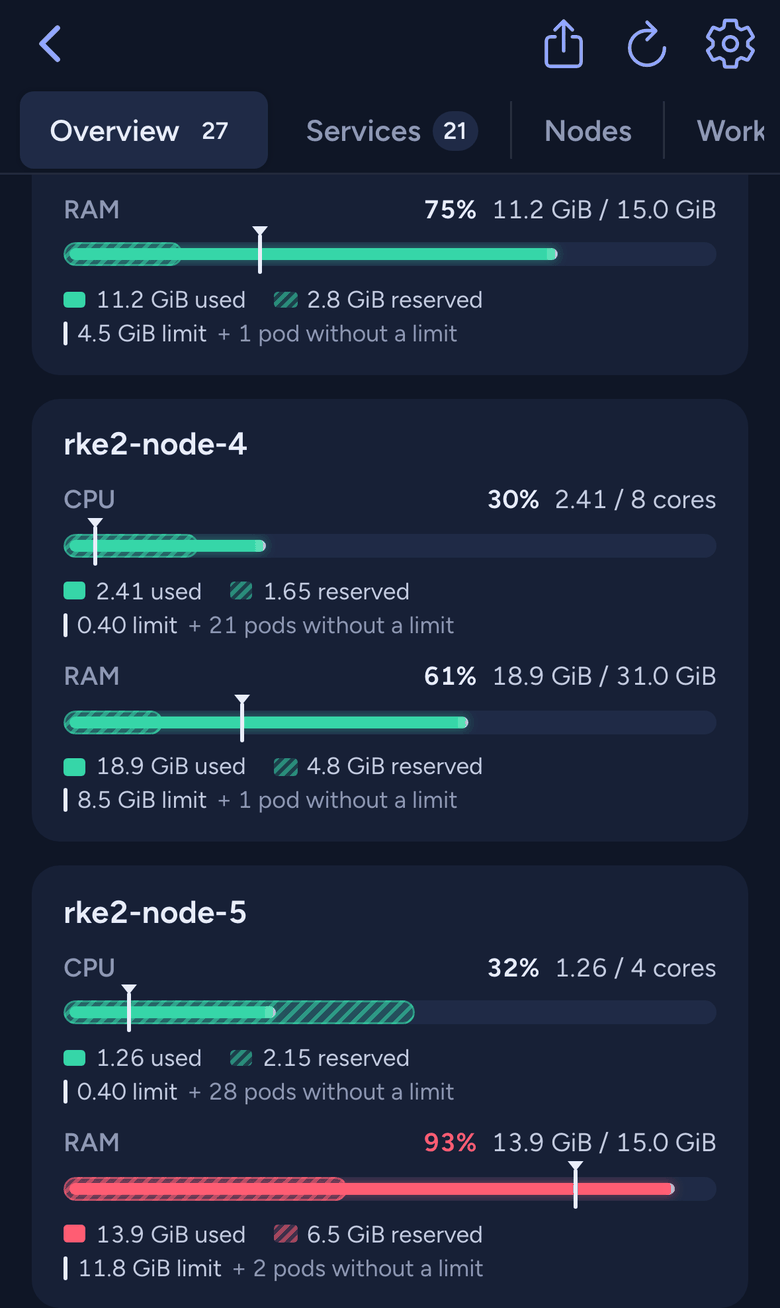 Per node: use, requests and limits of its pods, overbooking and pods without a limit |
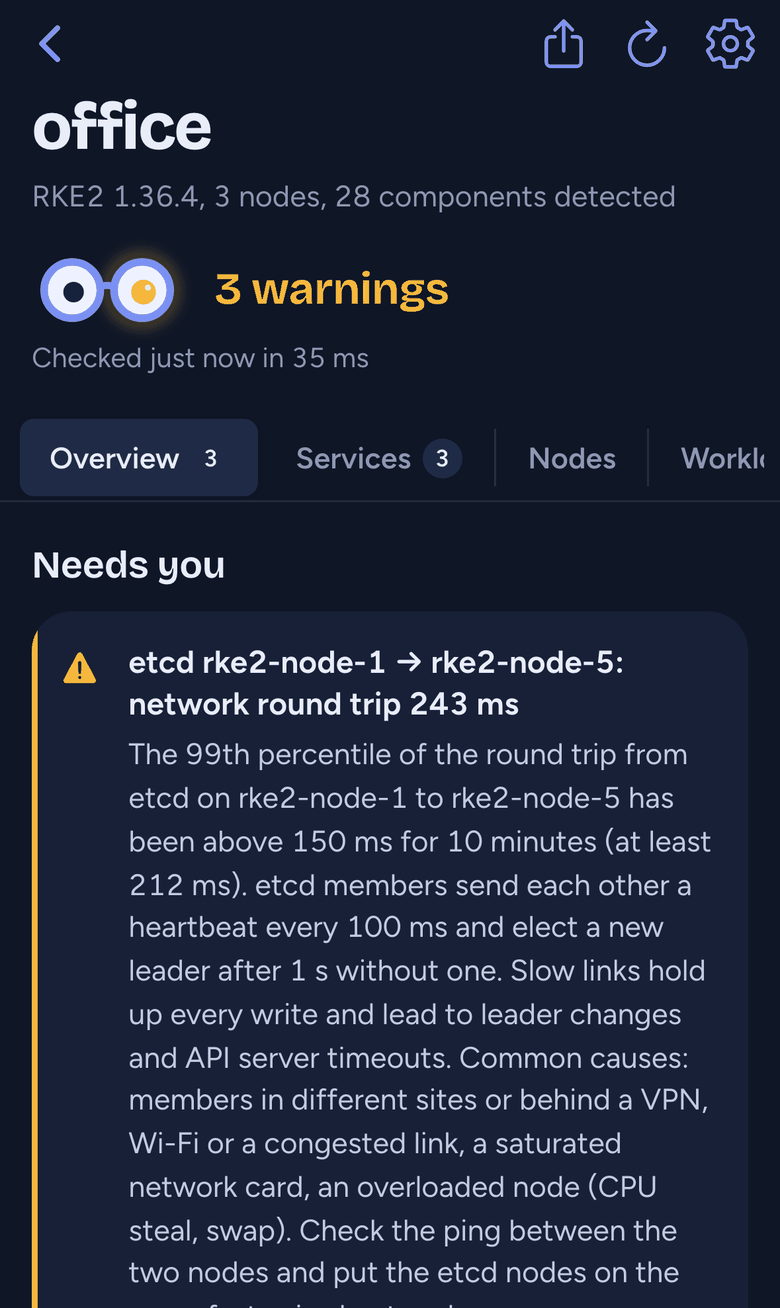 A cluster with warnings only |
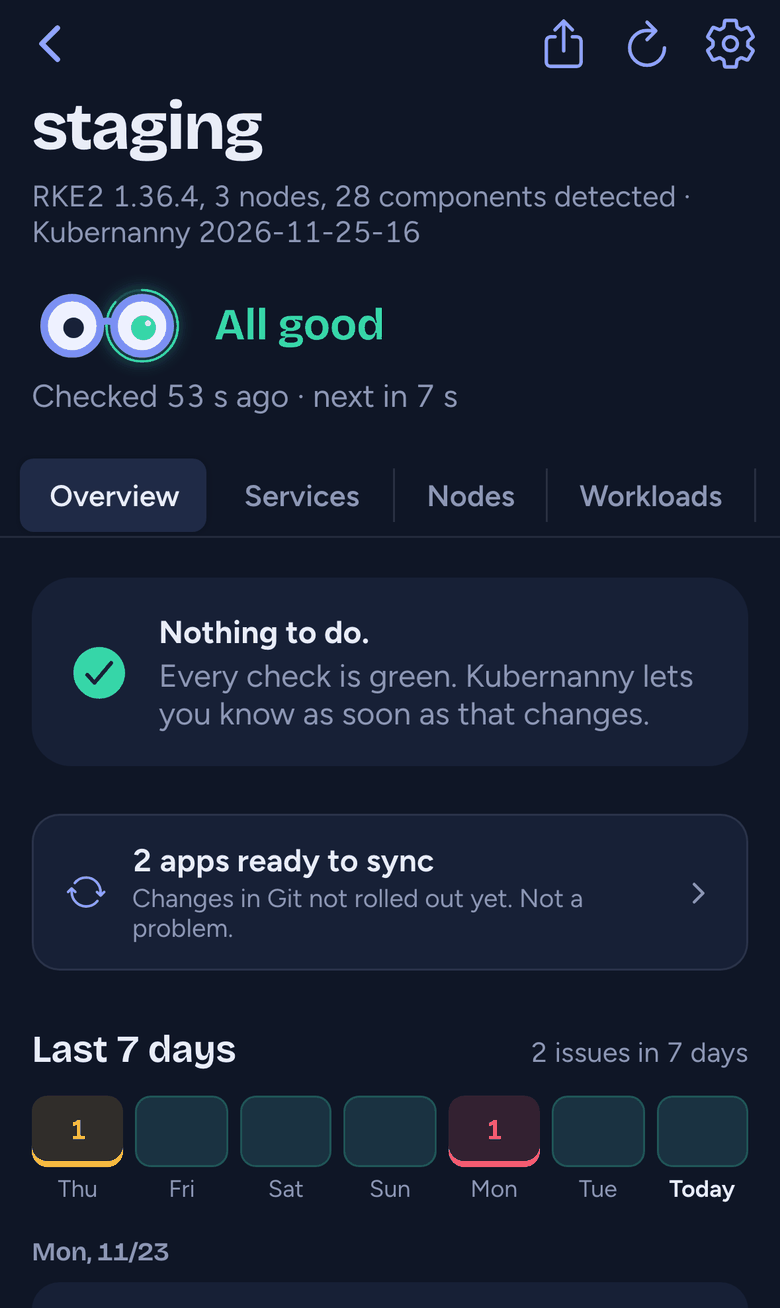 All green: nothing to do |
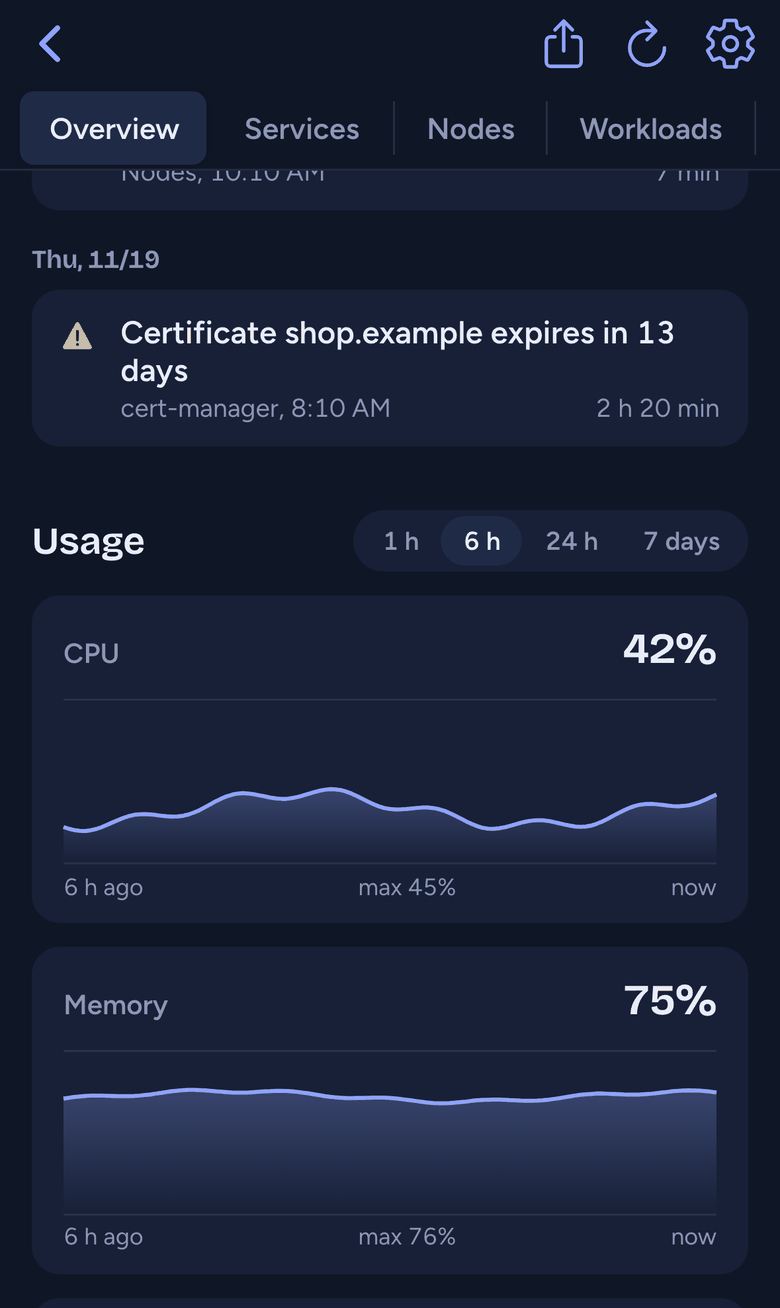 History from Prometheus: CPU, RAM, network, restarts, etcd, API server |
Actions#
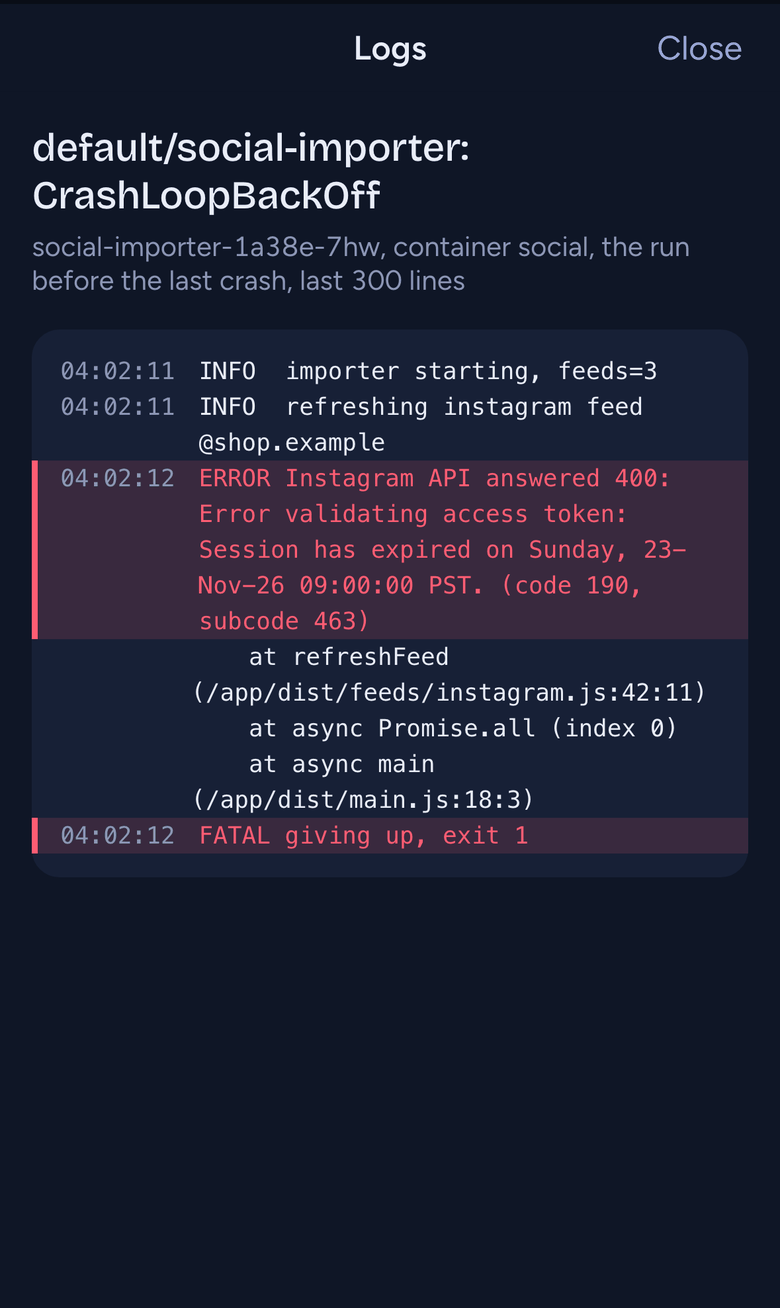 Logs of the crashed container run, errors highlighted |
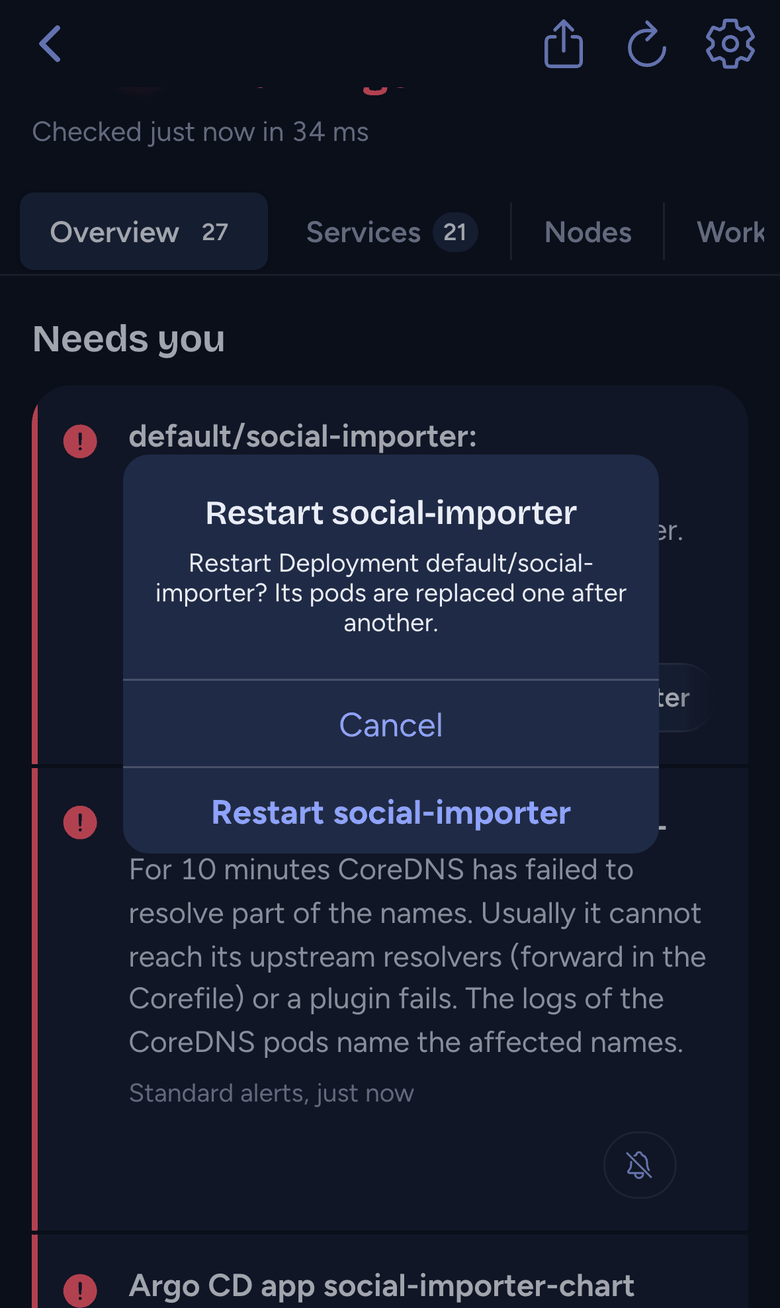 Every action that changes the cluster asks first |
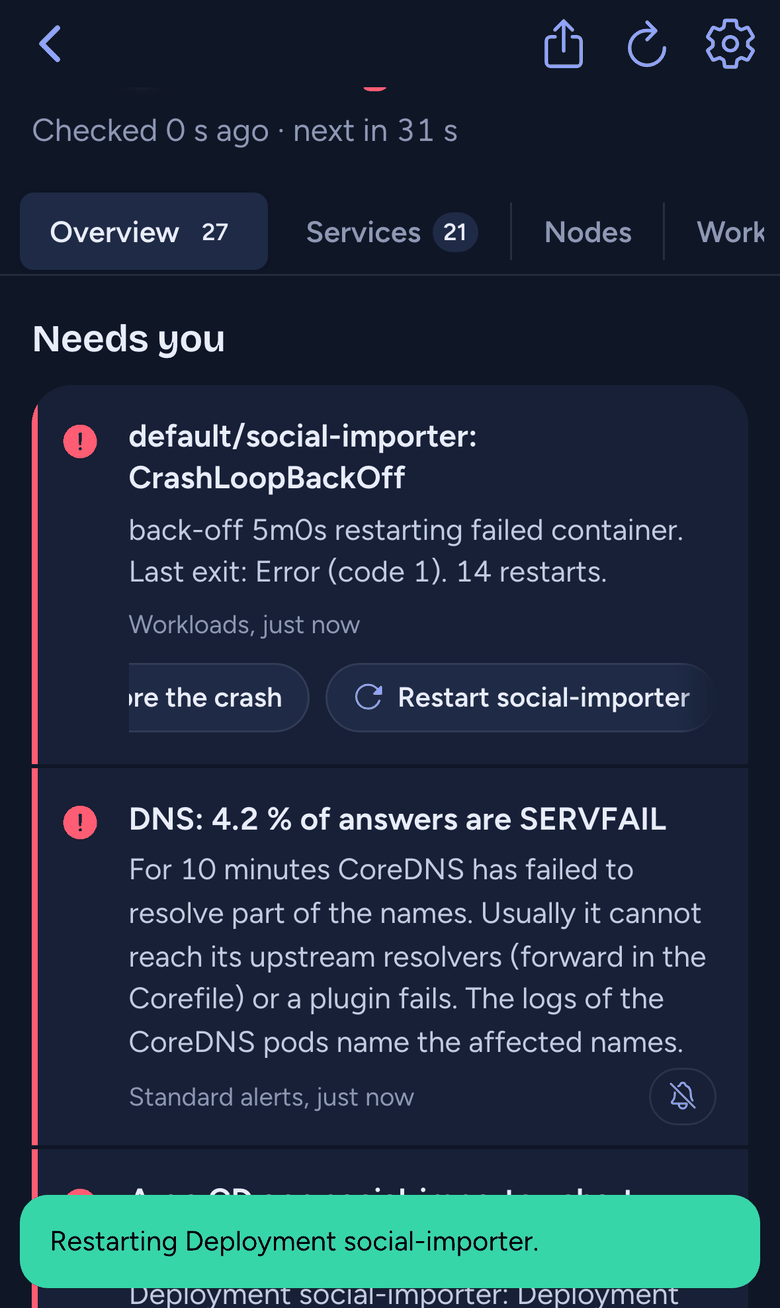 Confirmation once the agent has patched the Deployment |
Components#
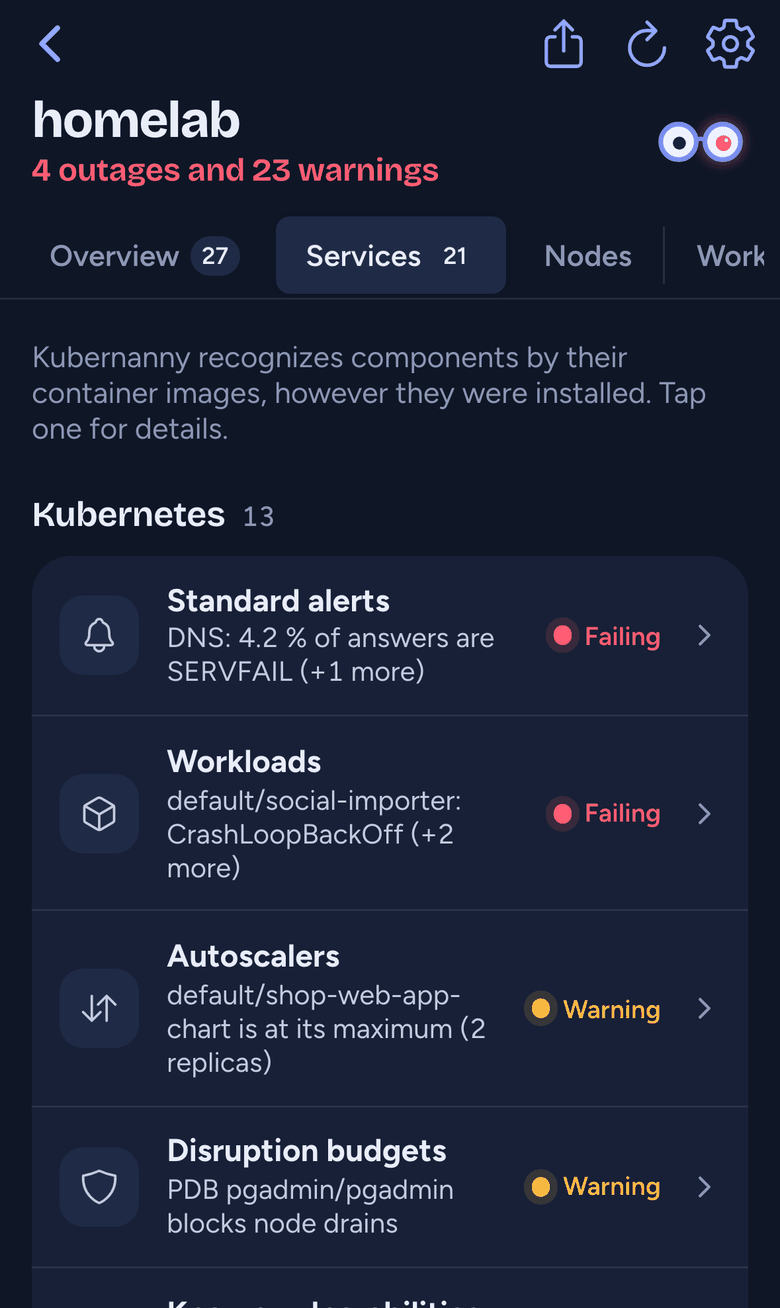 Dienste: every recognised component by category |
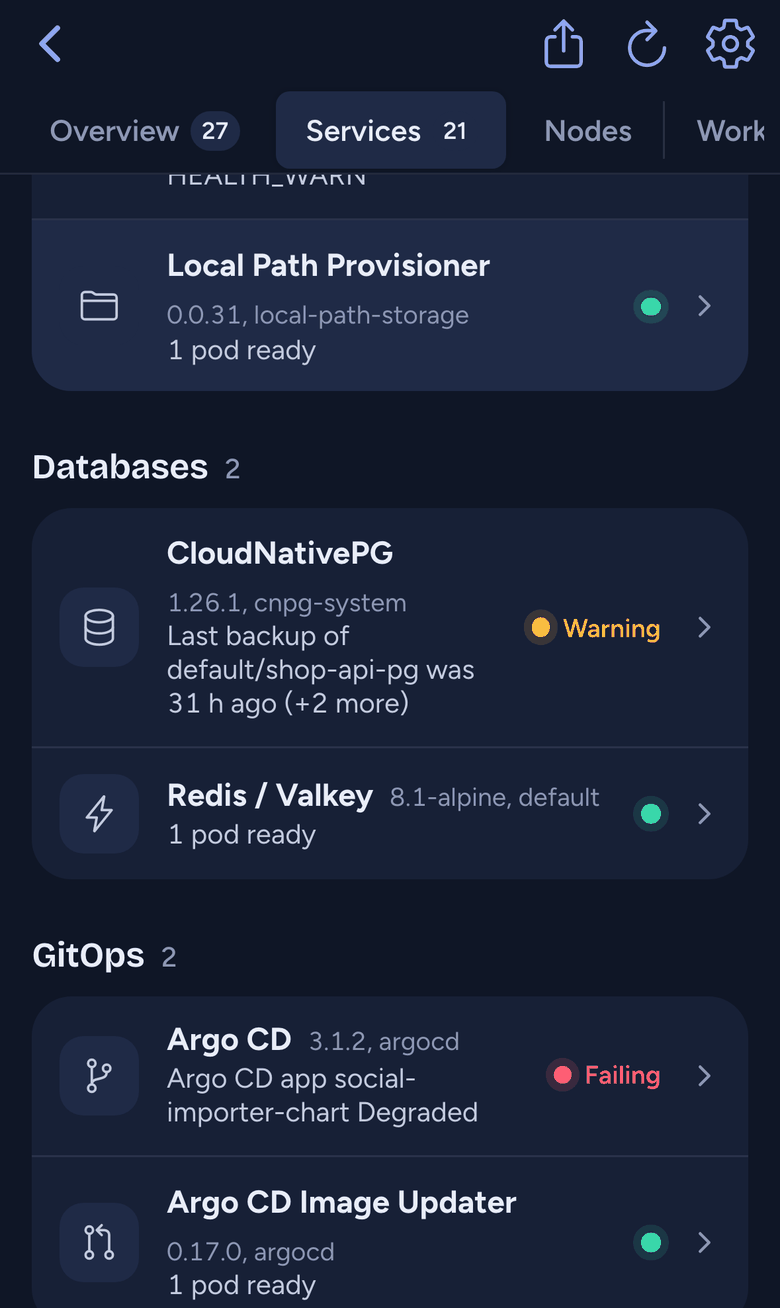 Monitoring stack, recognised by image |
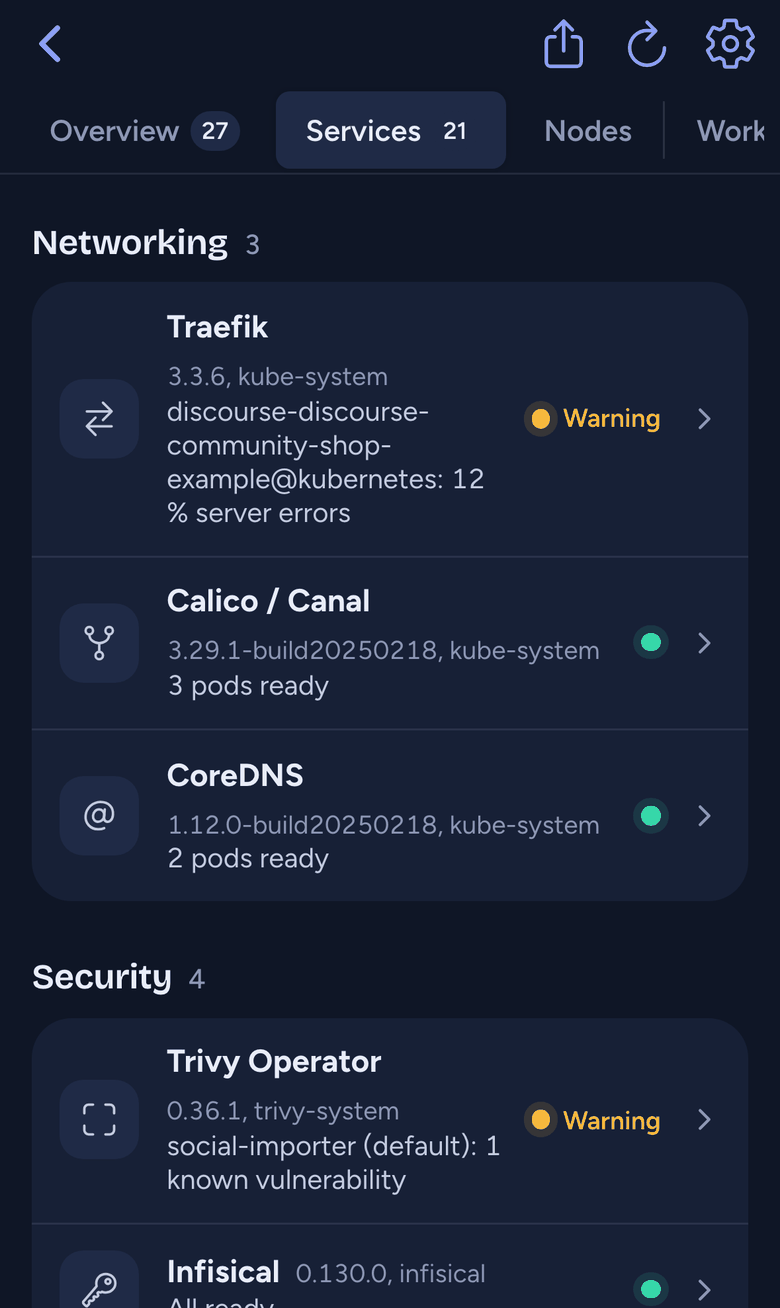 Maintenance, platform and self-hosted apps |
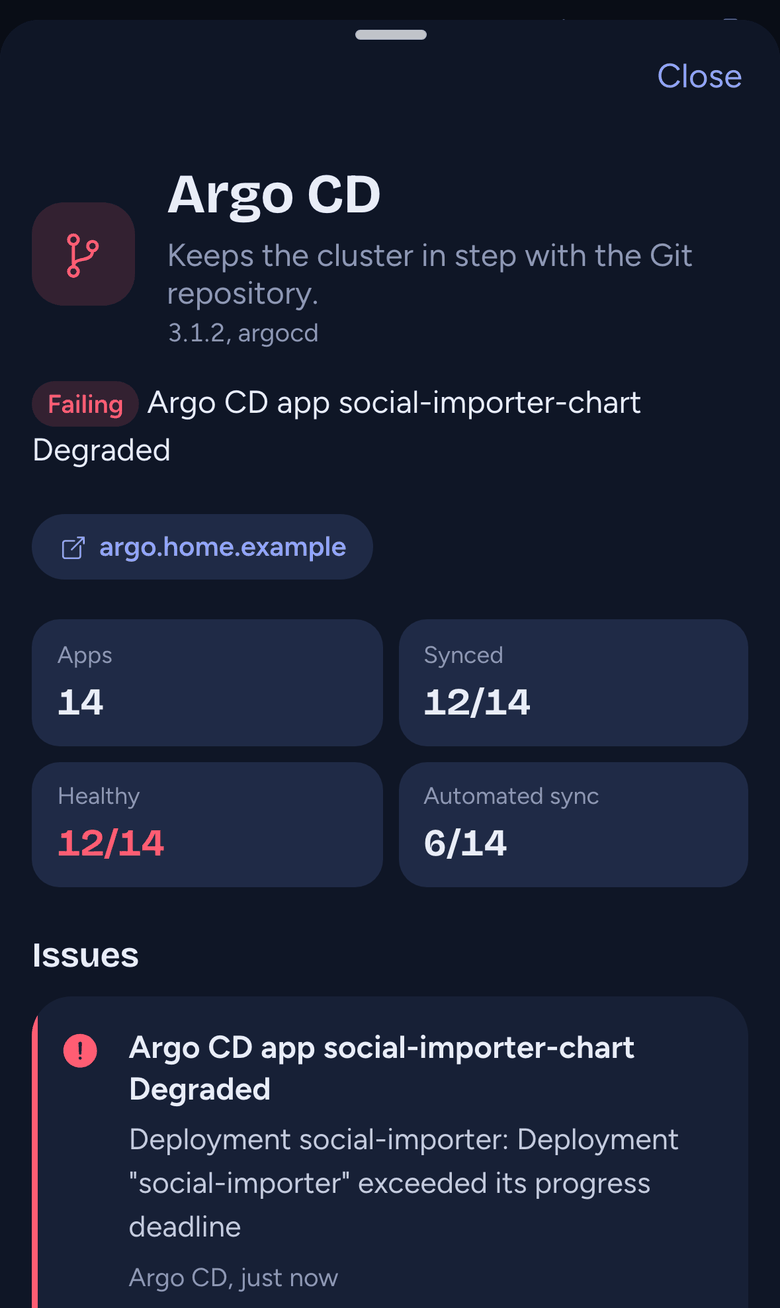 Argo CD: apps, sync and health, link to its UI |
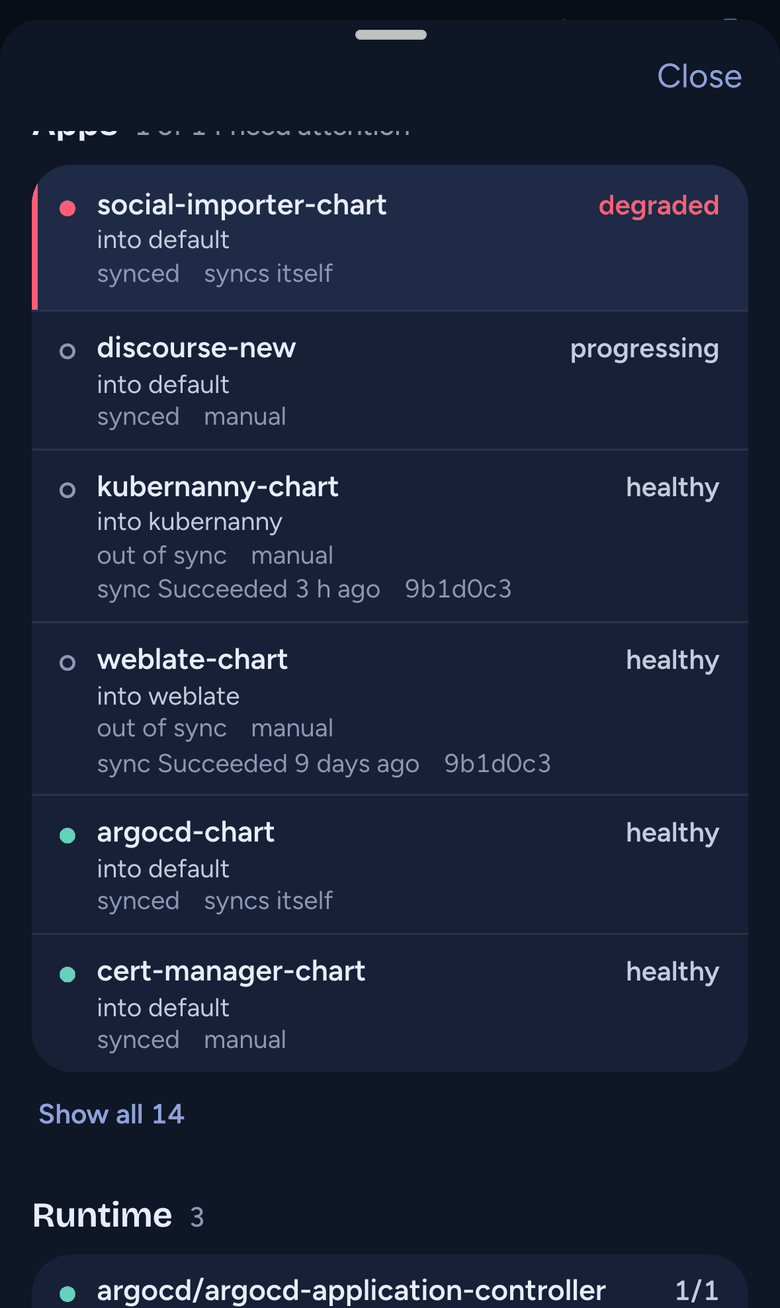 Argo CD problems with sync, refresh and restart, and its workloads |
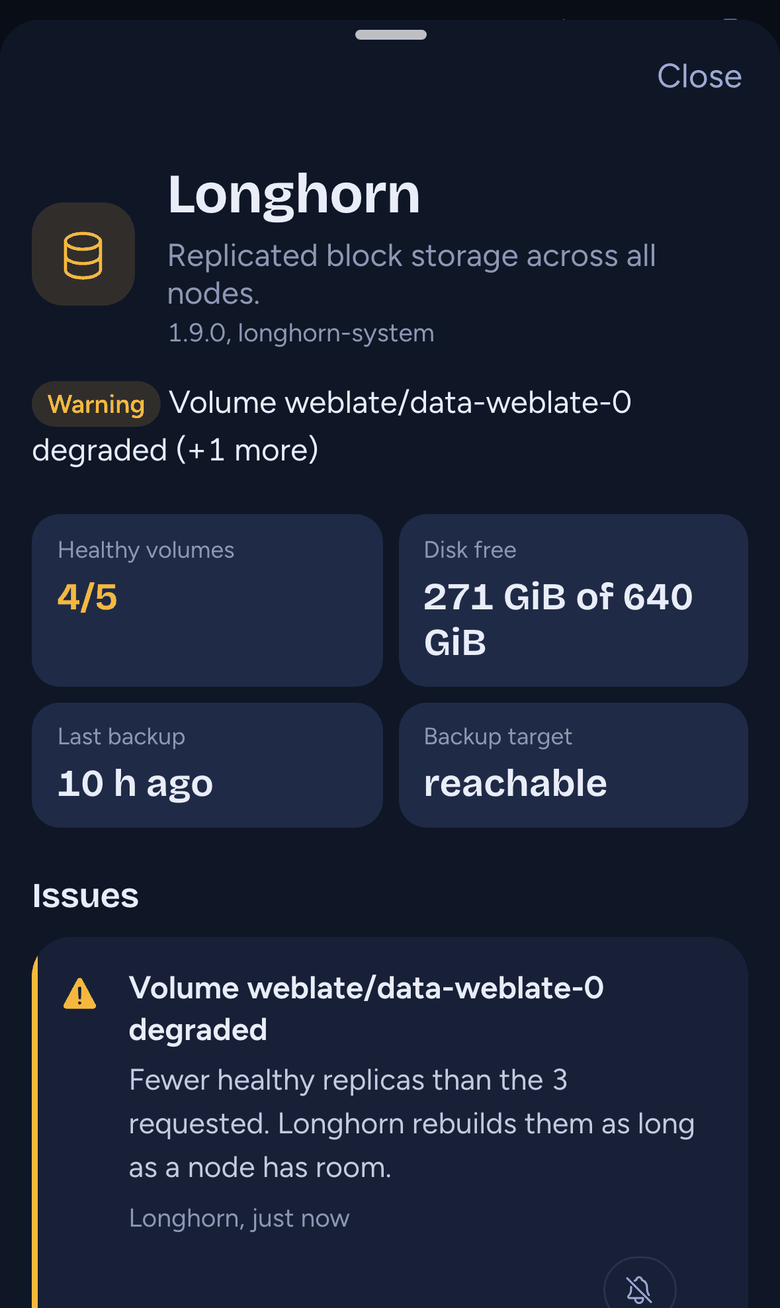 Longhorn: volume health, free disk, replica state |
 CloudNativePG: instances, primaries, backup age |
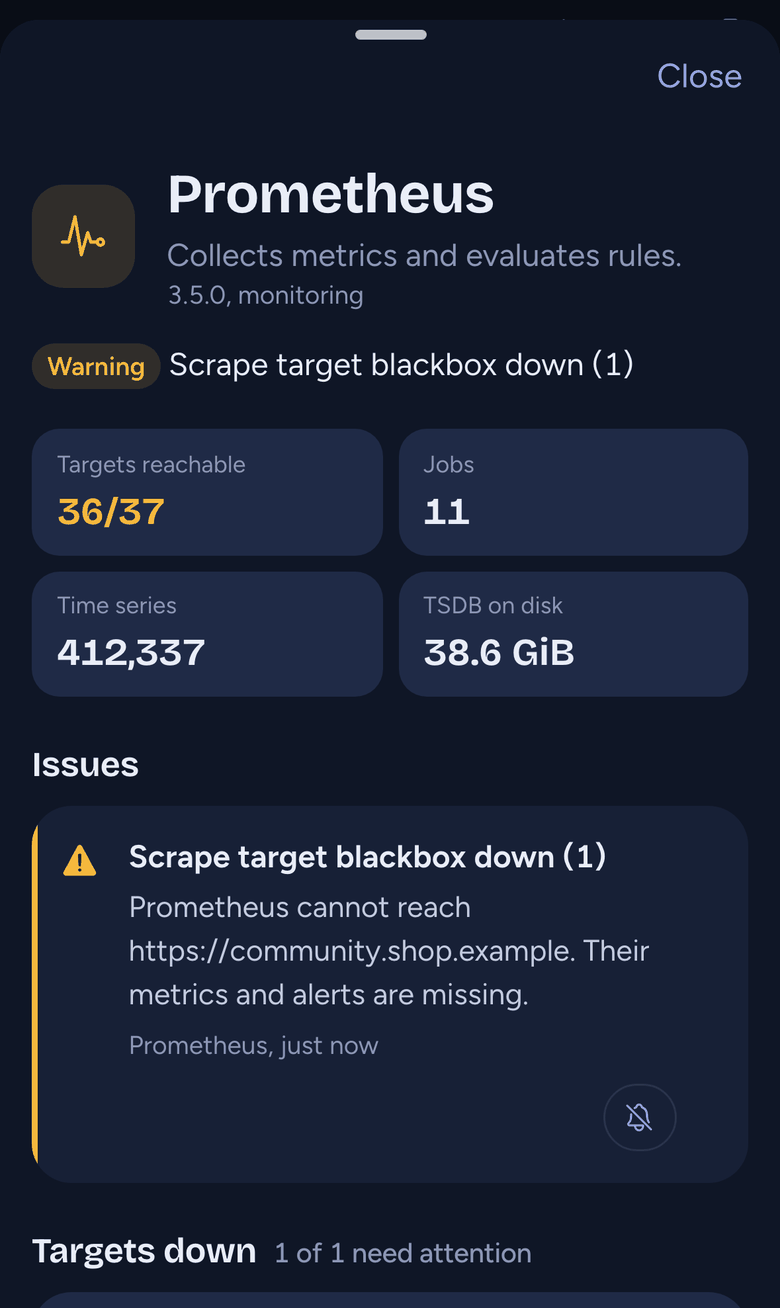 Prometheus: targets down, series |
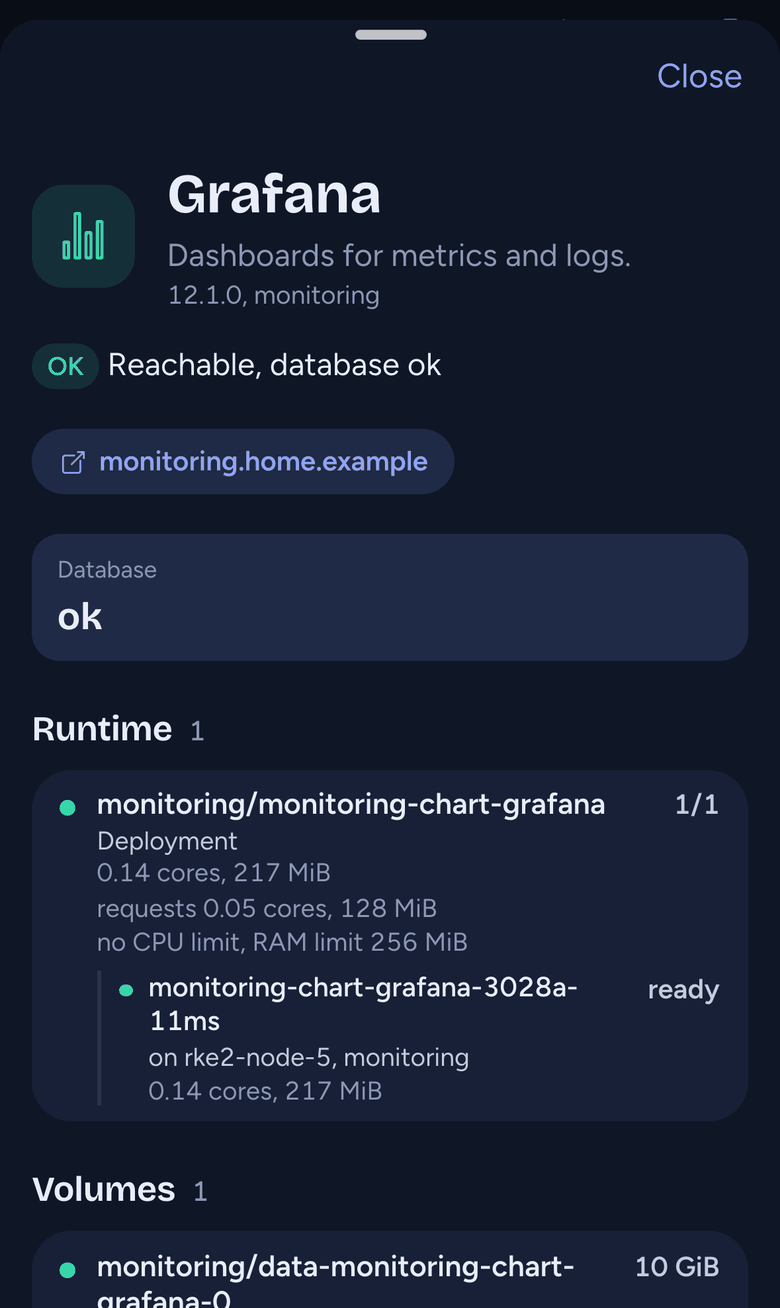 Grafana: version, database health, URL |
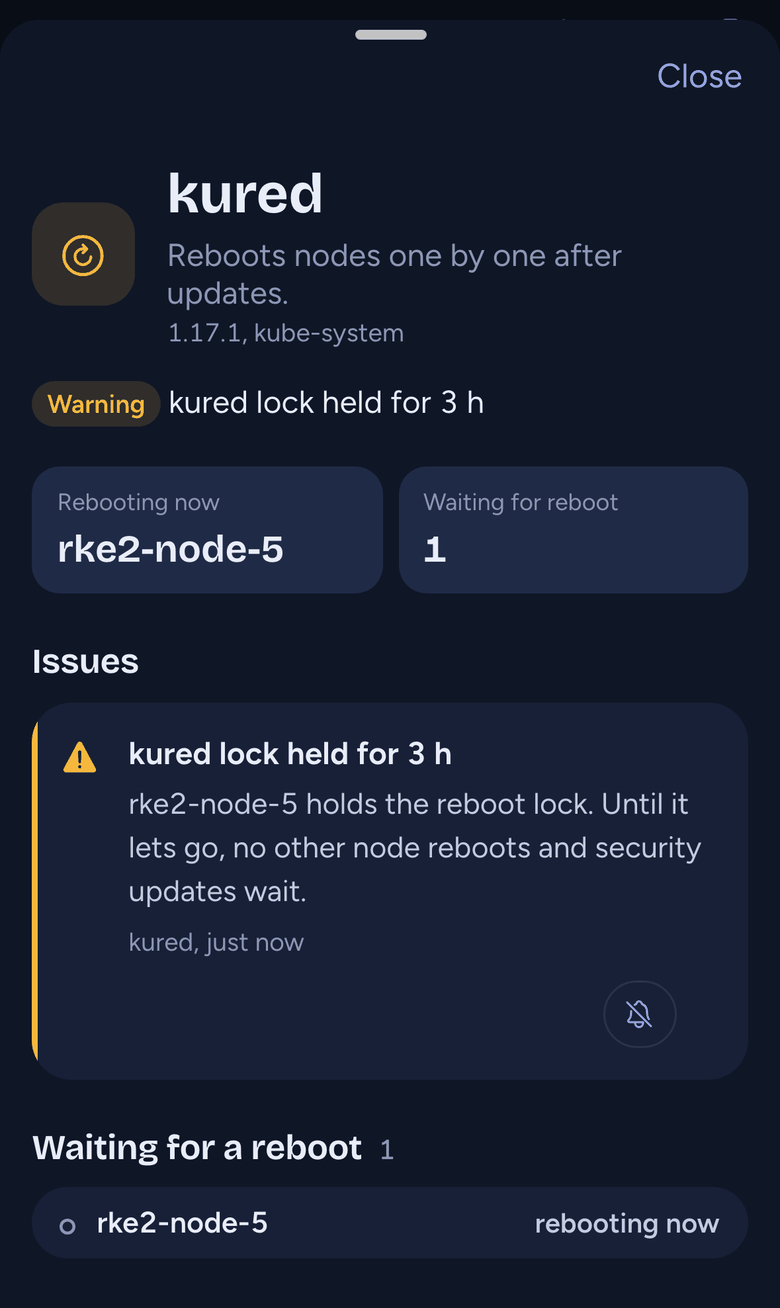 kured: which node reboots, and a stuck lock |
||
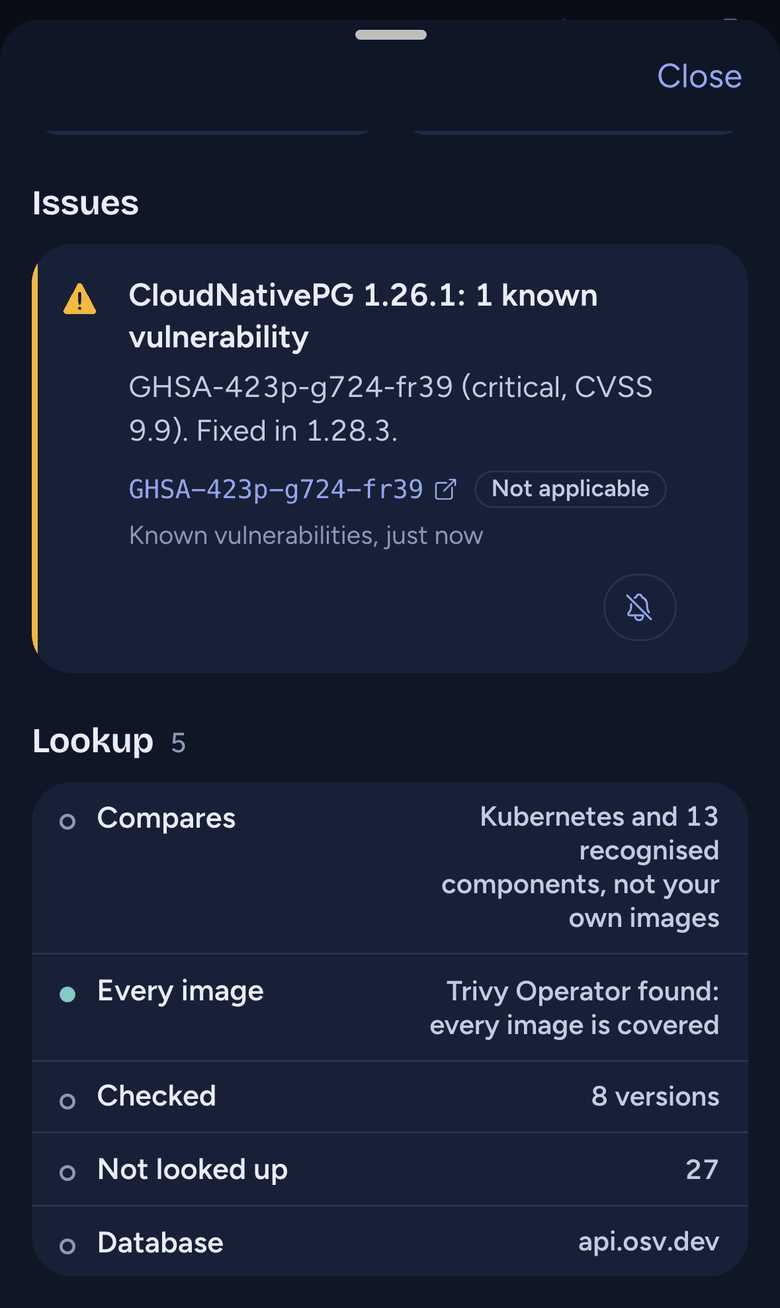 CloudNativePG: one row per database cluster with primary, last backup and WAL archiving, problems first |
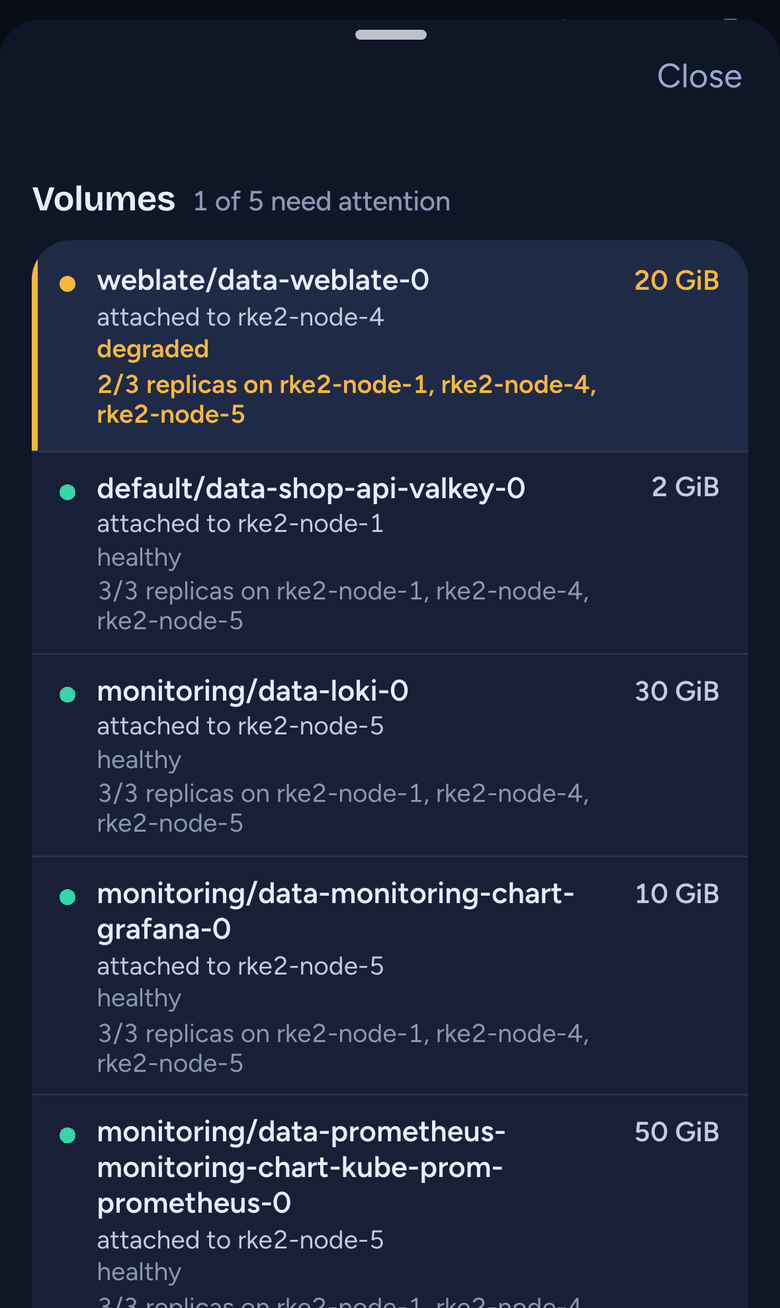 Longhorn: volumes by PVC with node, size and replicas, and the nodes with free disk |
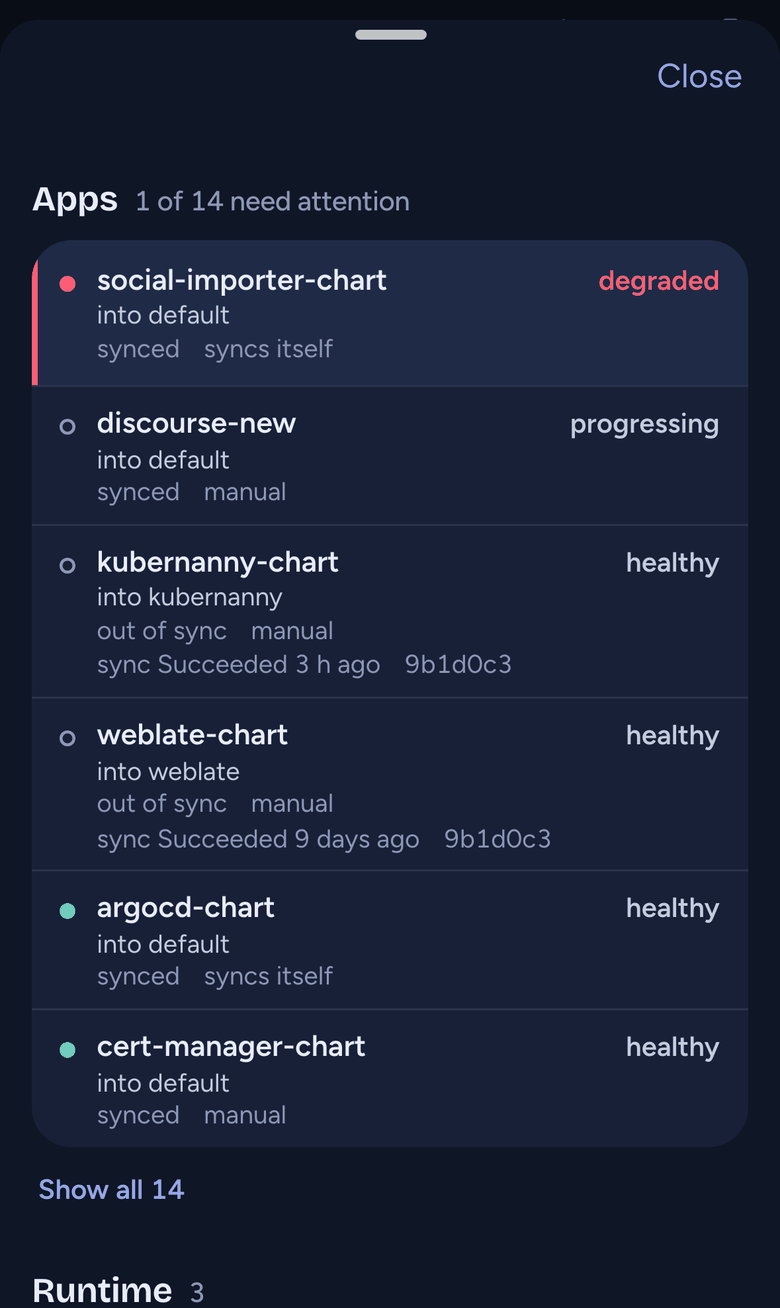 Argo CD: every app with health and sync, healthy ones folded after five |
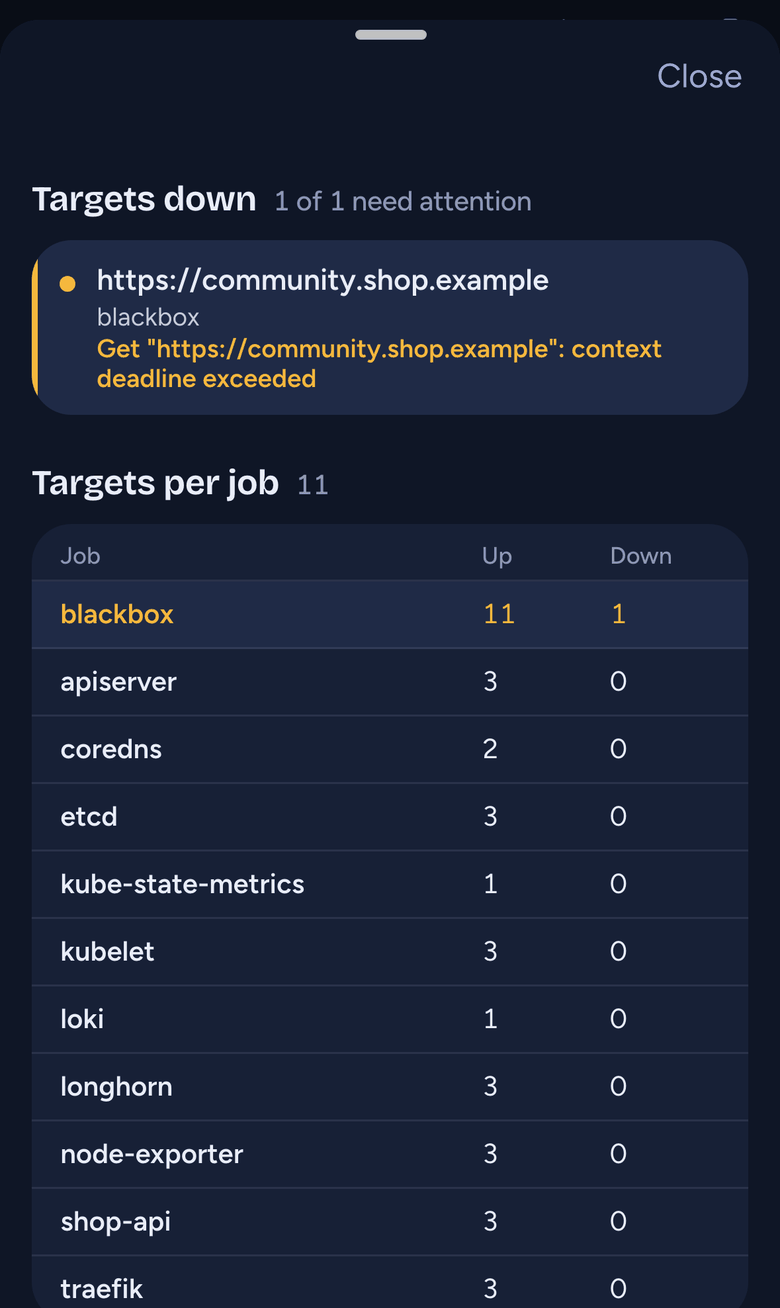 Prometheus: targets down with their error, up and down per job, retention and rule failures |
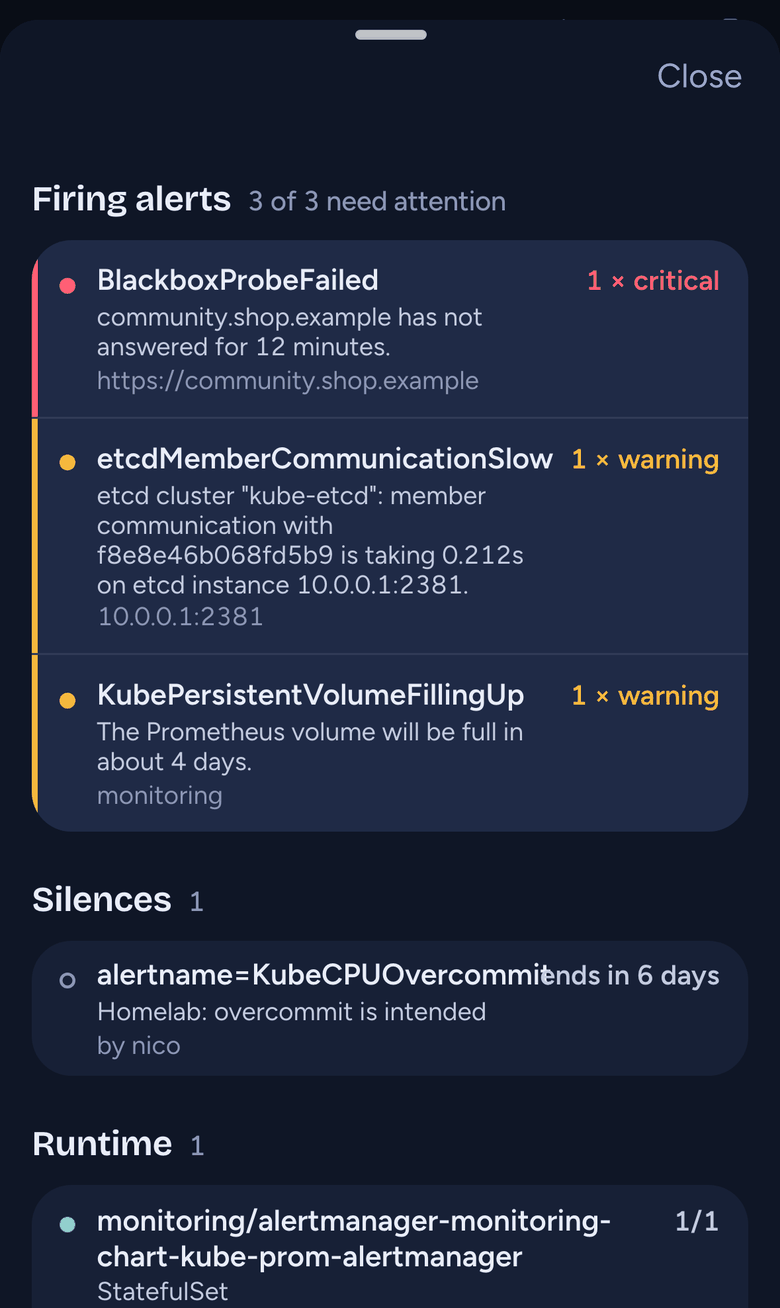 Alertmanager: firing alerts grouped by name, active silences with who set them |
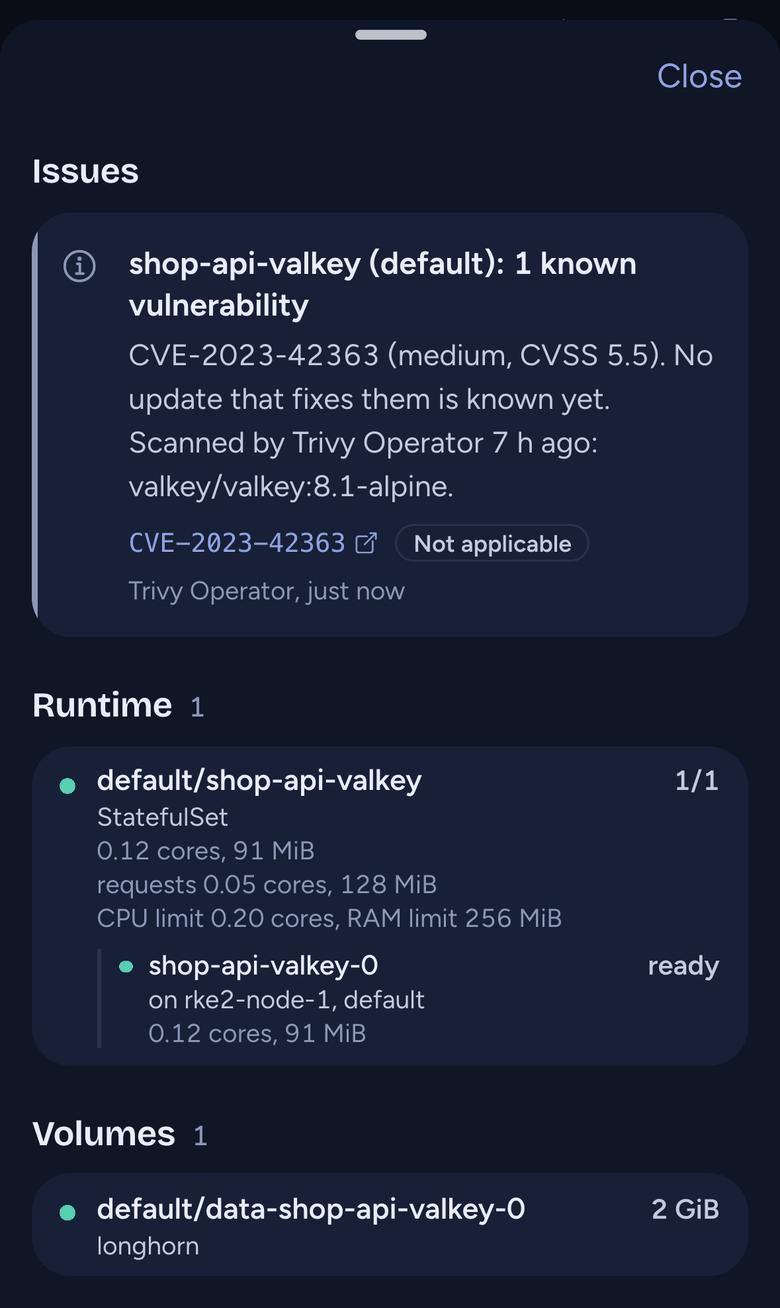 Any component: its pods, CPU and RAM against requests and limits, its volumes |
Nodes#
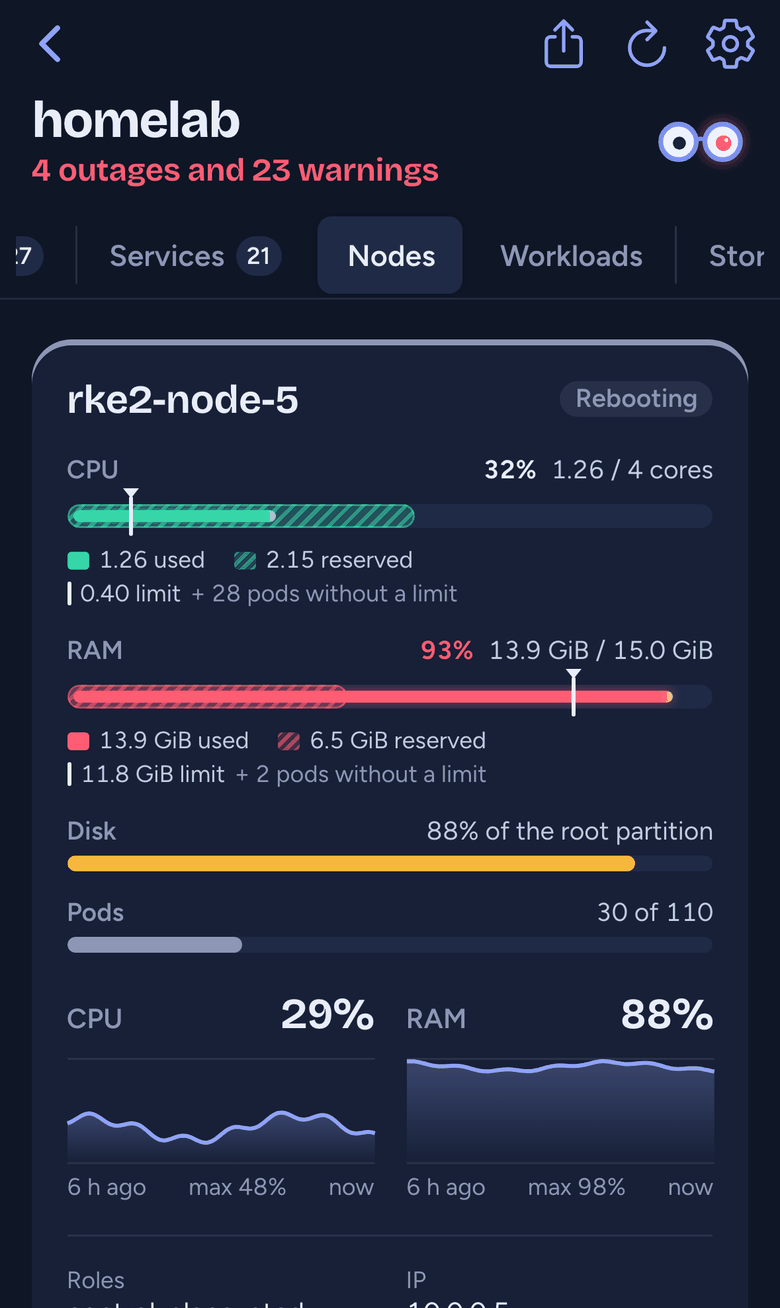 Nodes: CPU and RAM used vs. requested, disk, pods |
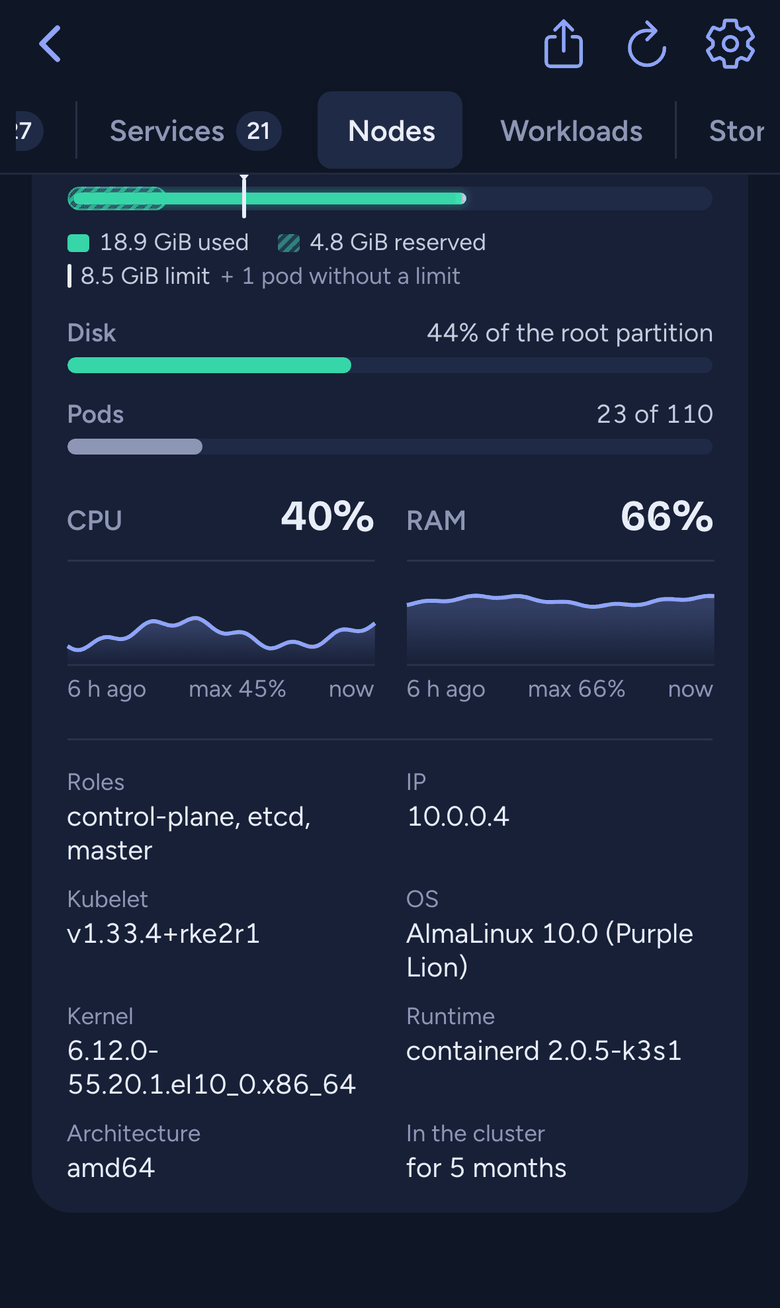
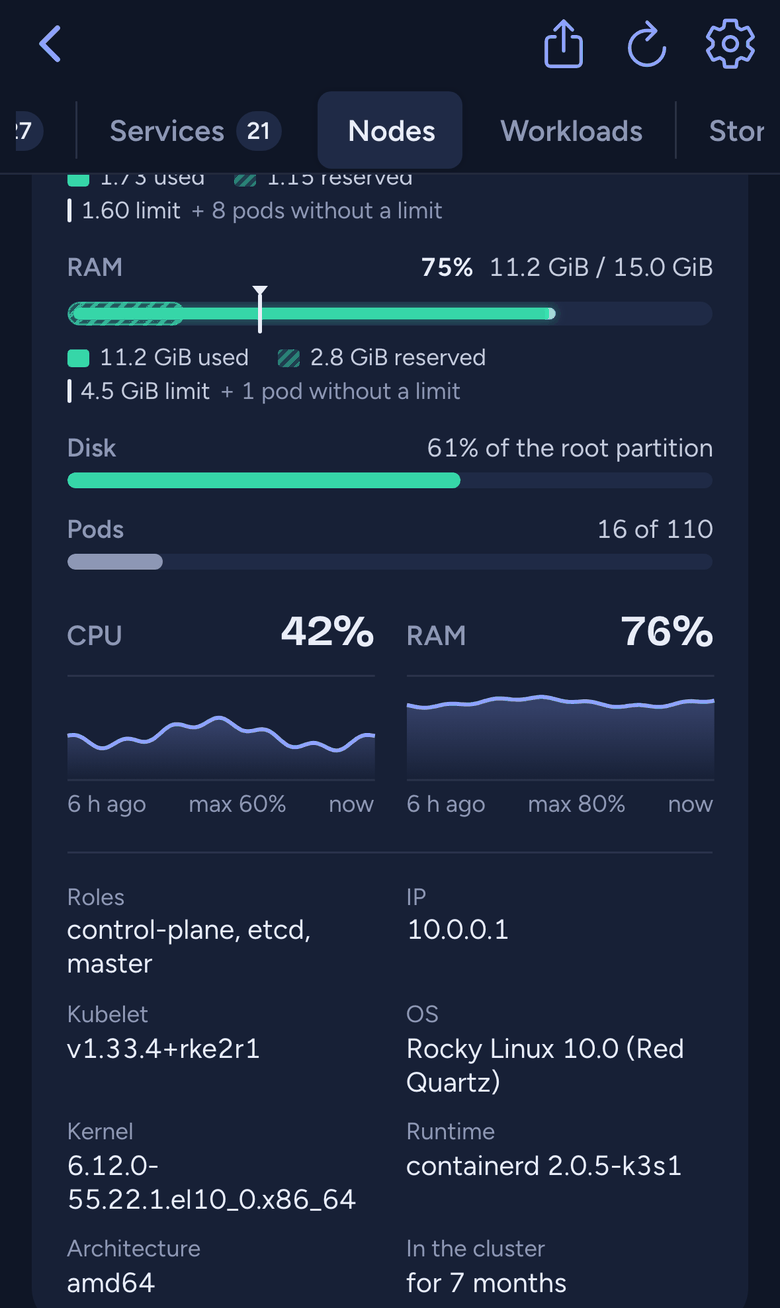 Per-node history, OS, kernel, runtime, age |
 A node held by kured, high memory and disk |
Workloads#
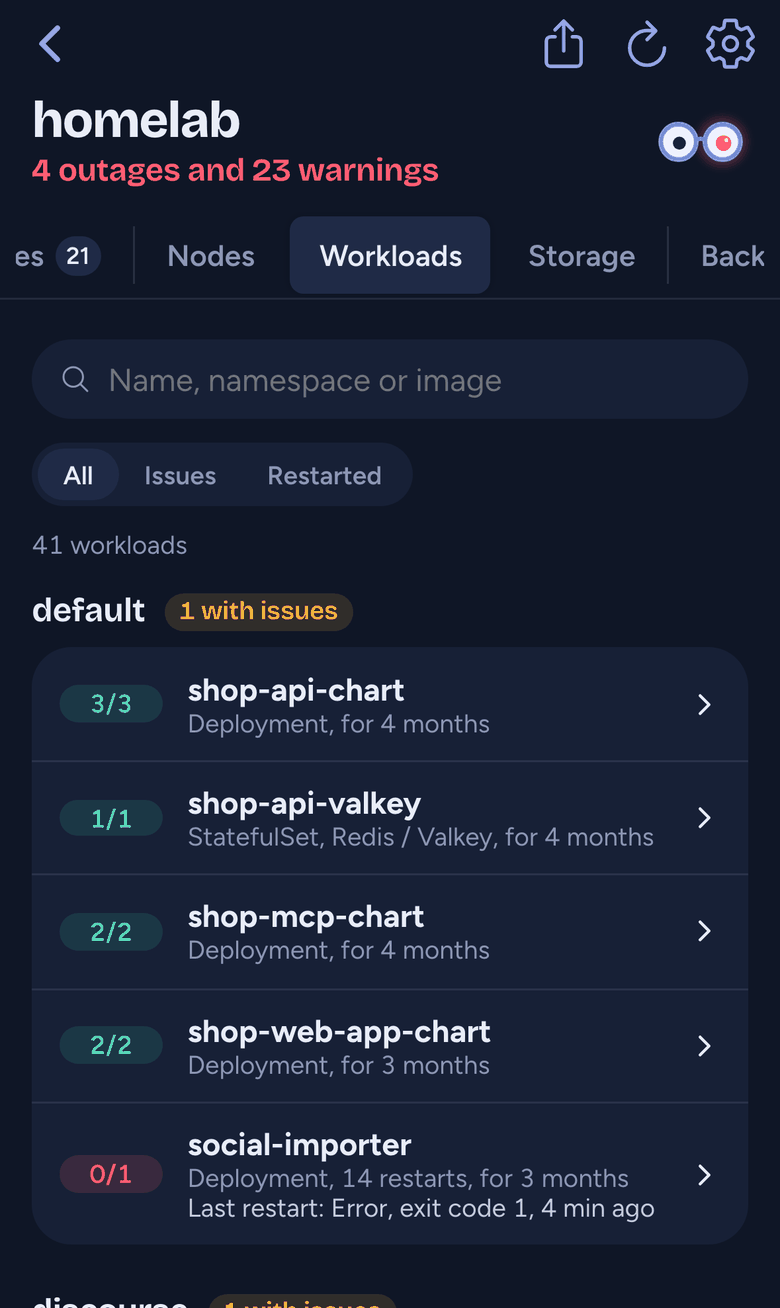 Workloads by namespace, problems first |
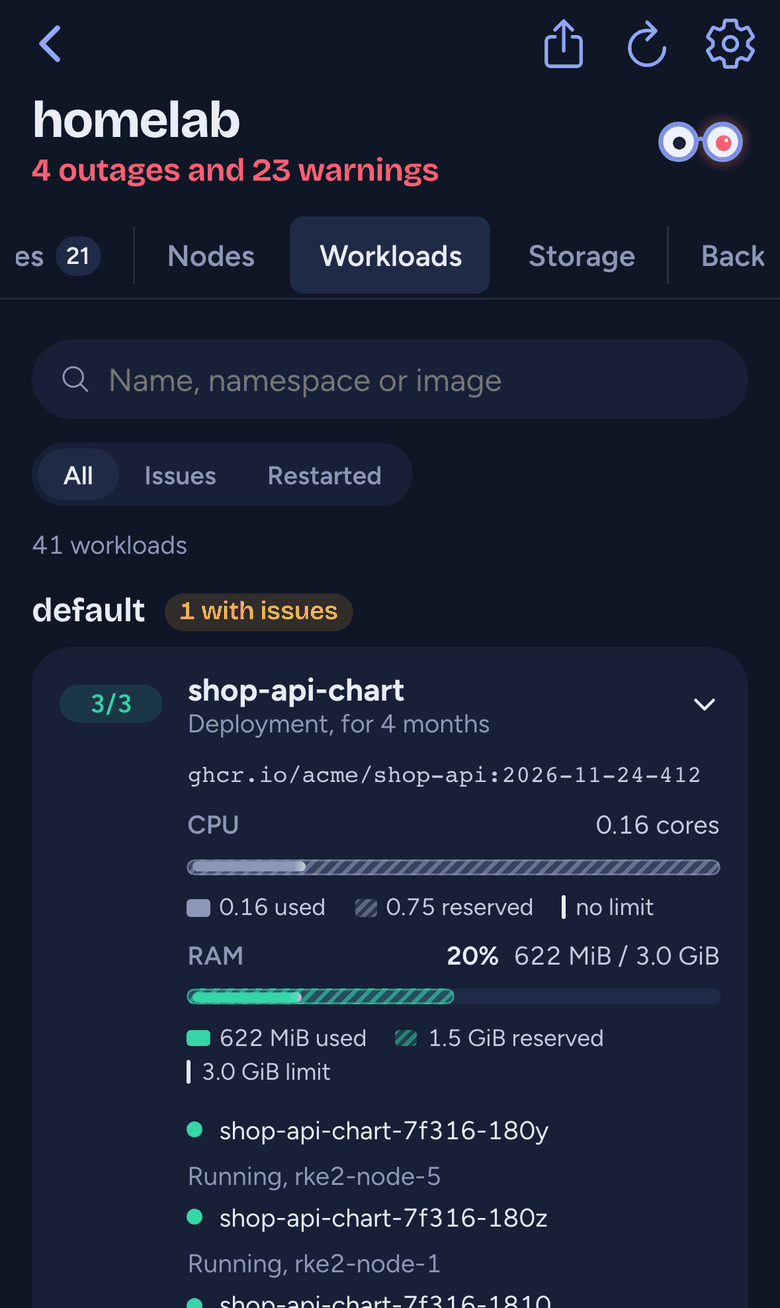 A workload with its images, use against requests and limits, and pods |
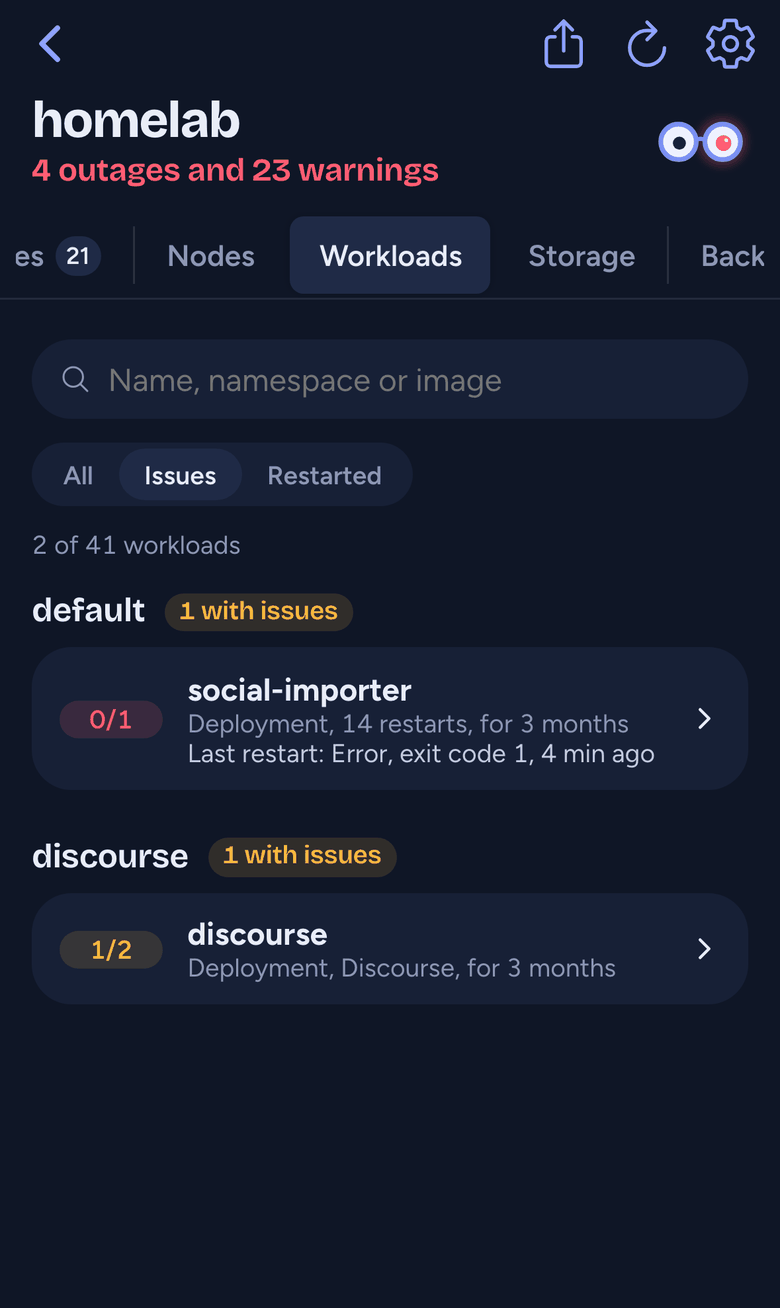 Filter: only workloads with problems |
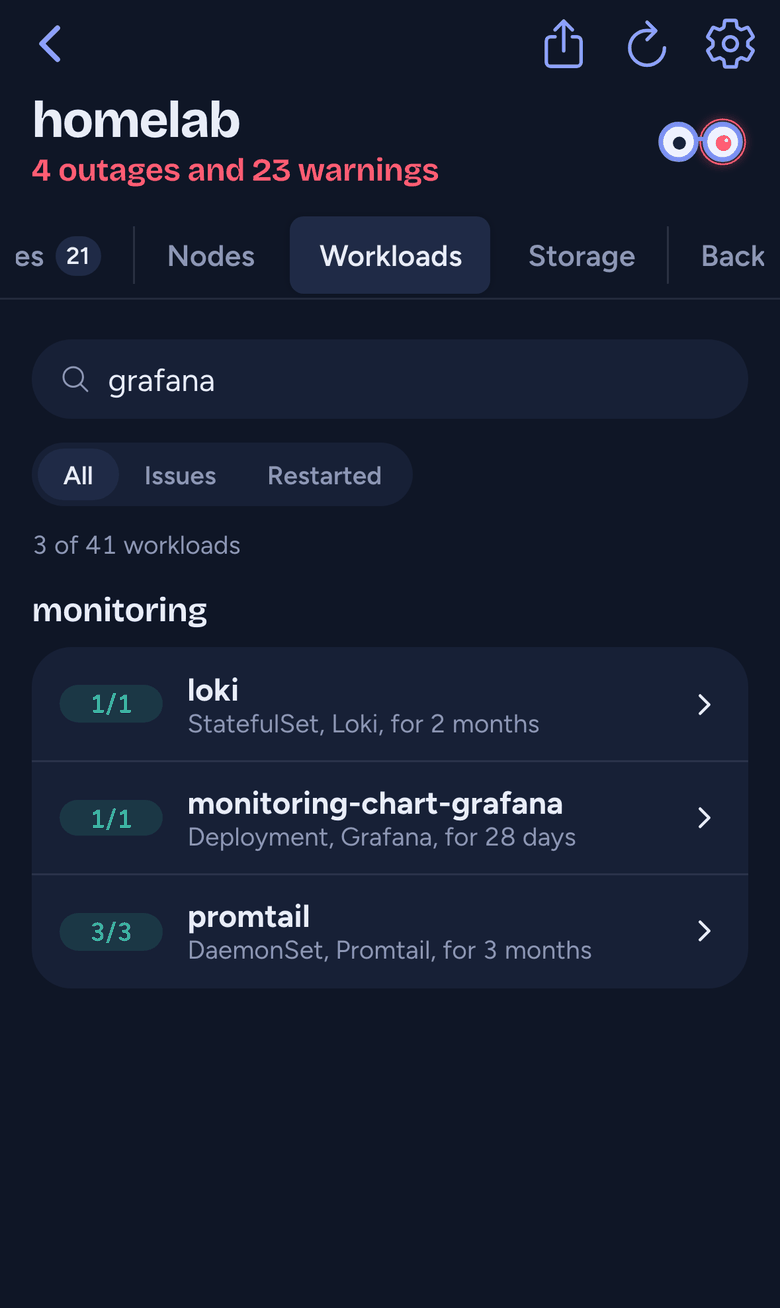 Search by name, namespace or image |
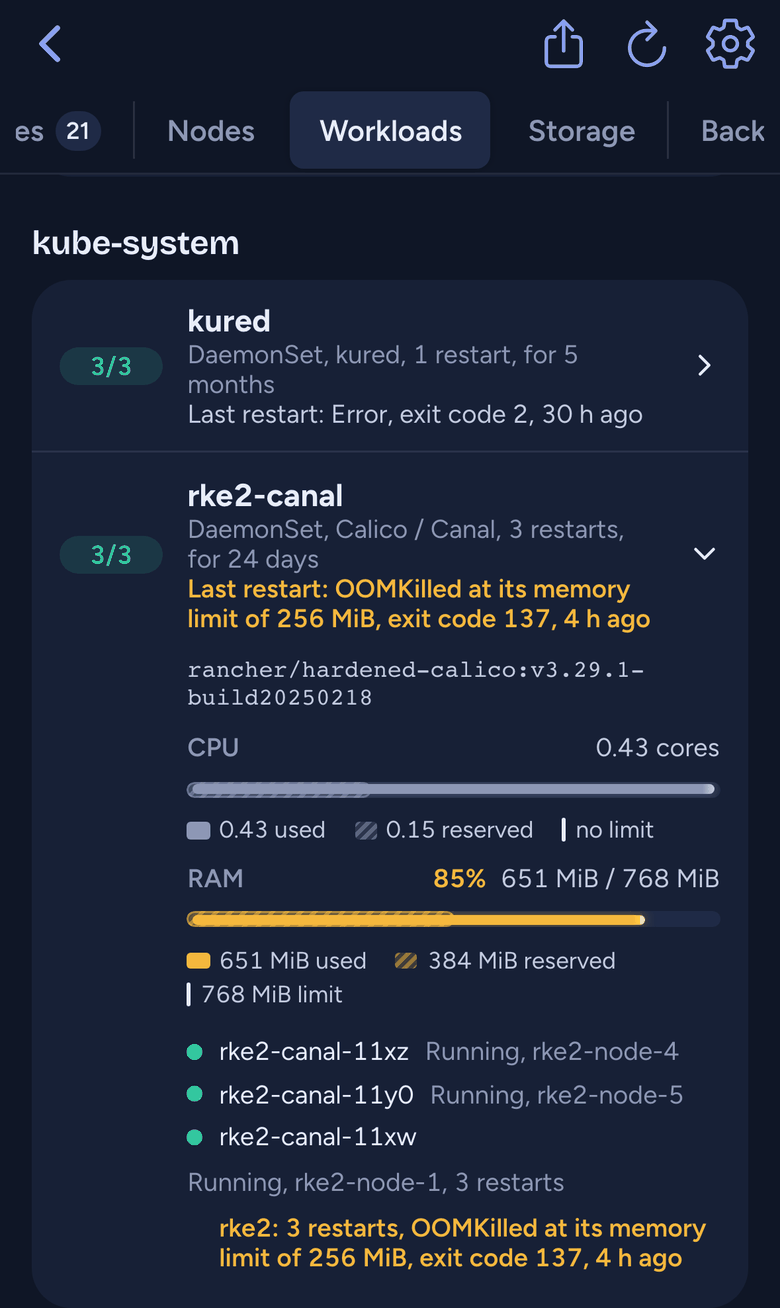 Restarted: when and why, an OOMKill with the memory limit it hit |
Storage, network, events#
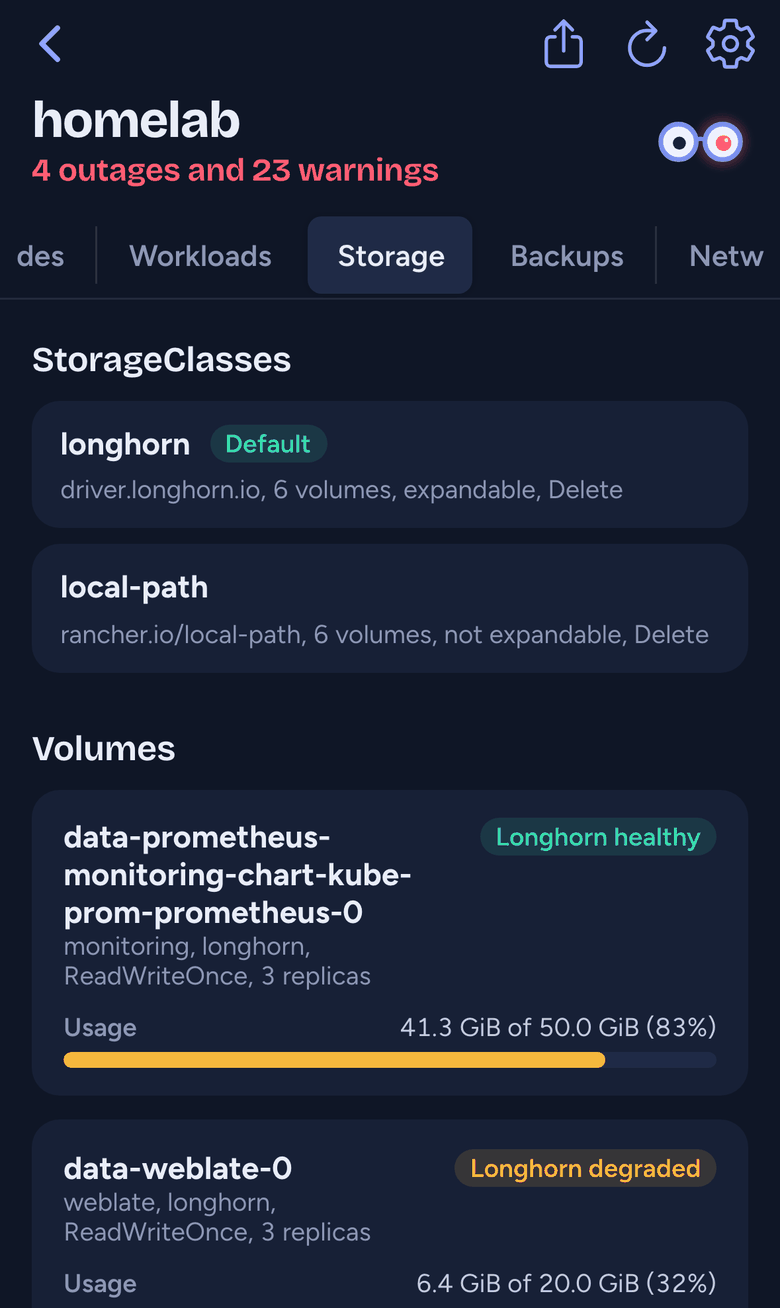 StorageClasses and volumes |
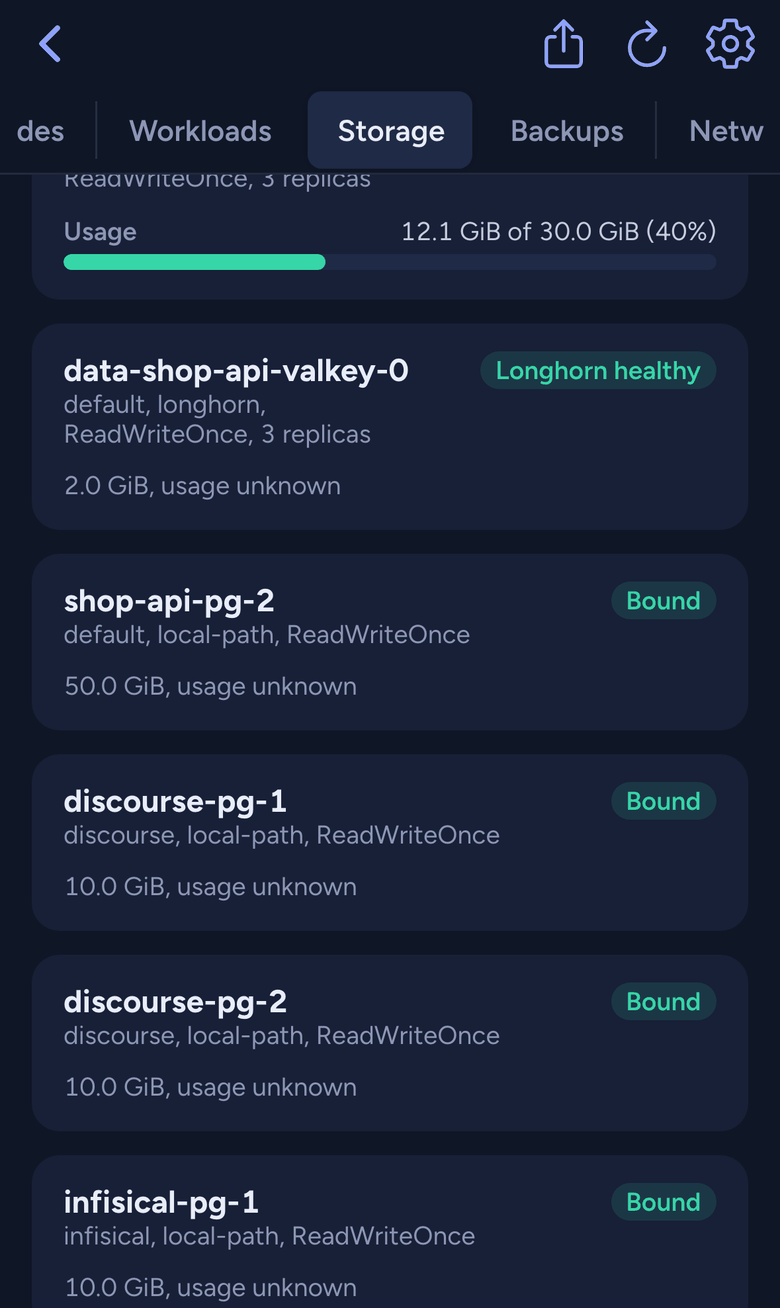 Fill level, Longhorn state and the pods using each volume |
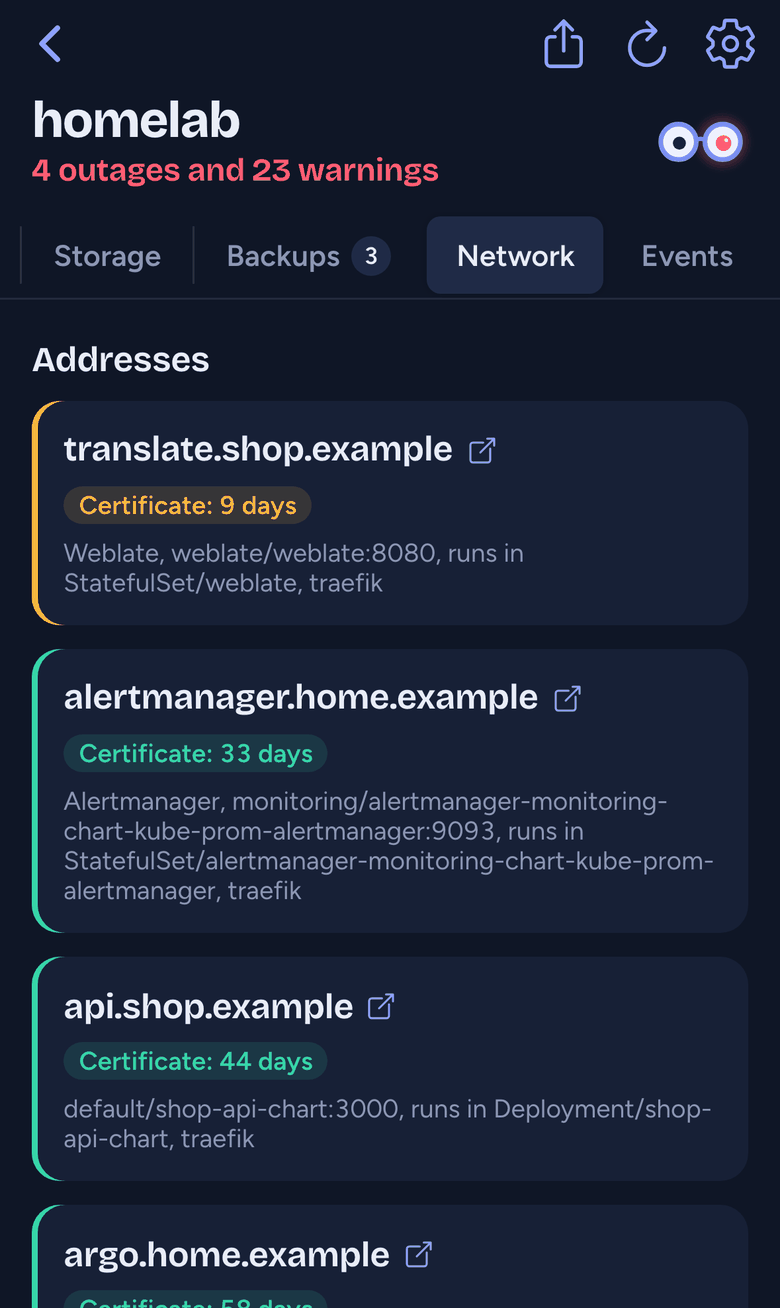 Every ingress host with its certificate, soonest expiry first |
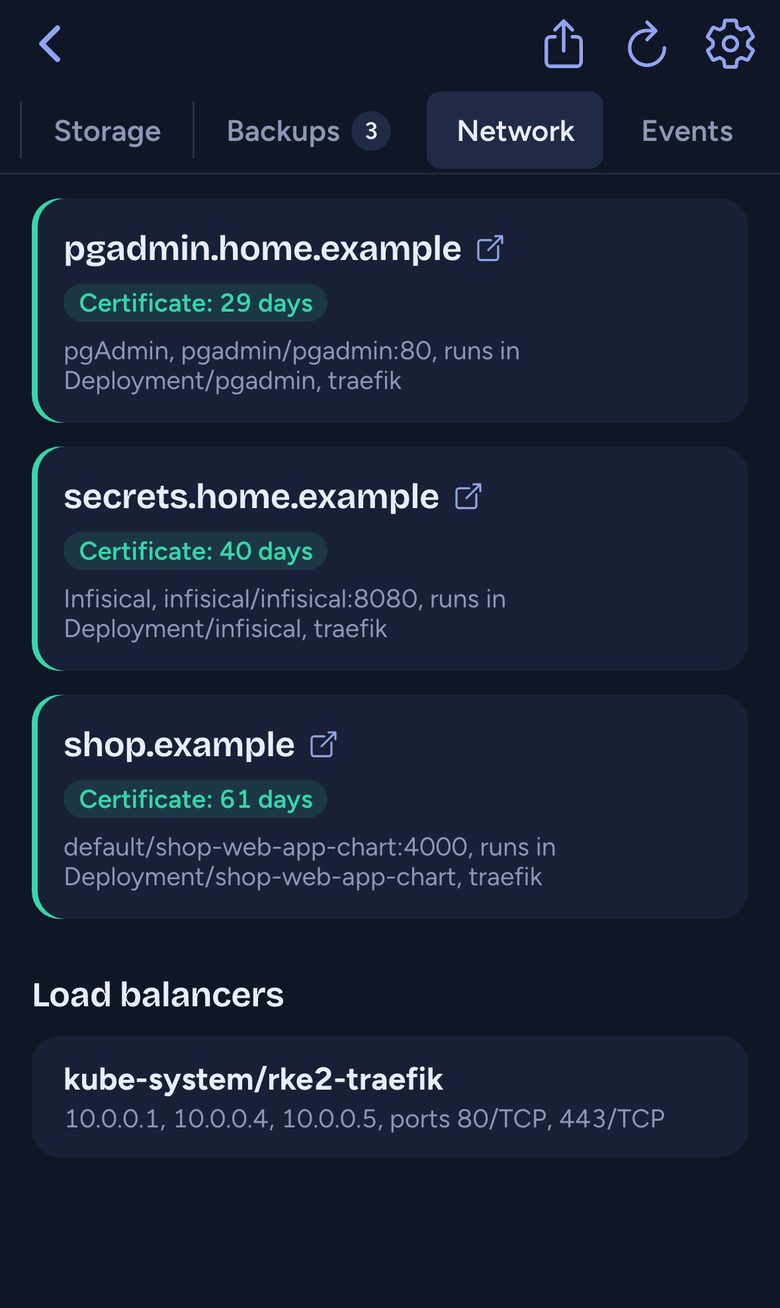 LoadBalancer services |
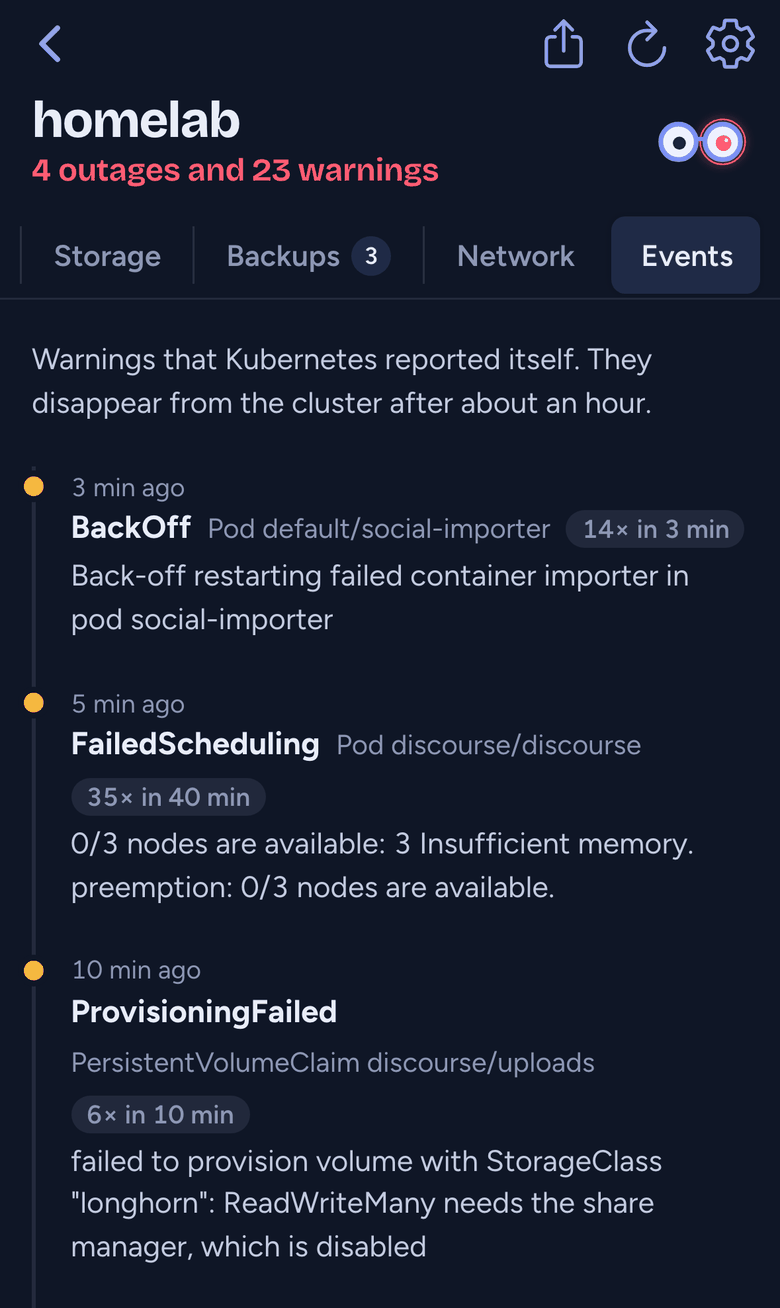 Warnings Kubernetes reported itself |
Last 7 days, silencing, backups#
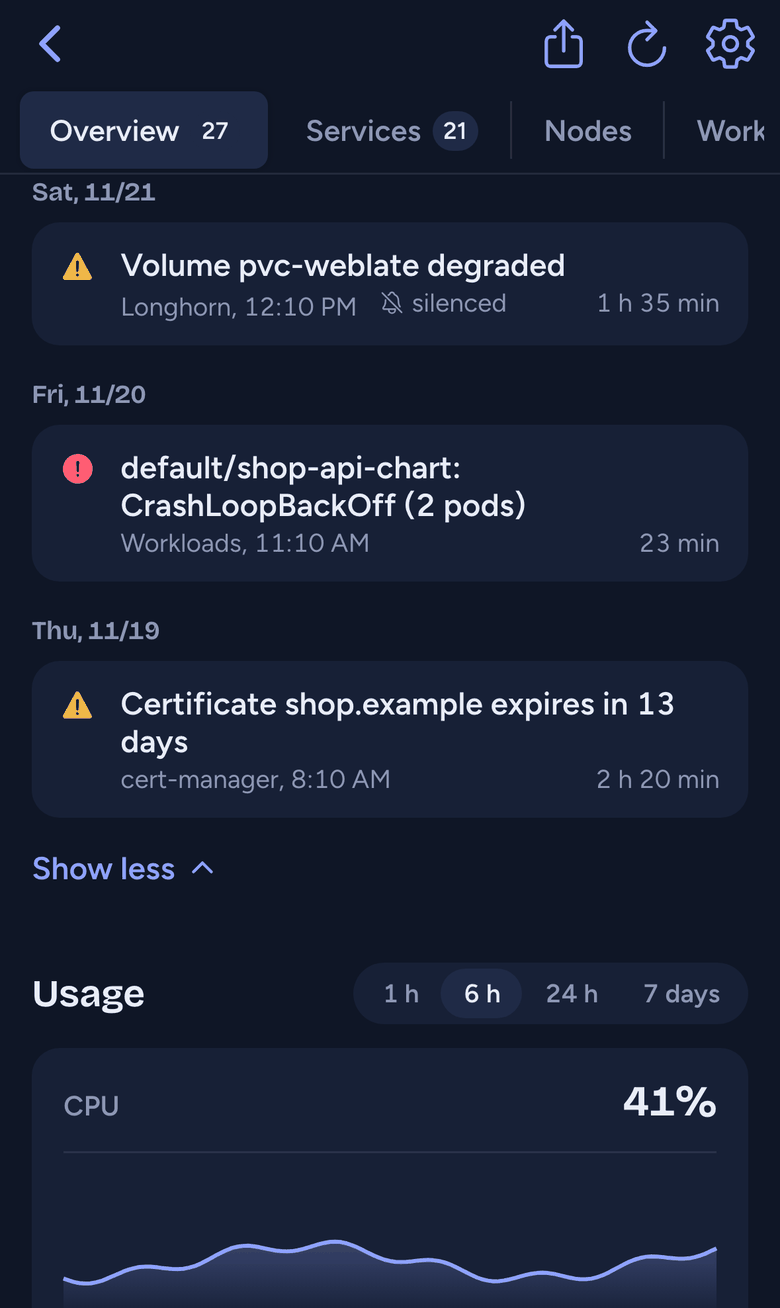
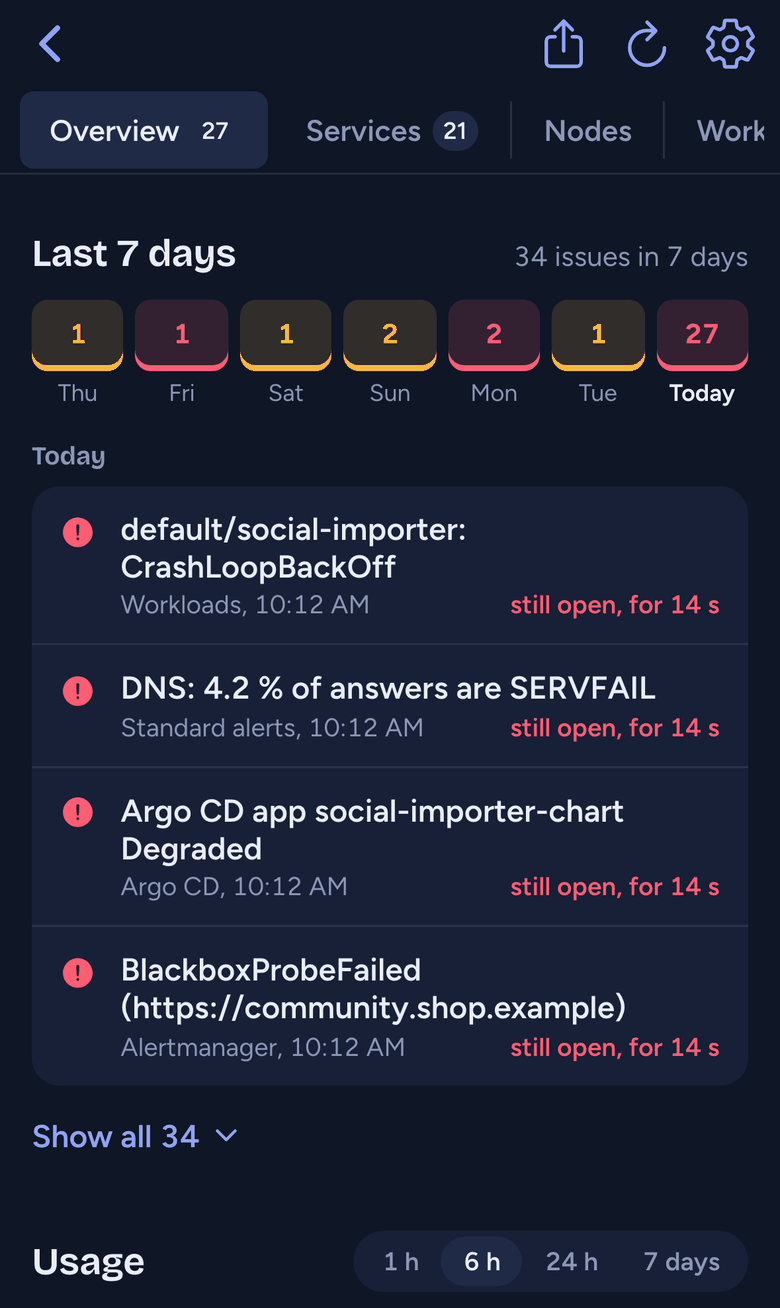 Last 7 days: one cell per day, coloured by its worst incident, and the newest incidents with start and duration |
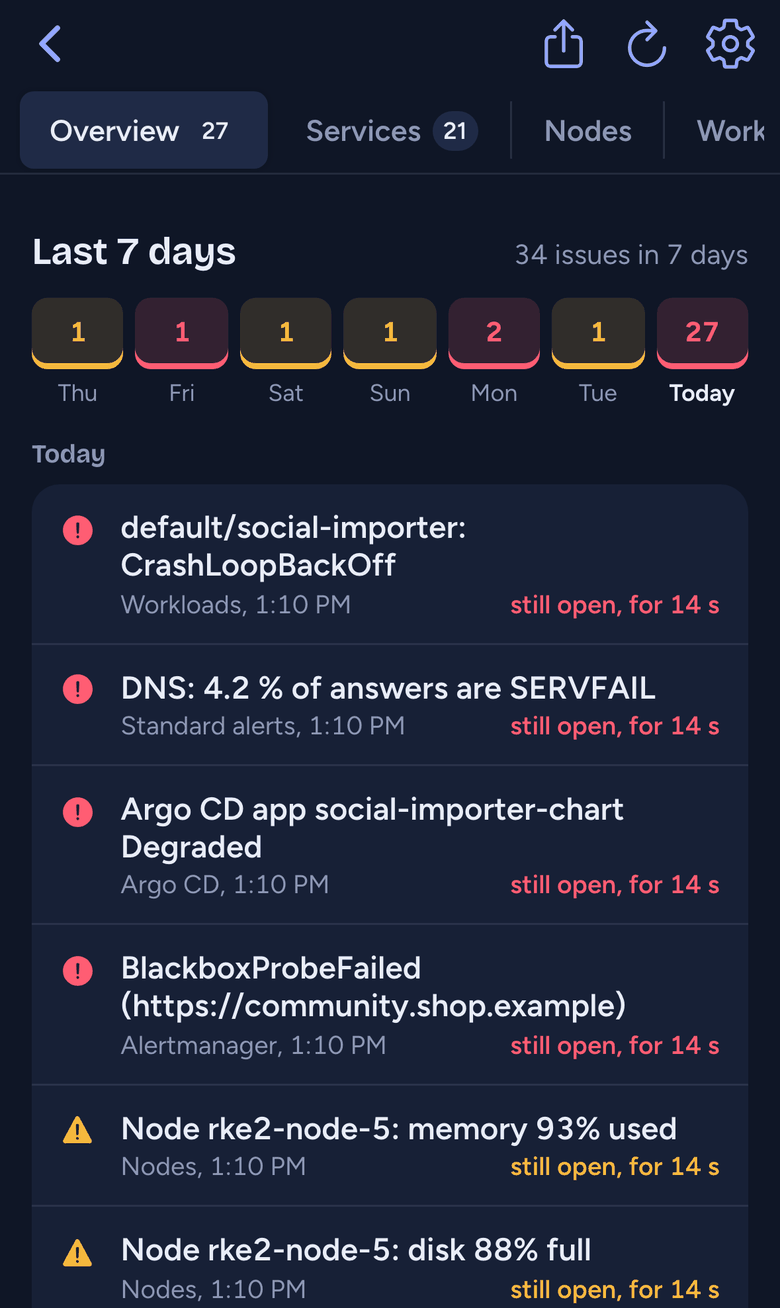 "Show all" unfolds the whole week |
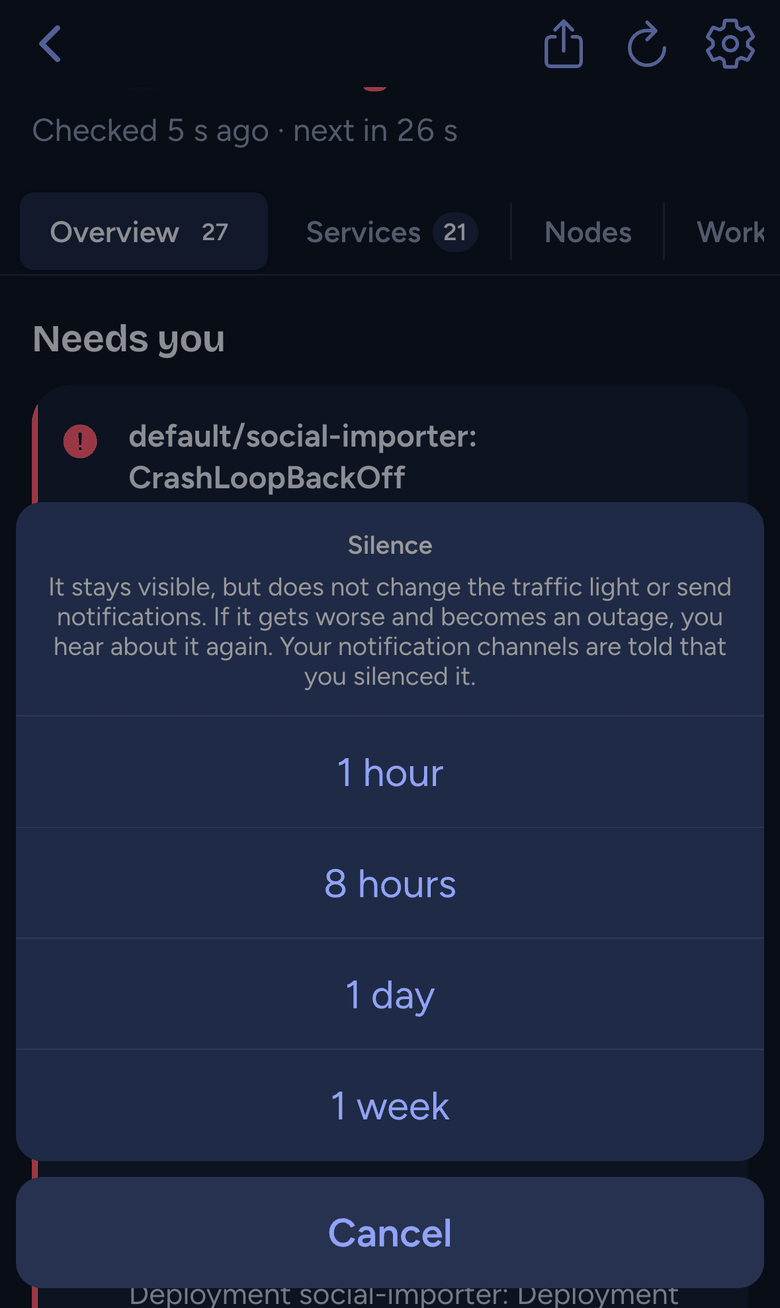 Silence a known issue for an hour up to a week: it stays visible but no longer counts |
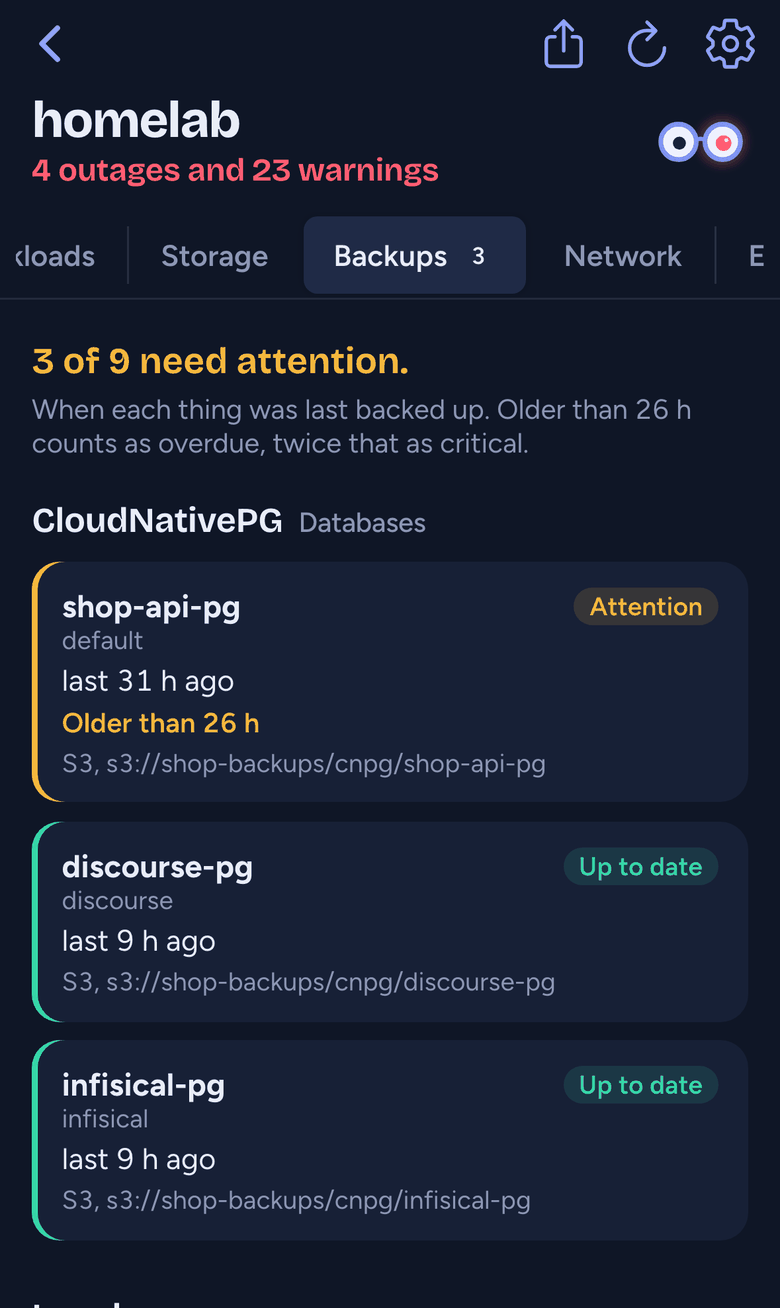 Backups: CloudNativePG, Longhorn, etcd and Velero with last success and target |
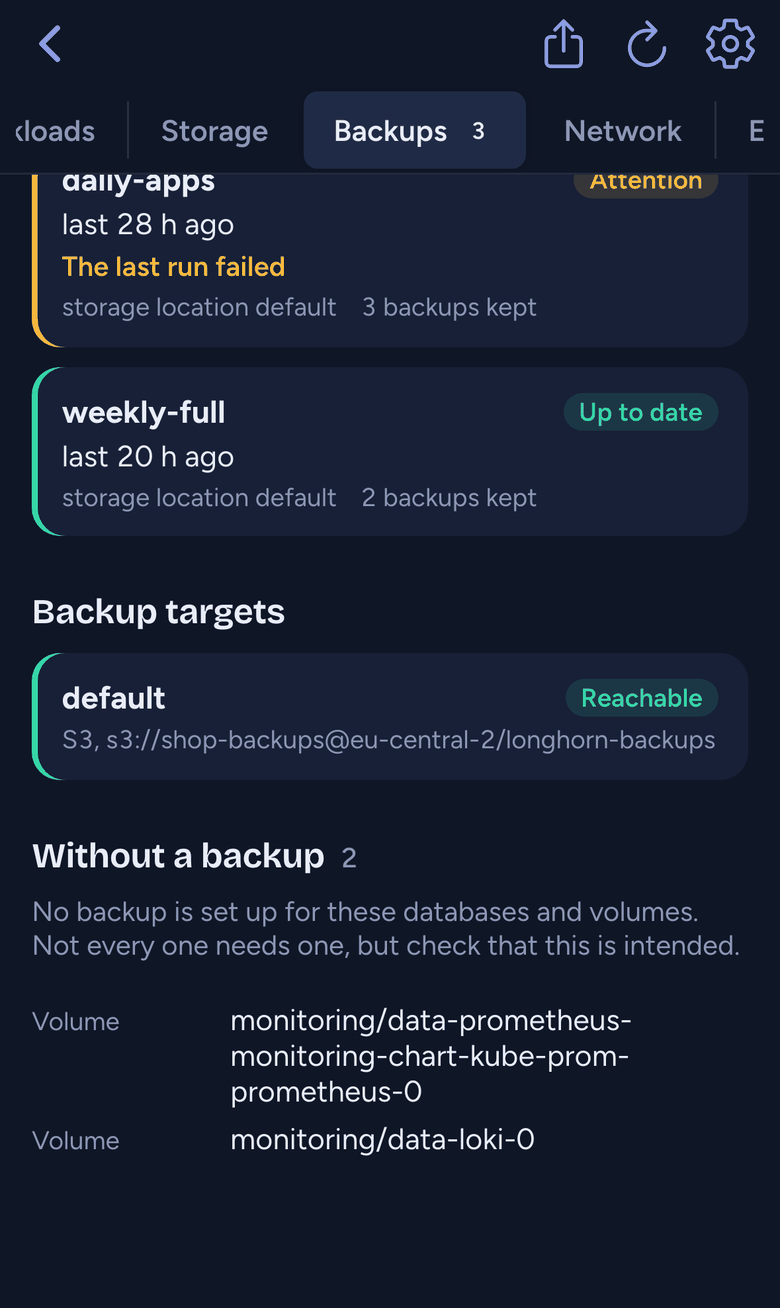 Backup targets and what has no backup at all |
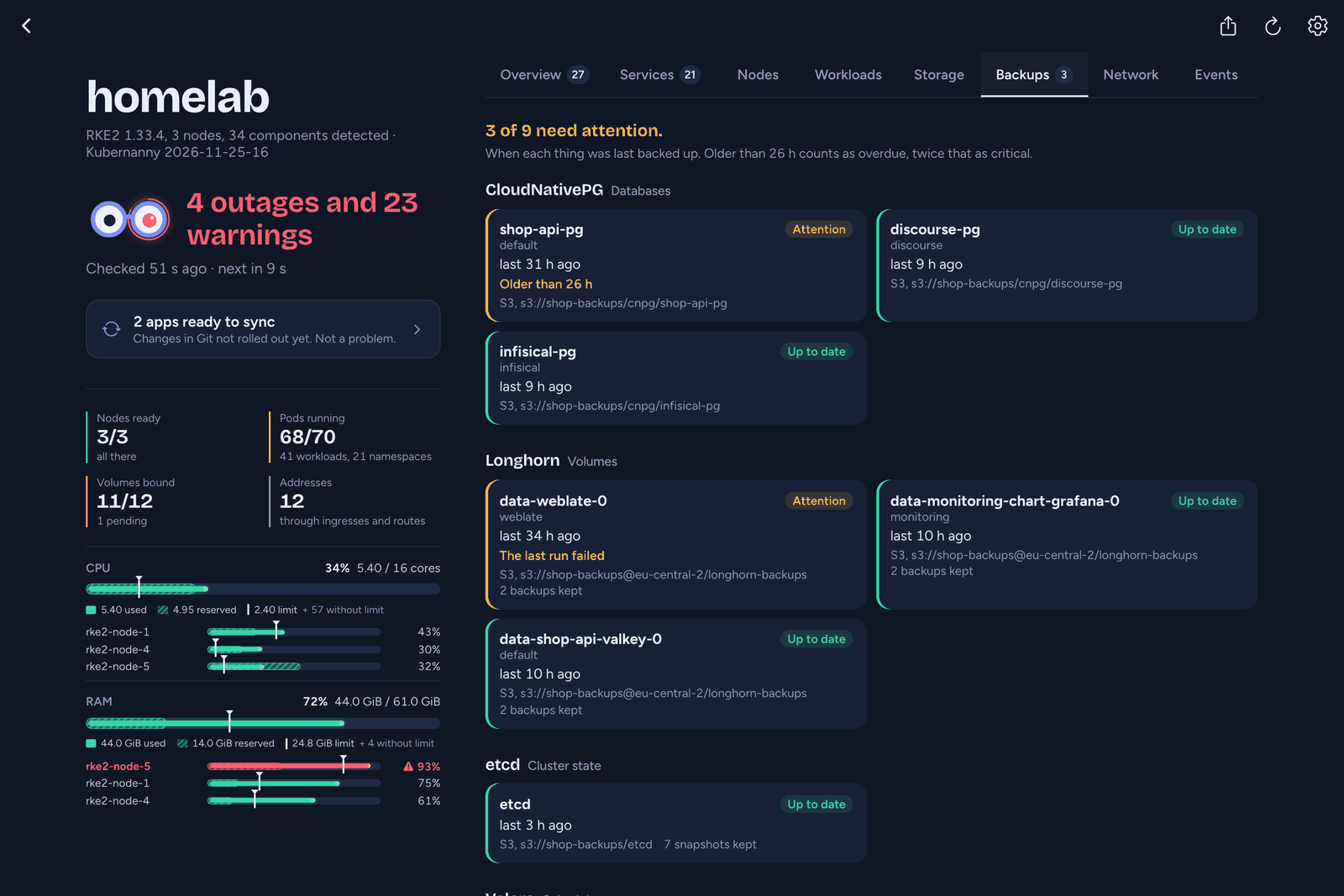 The backups tab on a desktop |
Security#
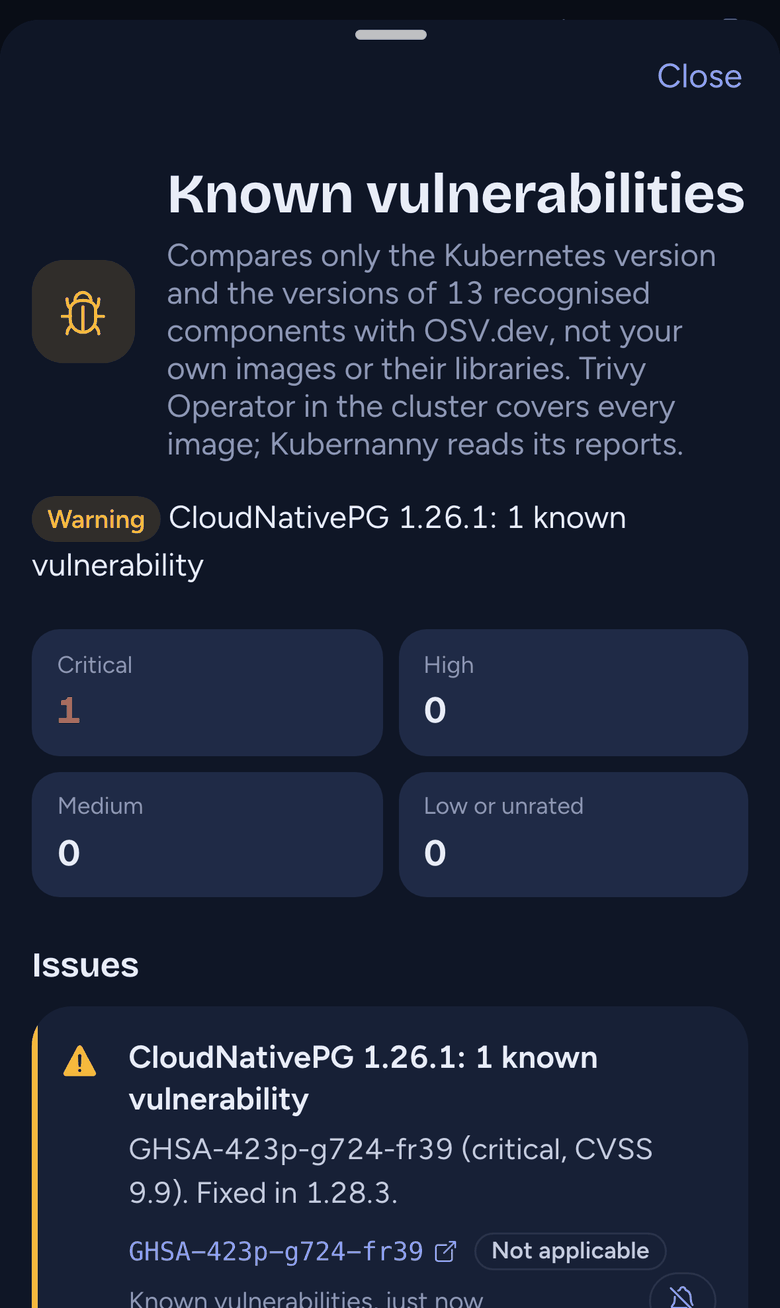
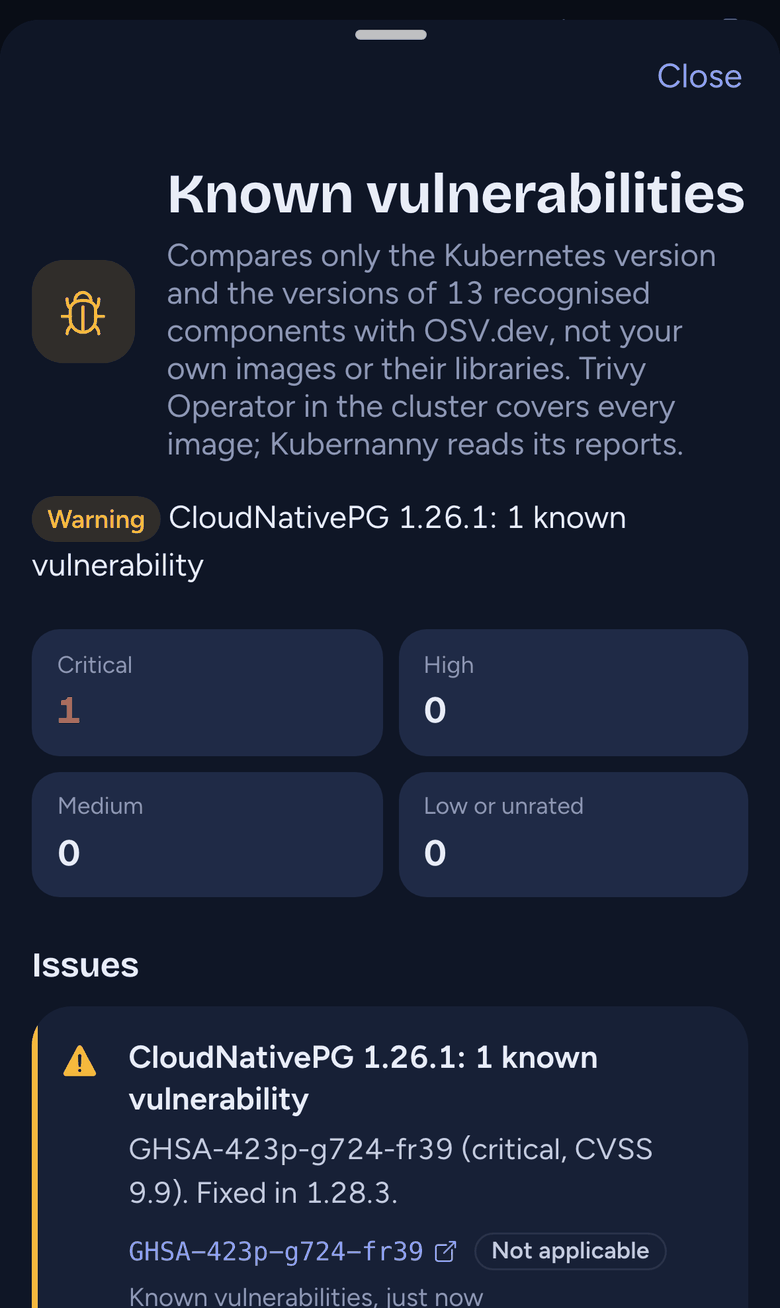 Known vulnerabilities (off by default): the advisory, its severity and the release that fixes it |
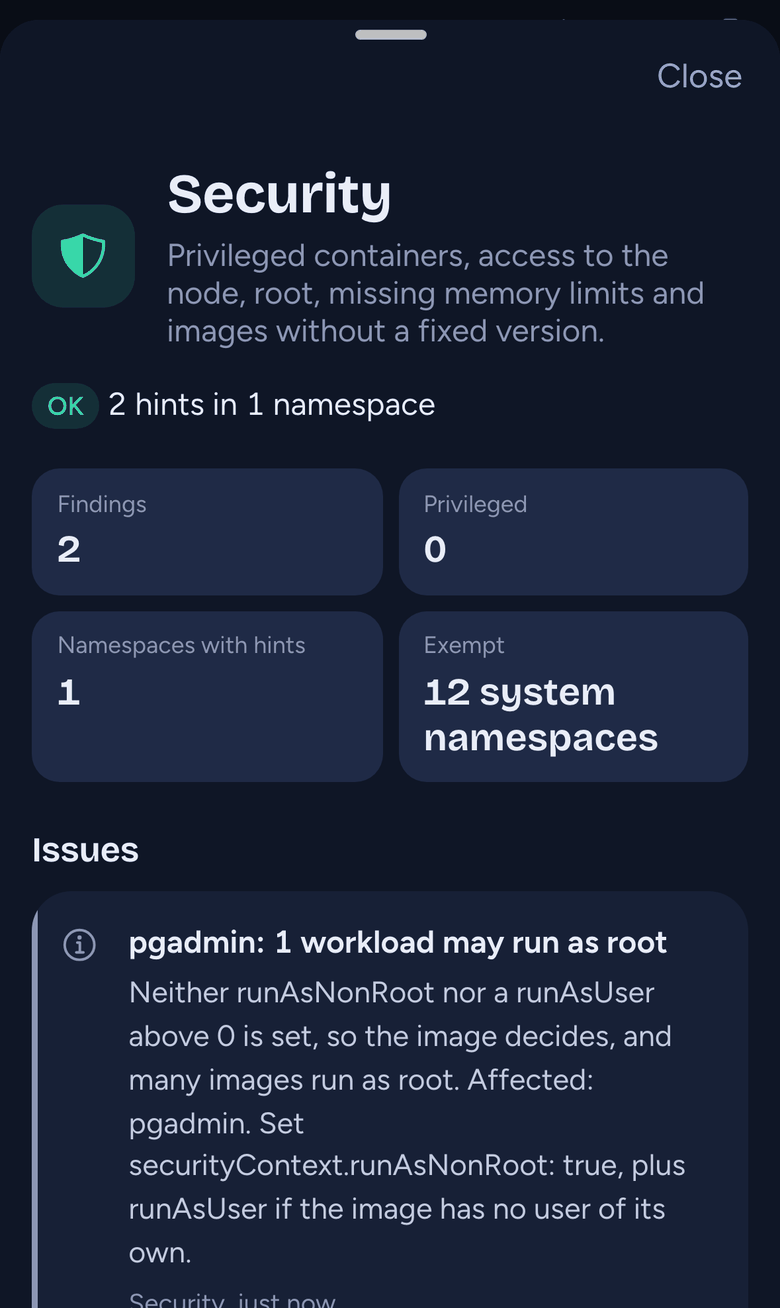 Security posture: privileged containers, host access, missing limits, as hints |
What is checked#
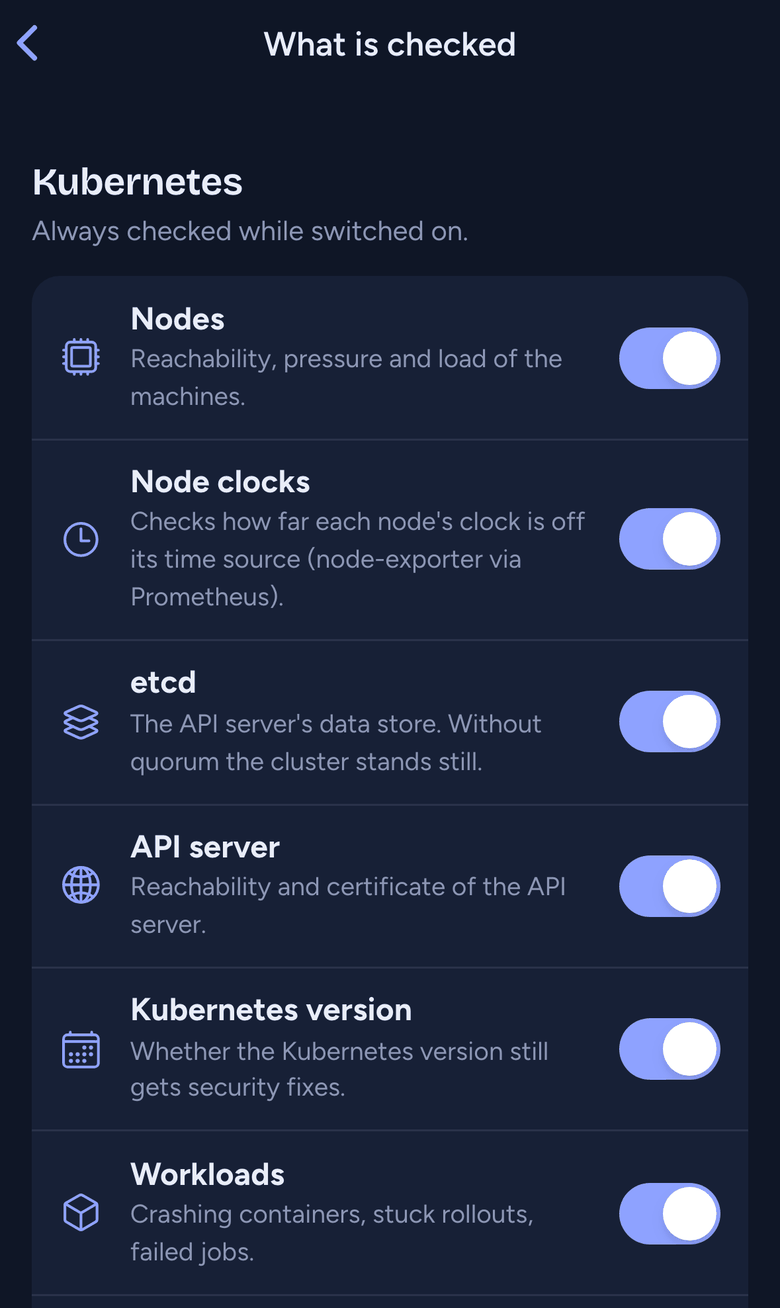 Every check and every recognised tool with its own switch; what Helm switched off is locked |
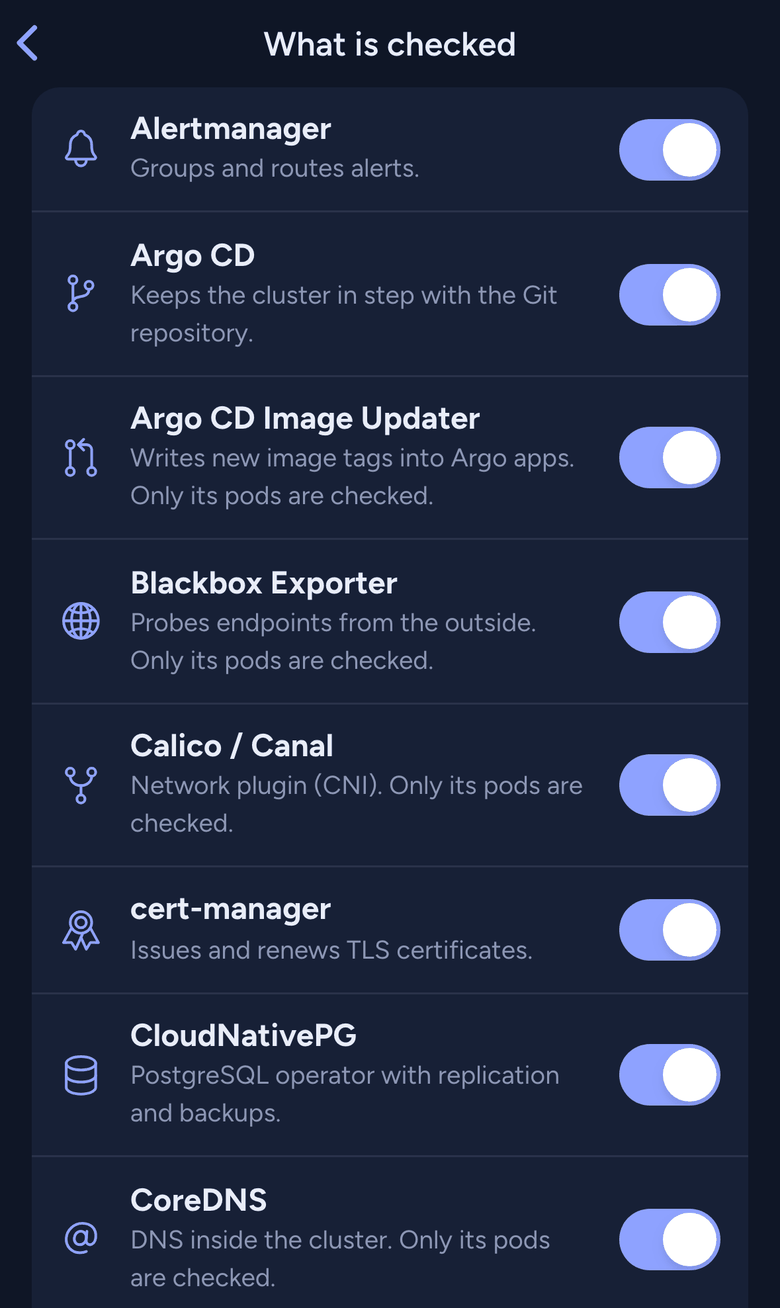 Action types and notifications, switchable on their own |
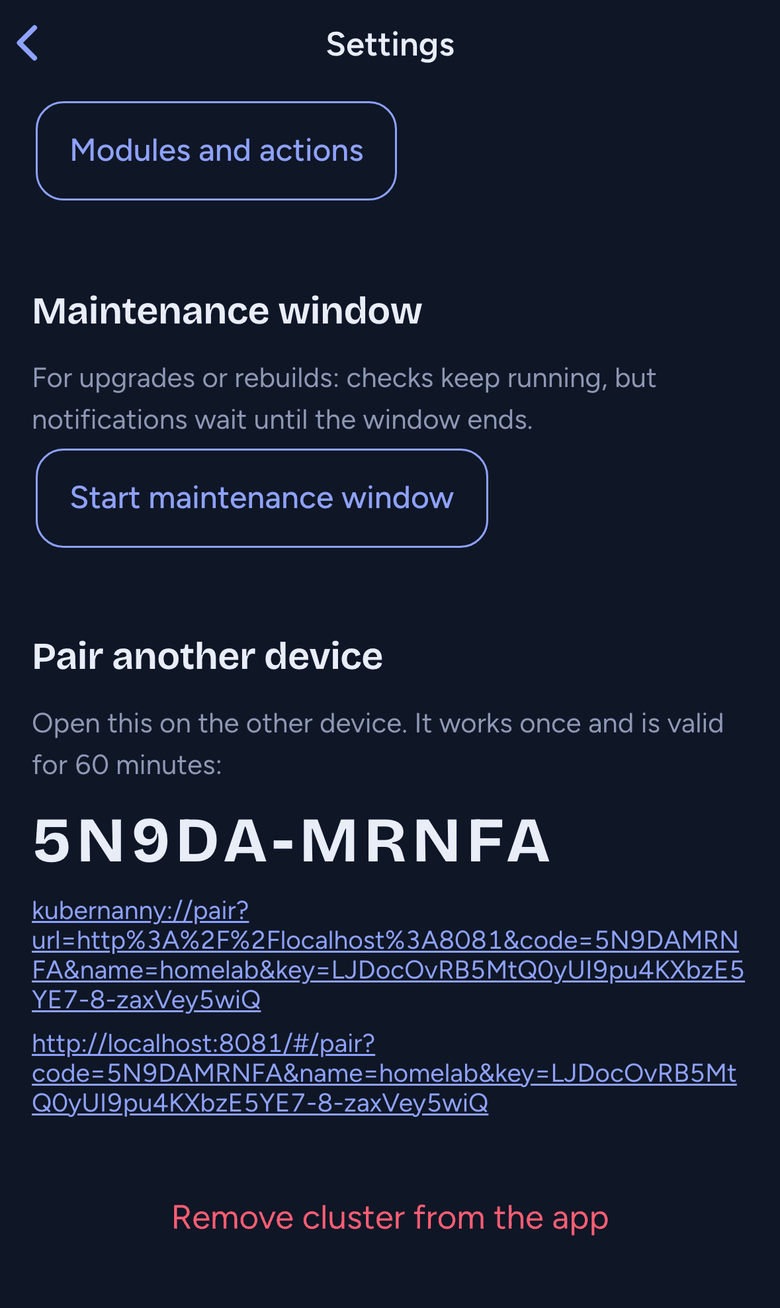 The maintenance window and pairing another device |
Demo and German#
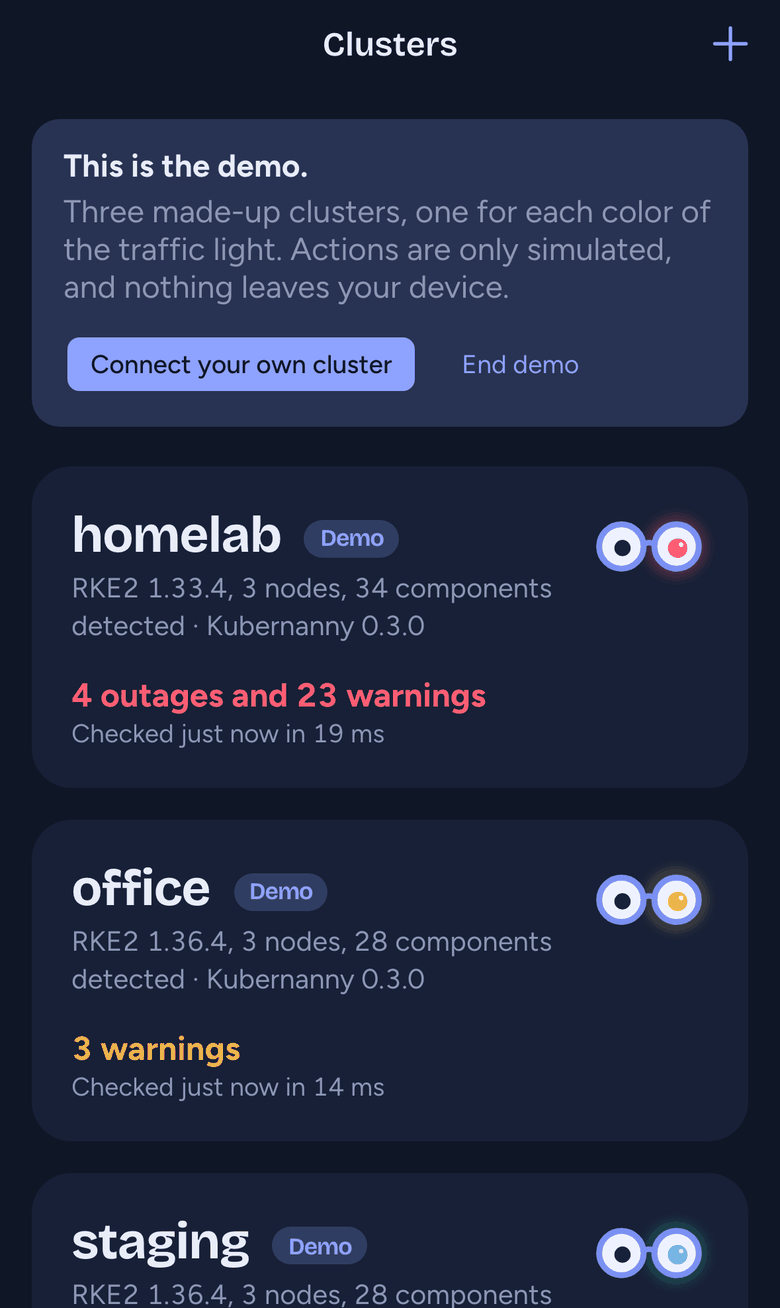 The demo (demo.kubernanny.app, or "Try the demo first" in the app): three made-up clusters |
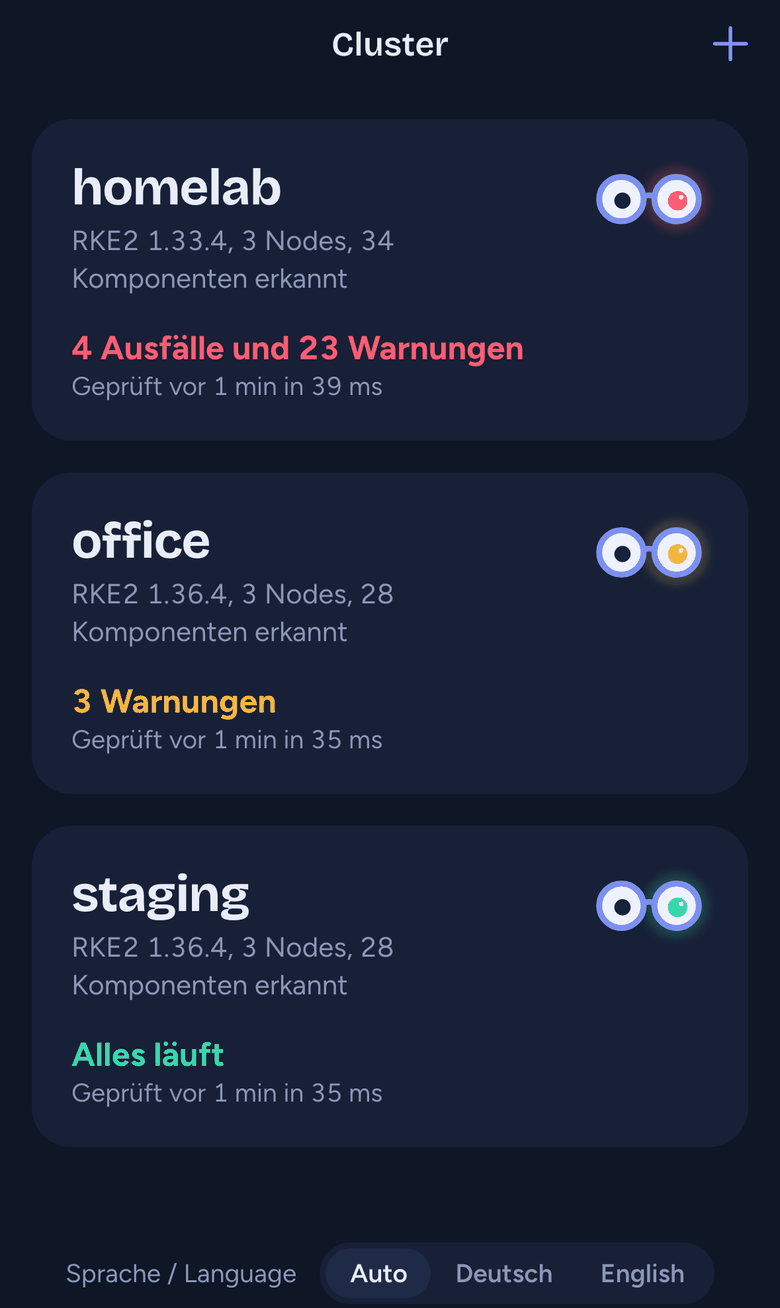 German: the cluster list |
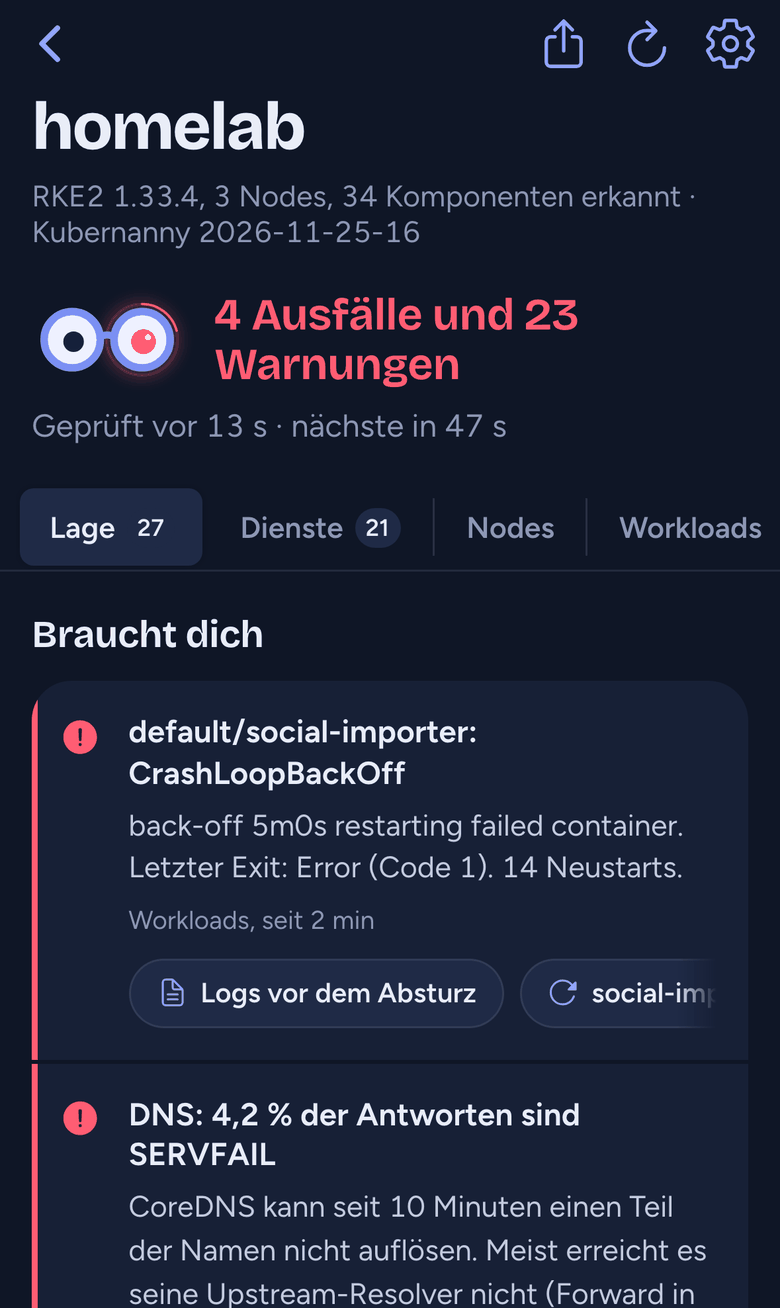 German: a cluster with outages |
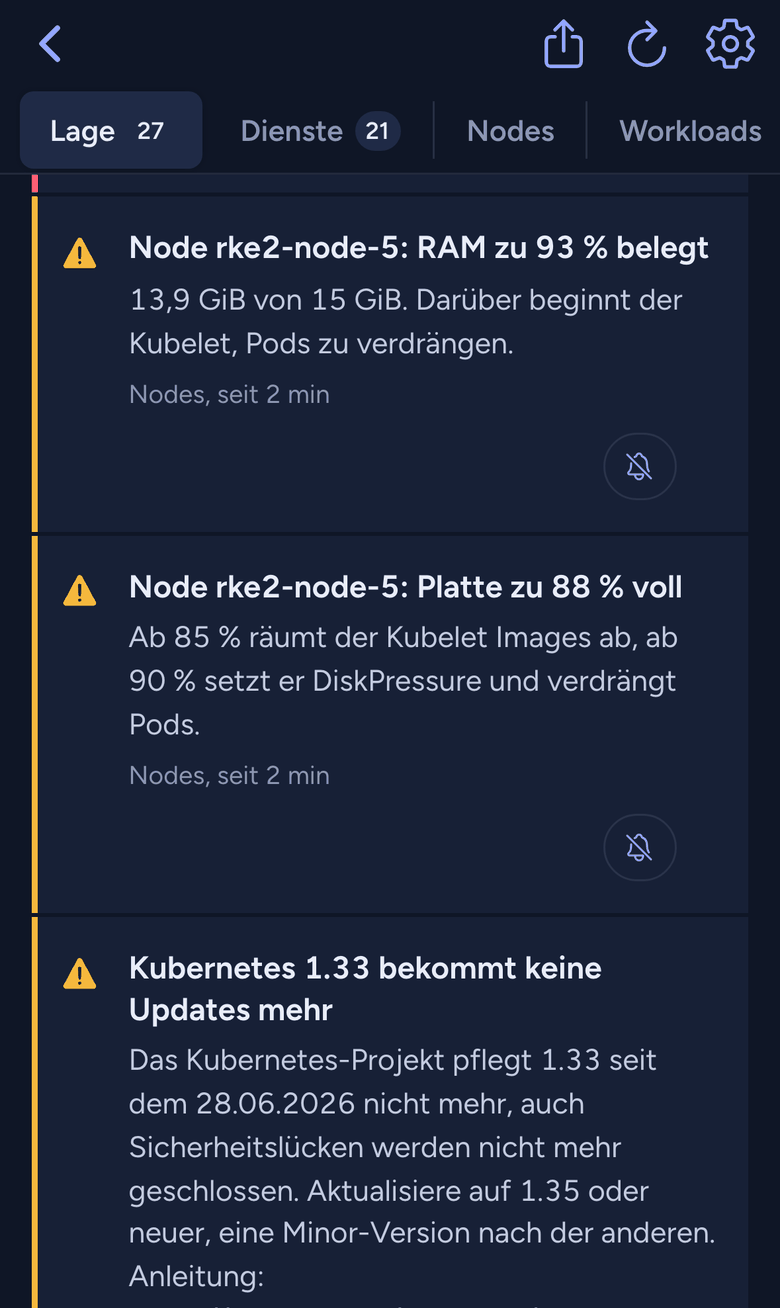 German: problems with cause and action |
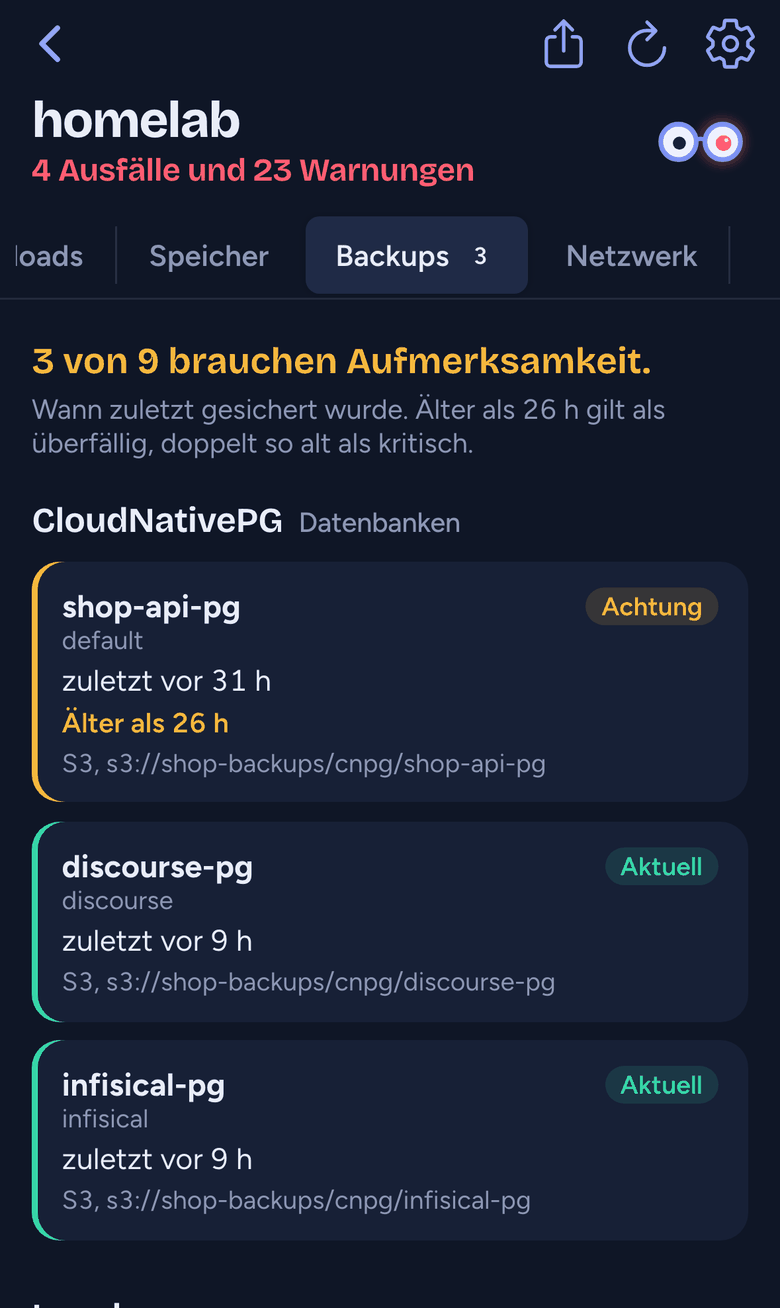 German: backups |
Settings and pairing#
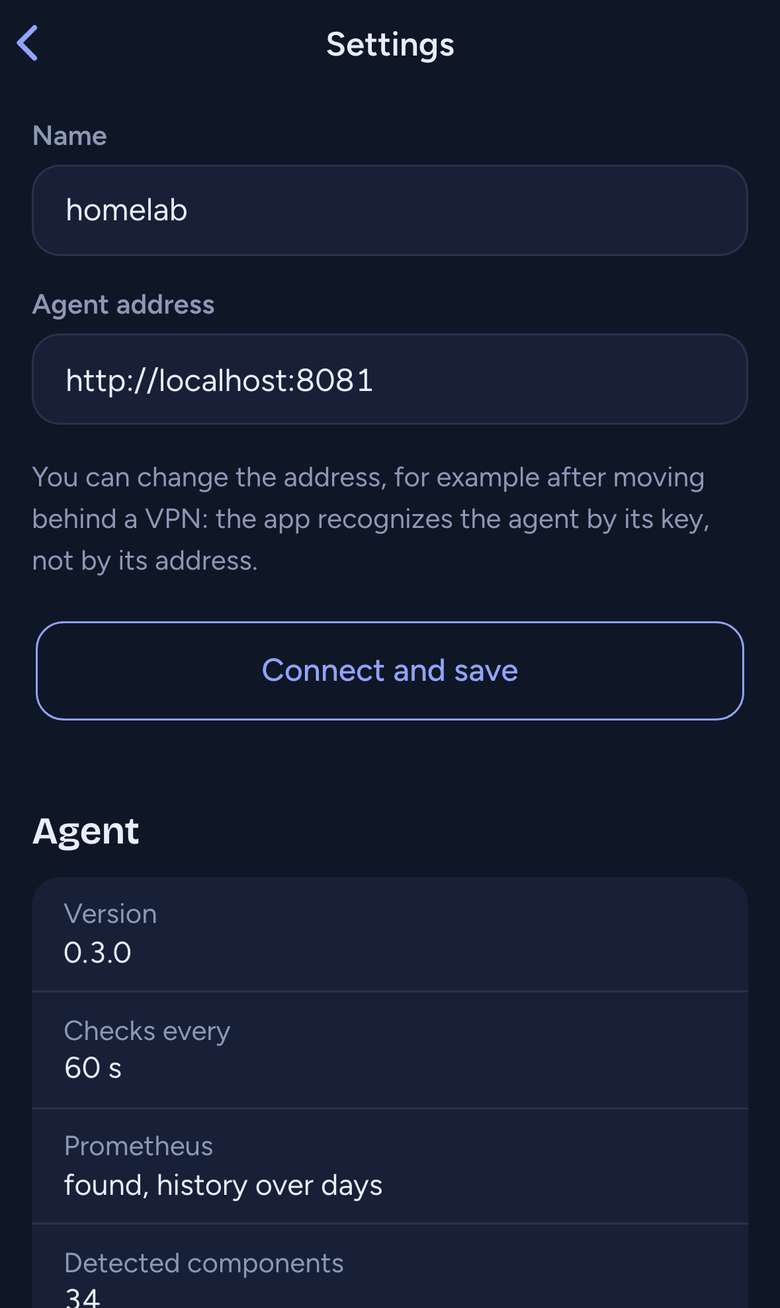 Settings of a cluster |
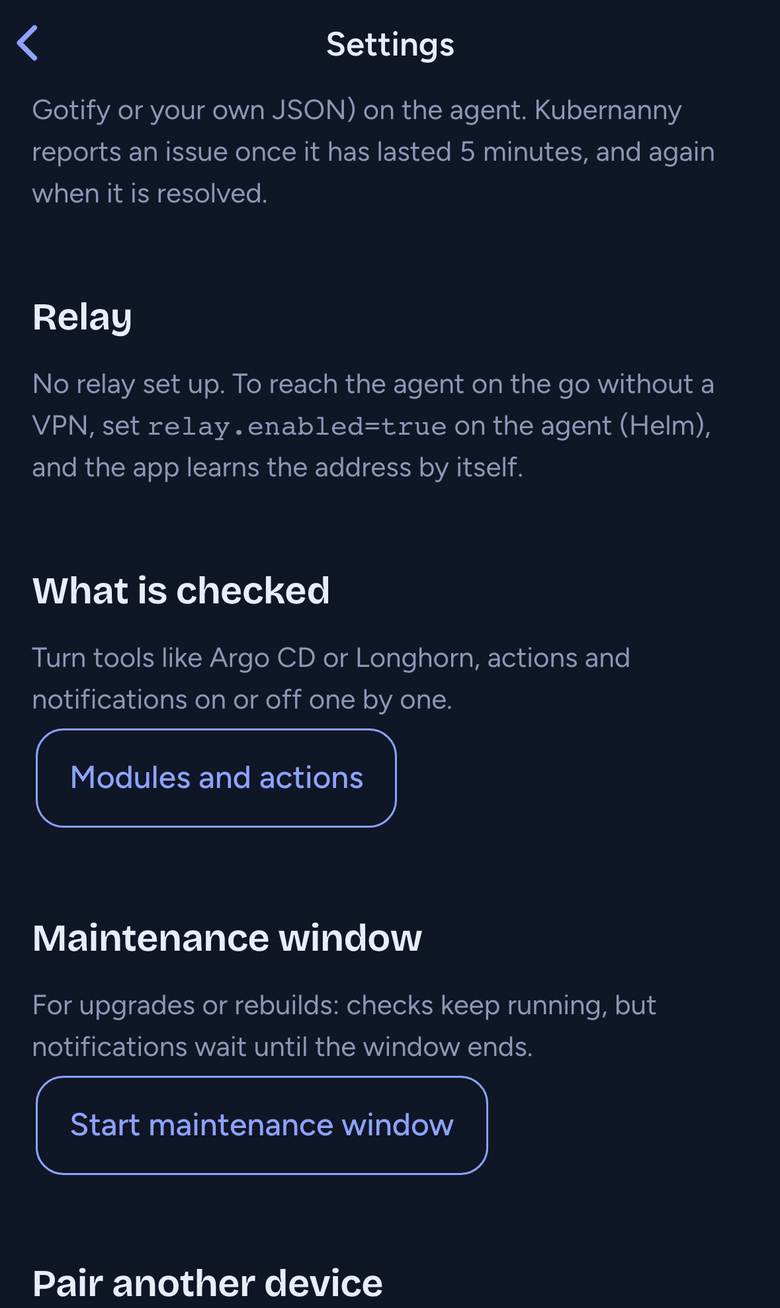 Agent info and a pairing code for another device |
Light mode#
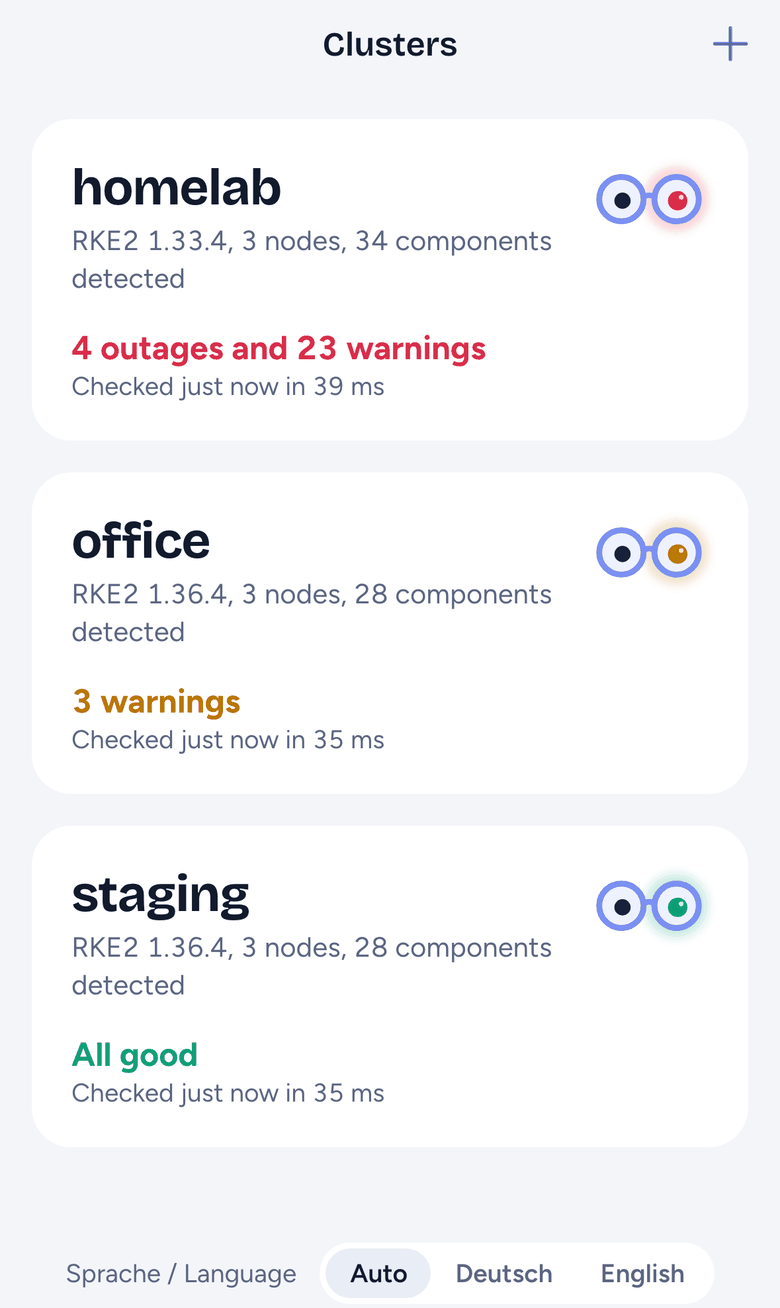 Light mode: cluster list |
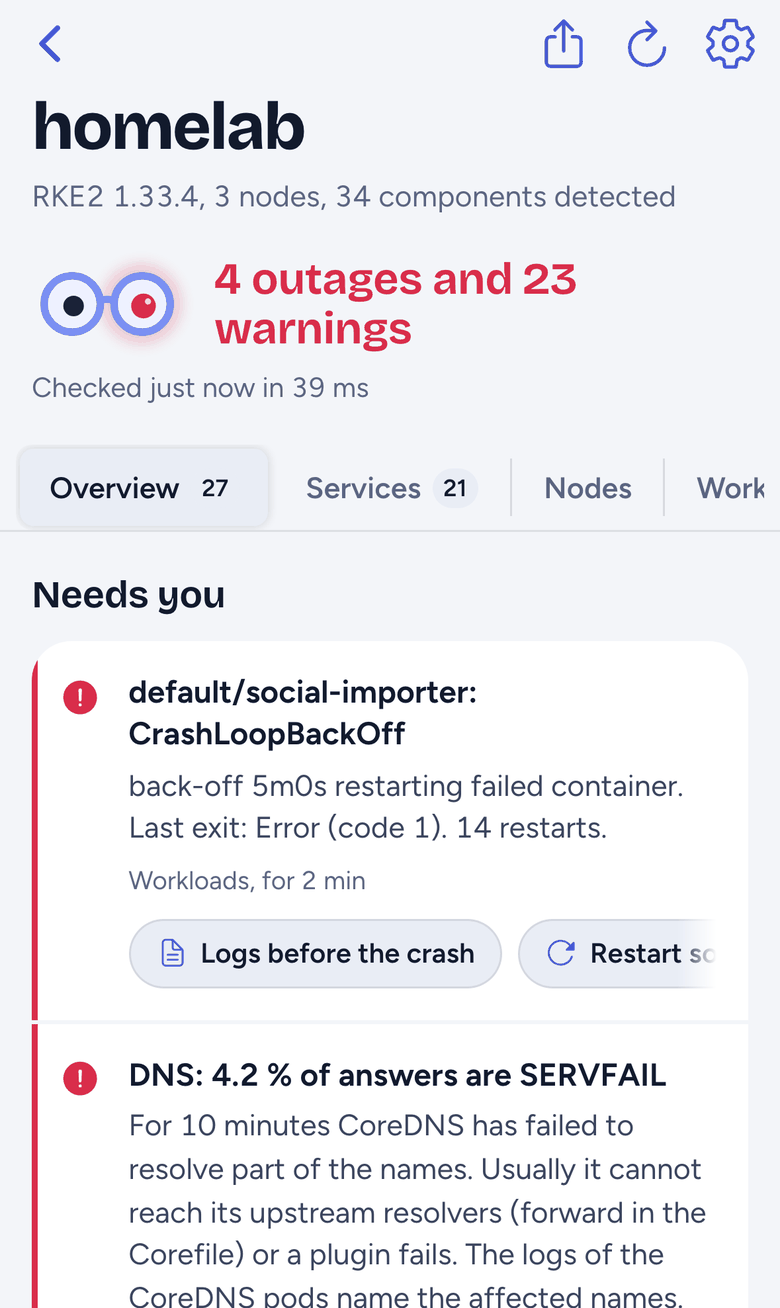 Light mode: overview |
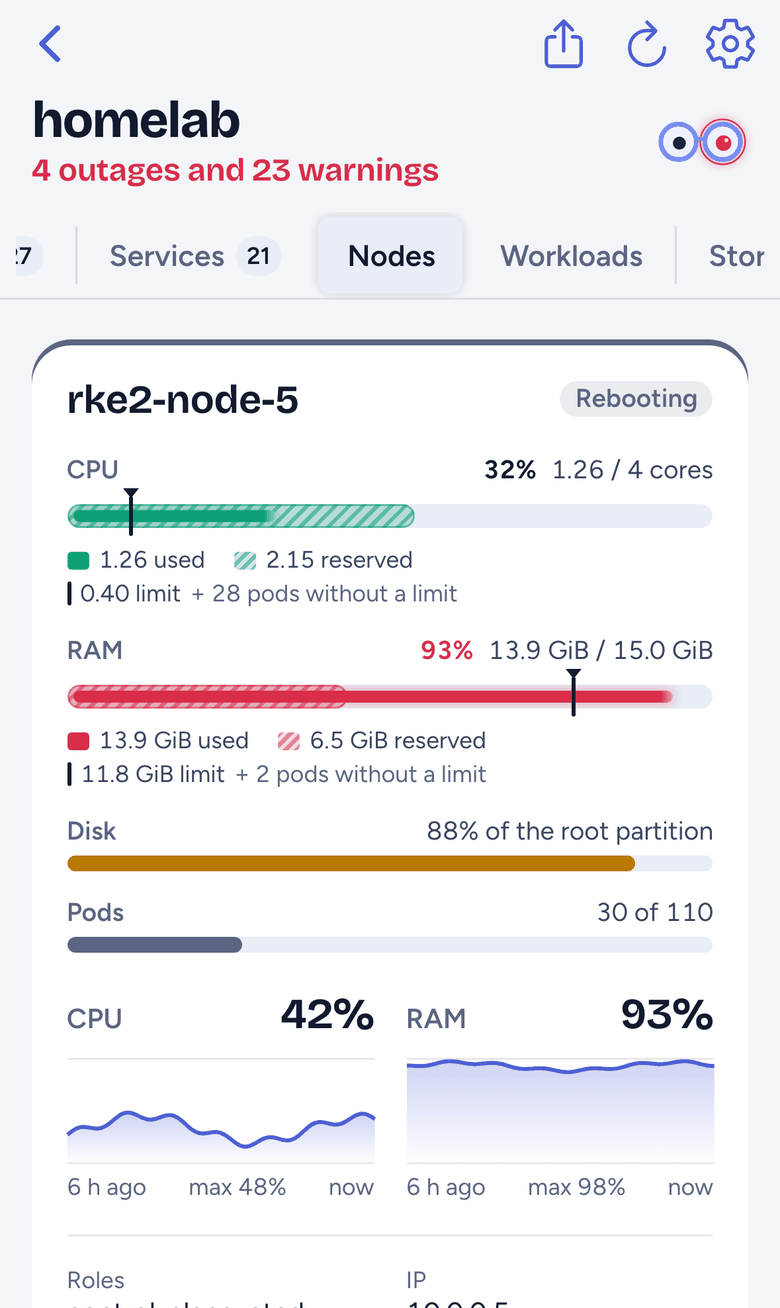 Light mode: nodes |
Tablet and desktop#
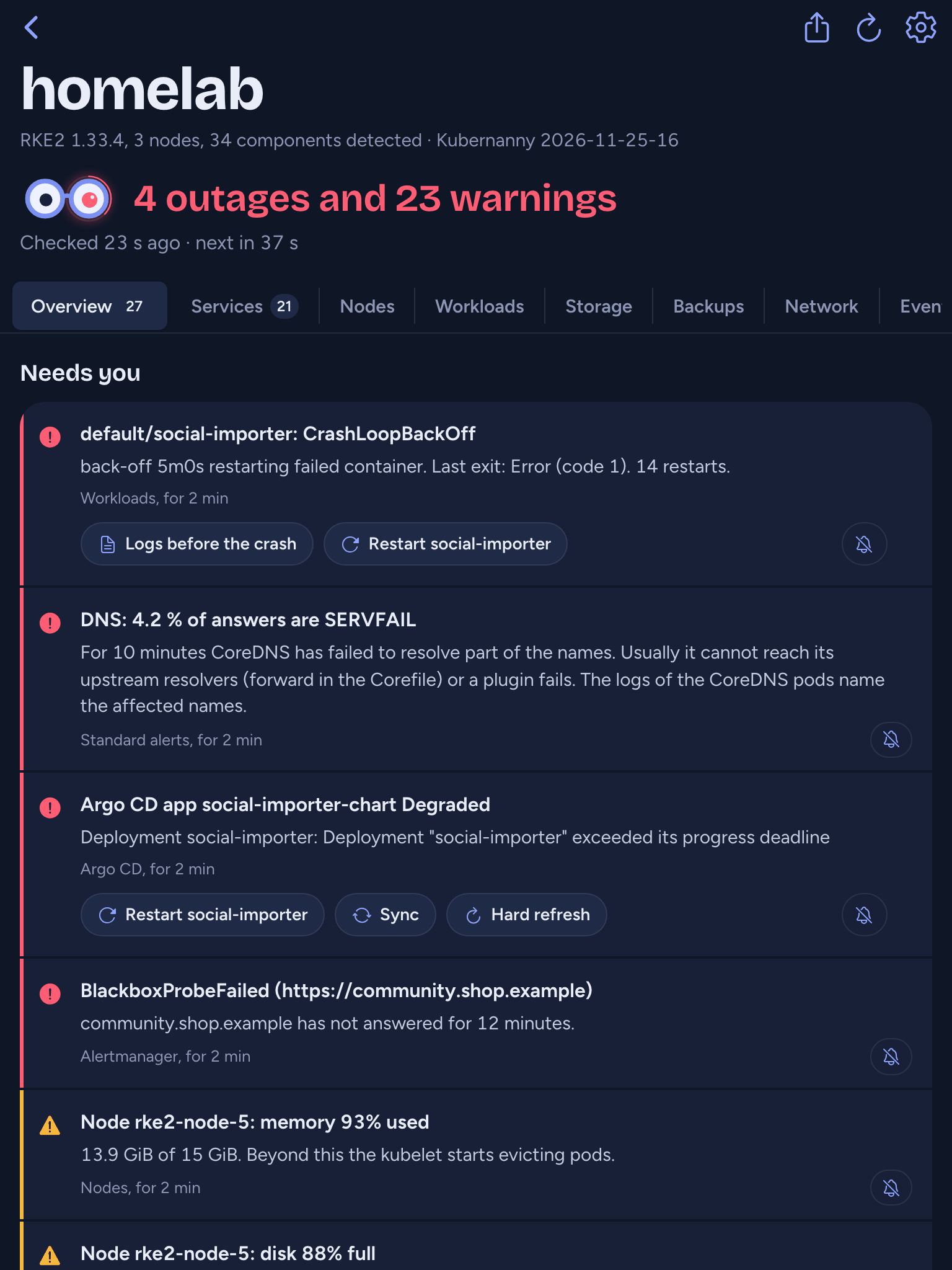 Tablet |
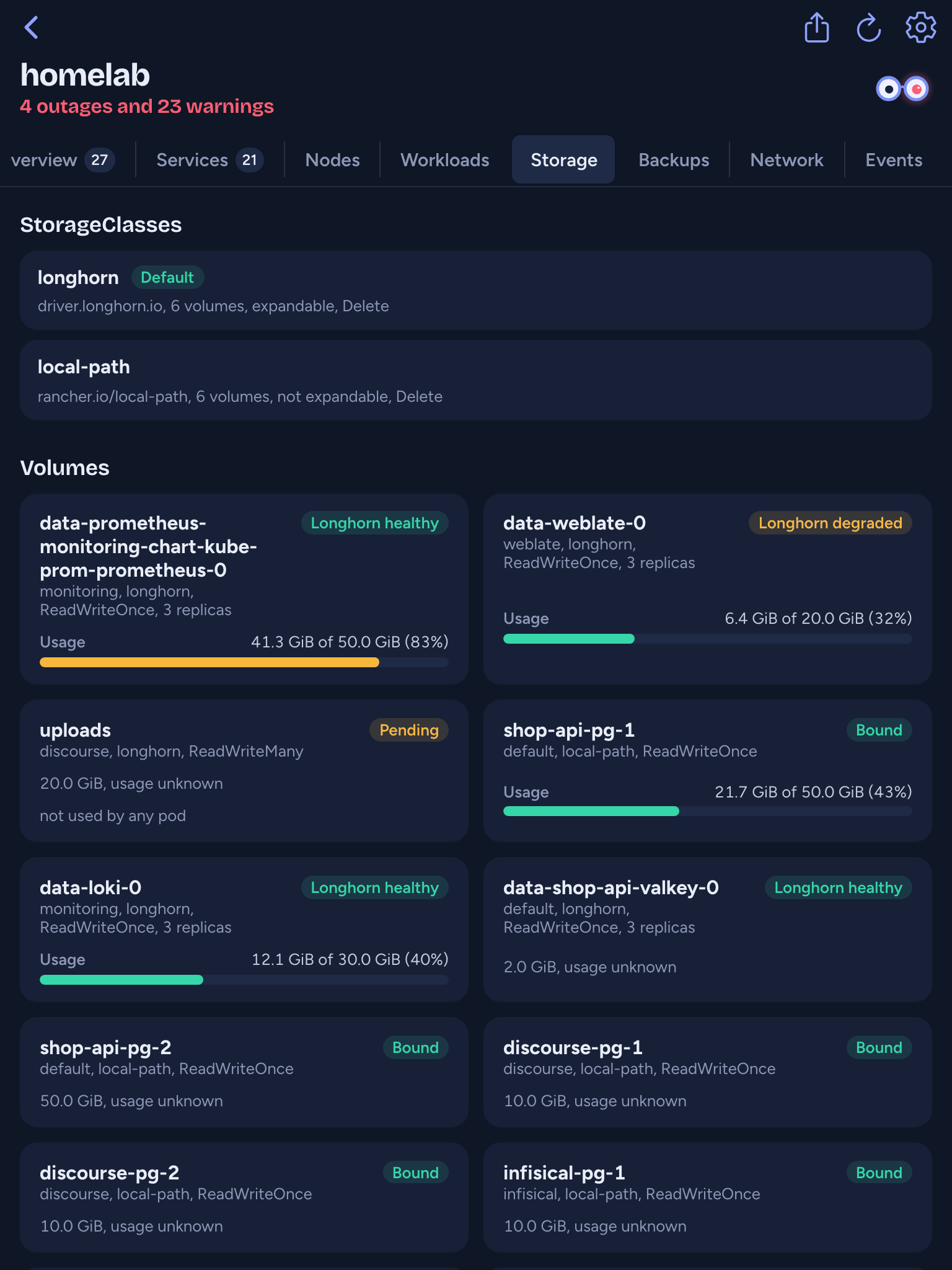 Tablet: storage |
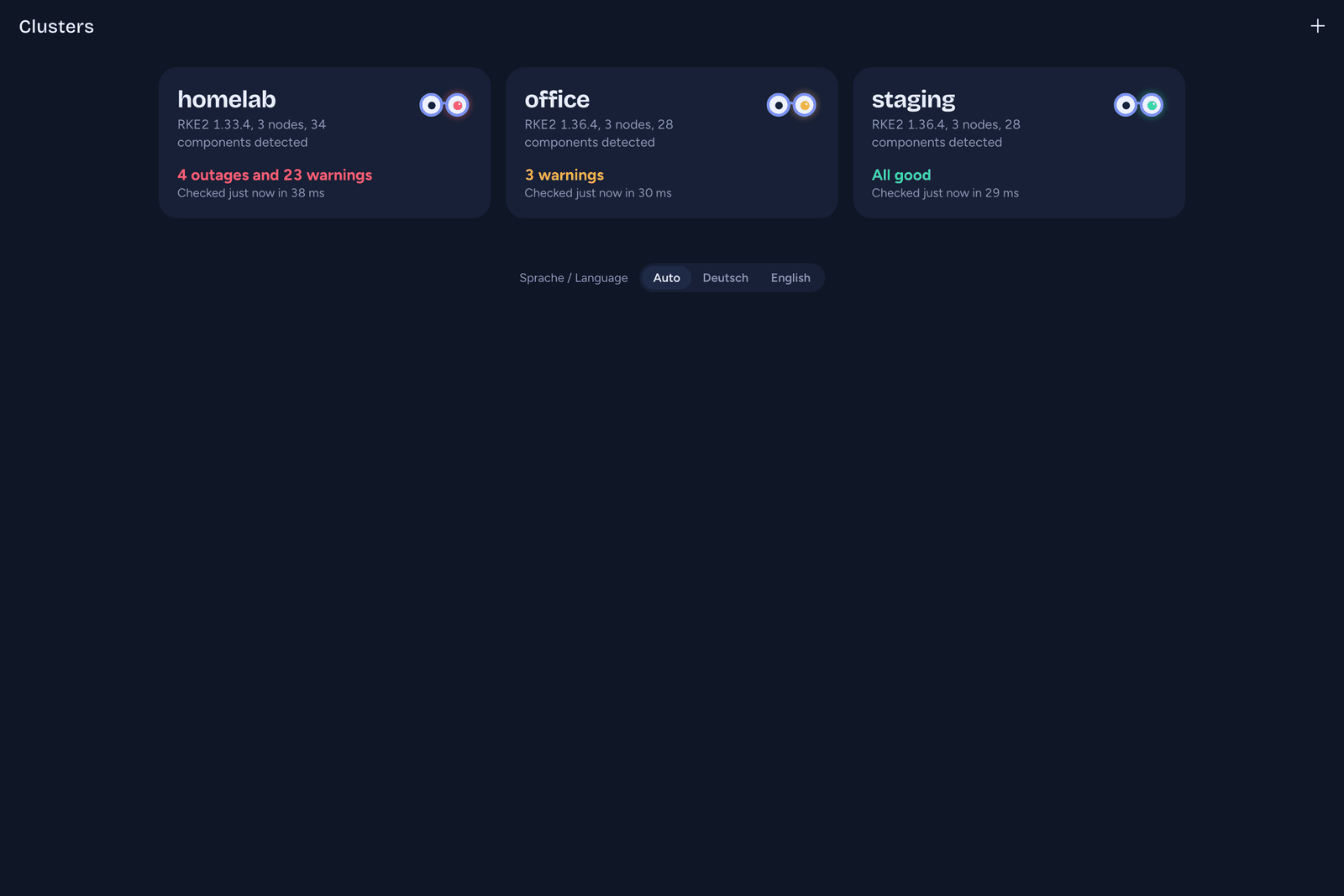 Desktop: cluster list |
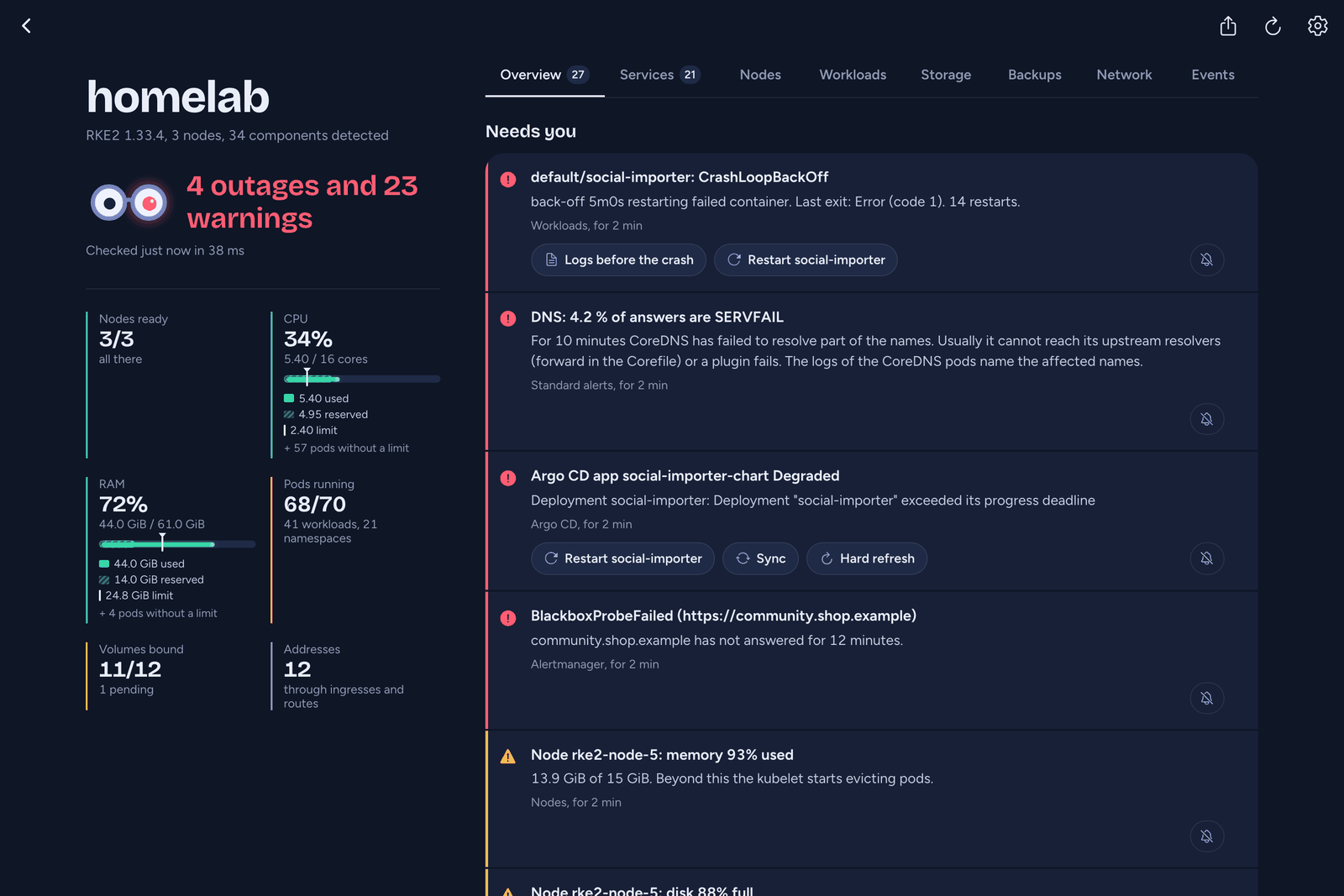 Desktop: vital signs stay on the left |
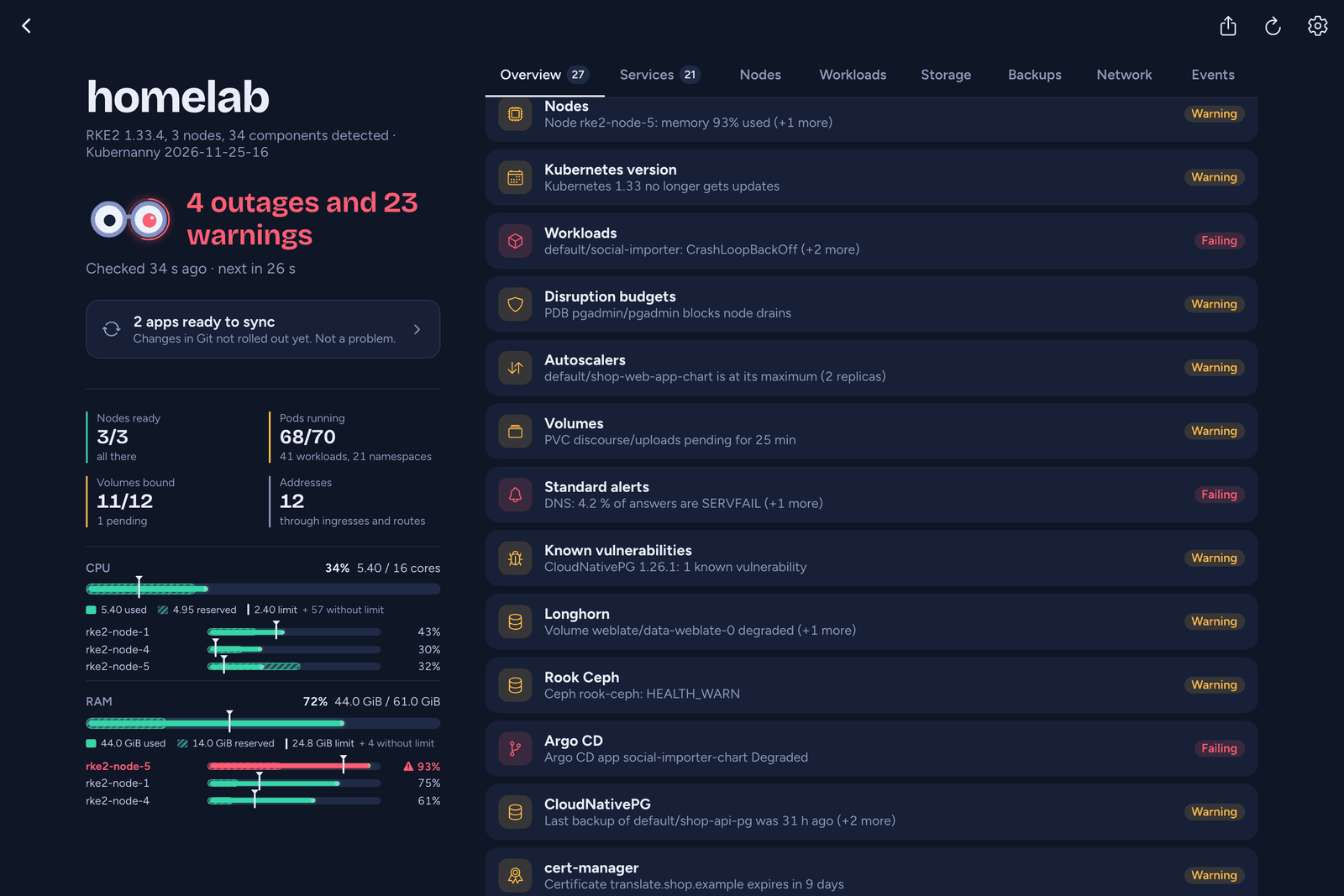 Desktop: history |
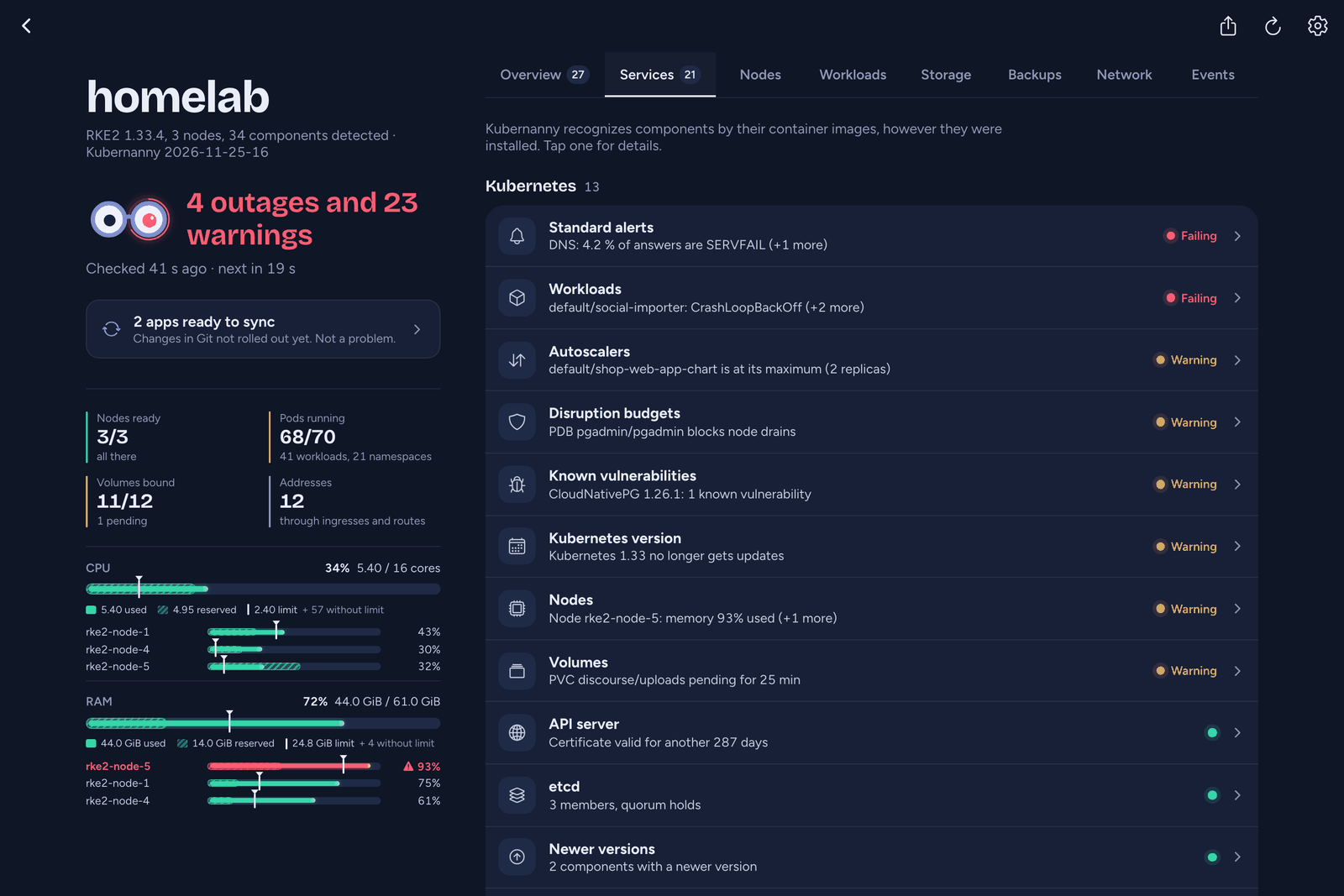 Desktop: components |
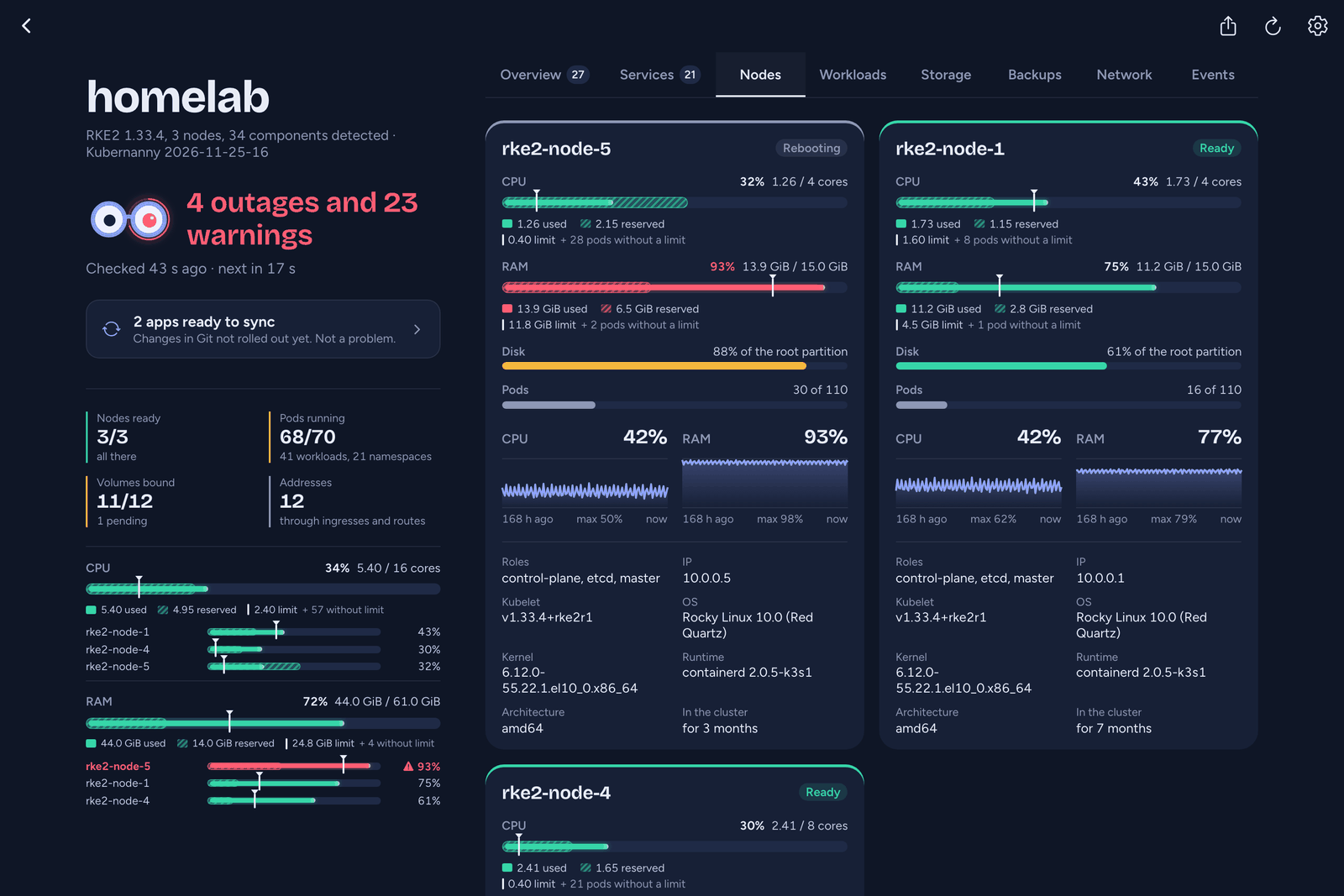 Desktop: nodes |
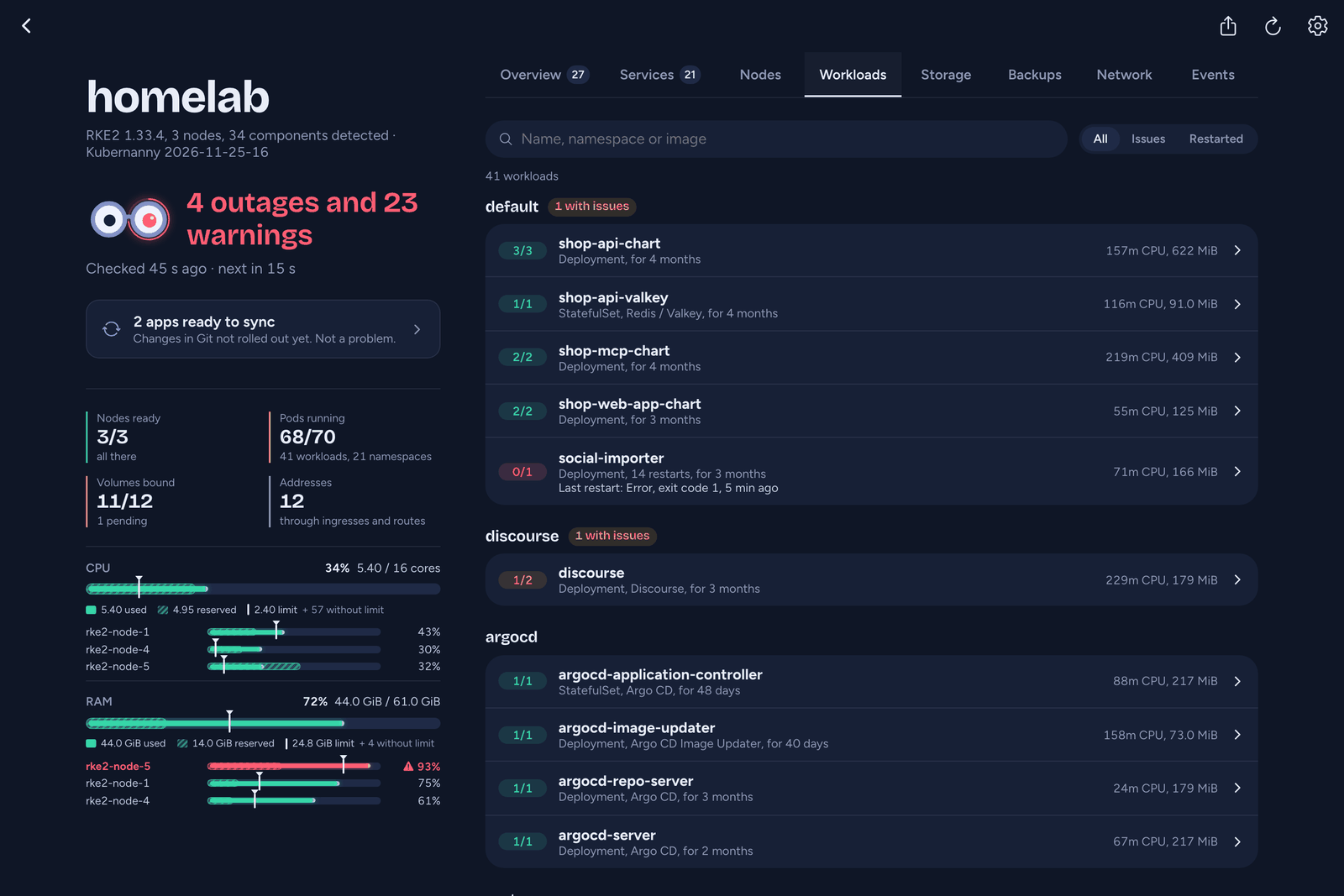 Desktop: workloads |
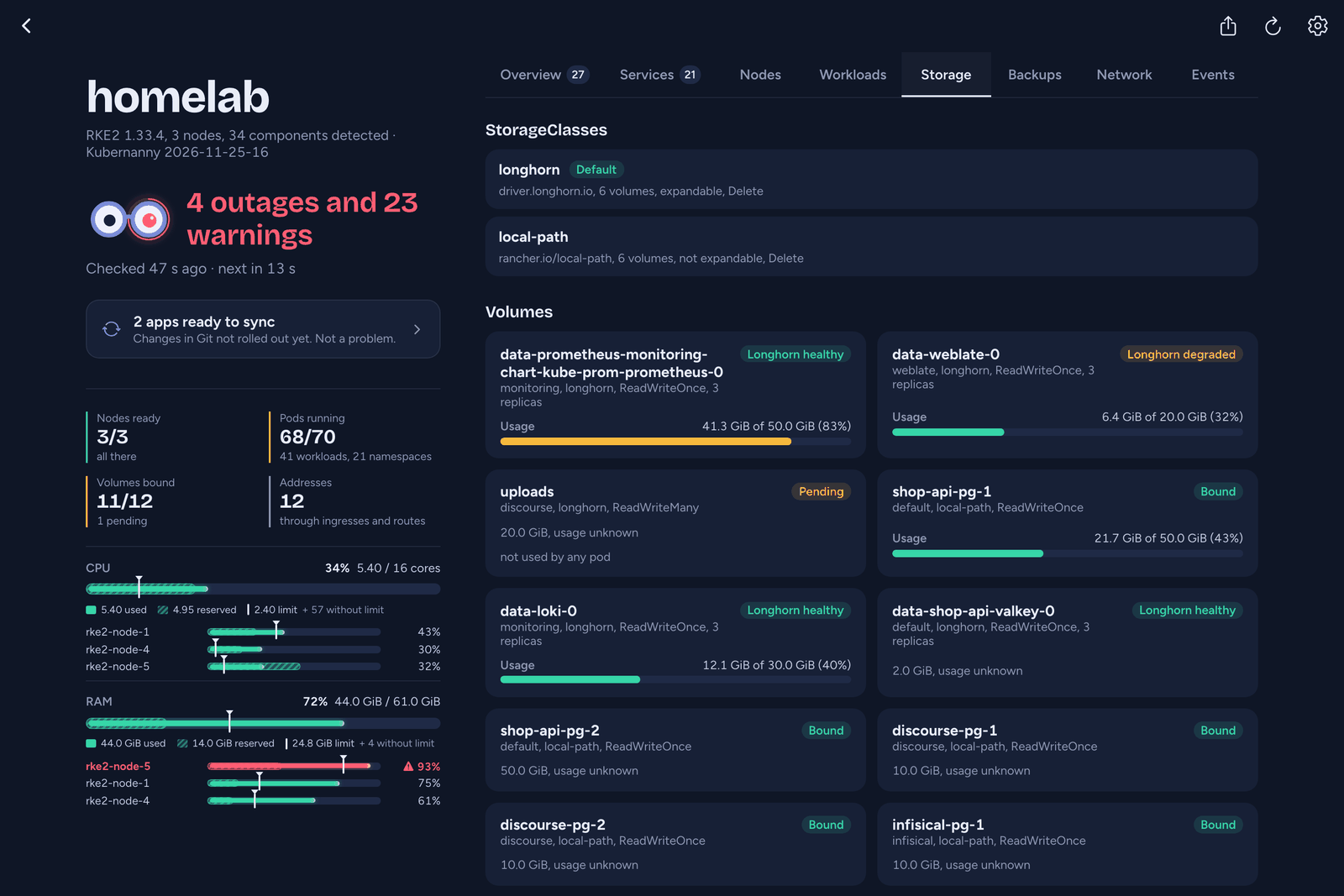 Desktop: storage |
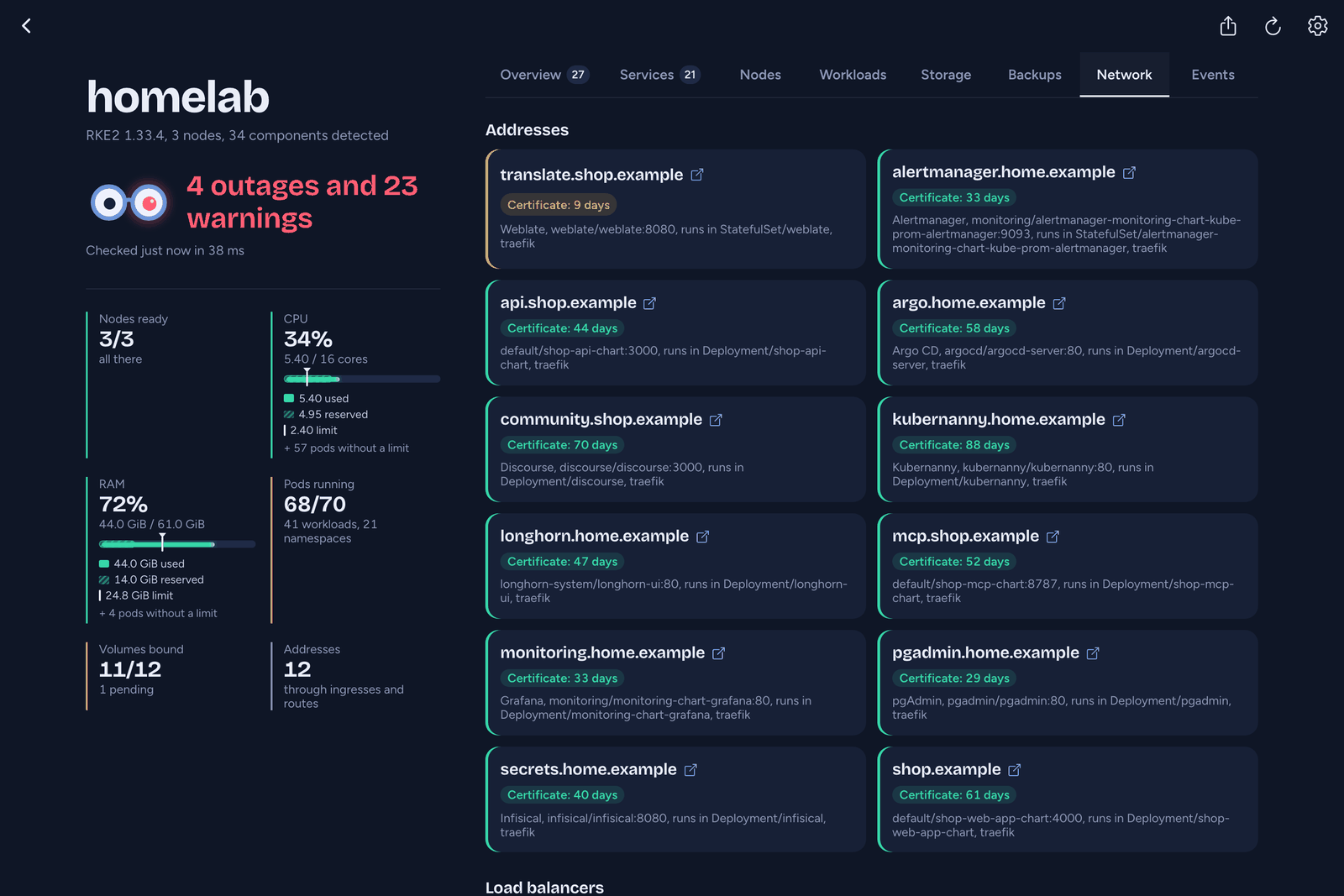 Desktop: network |
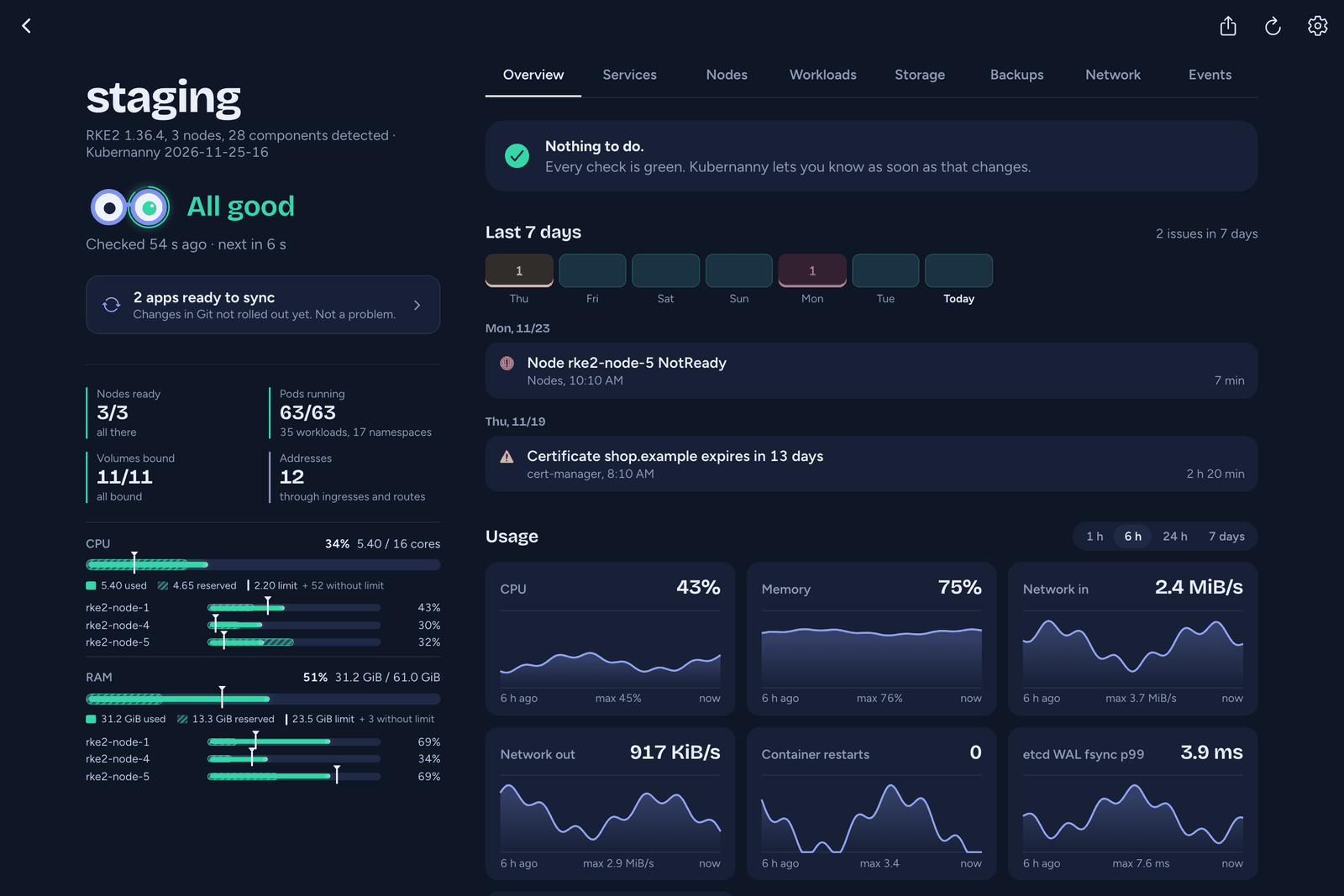 Desktop: a healthy cluster |
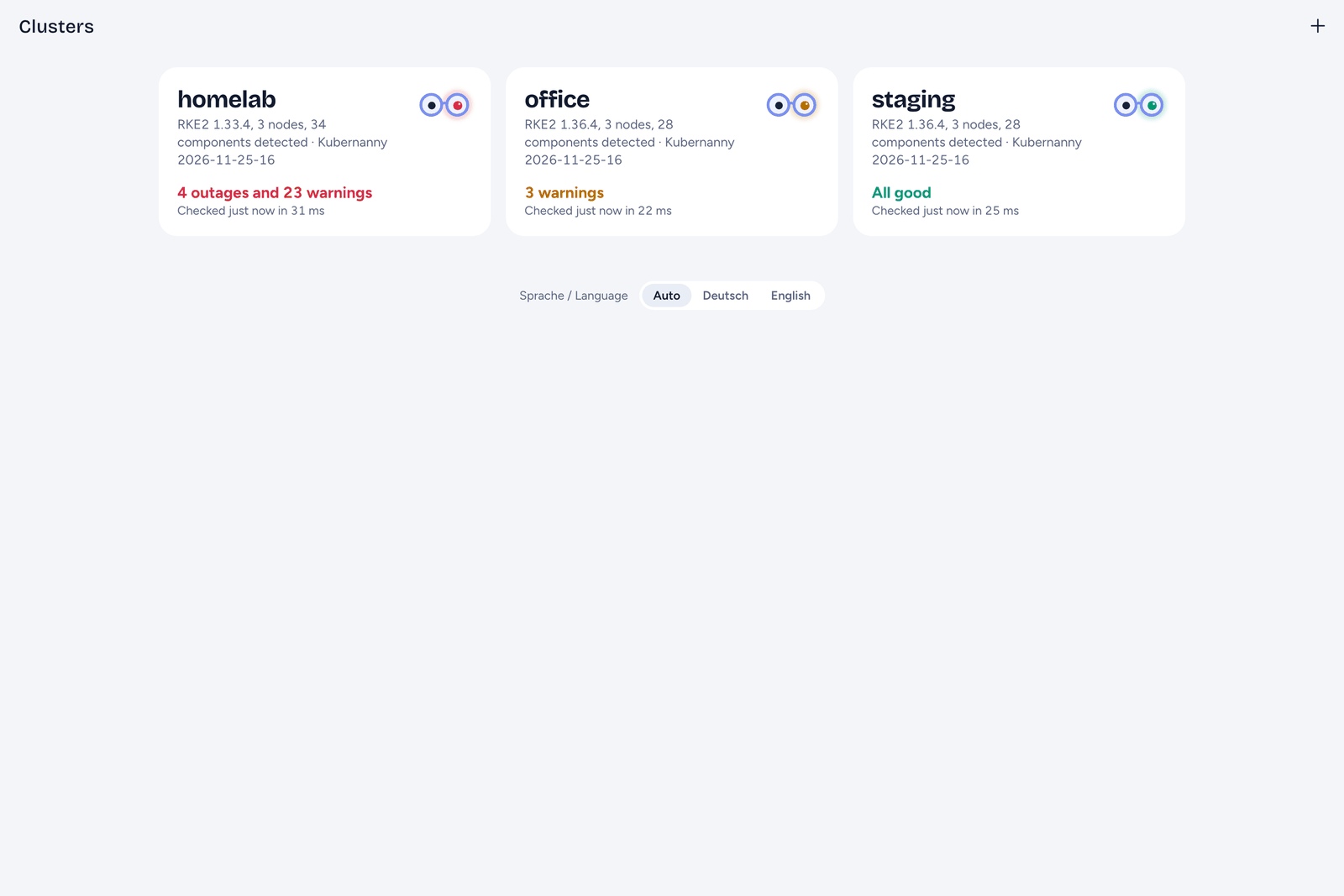 Desktop, light: cluster list |
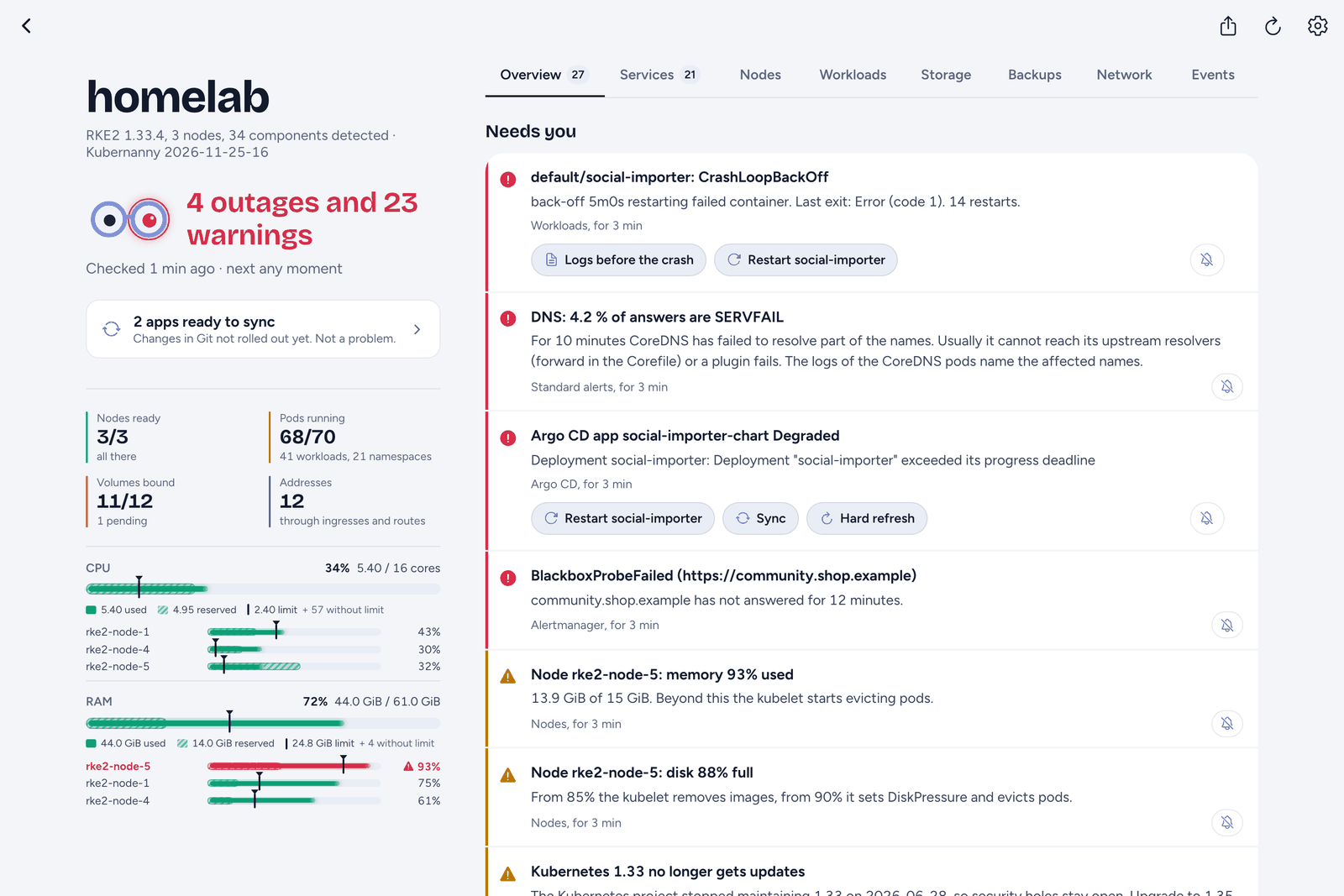 Desktop, light: overview |
Command line#
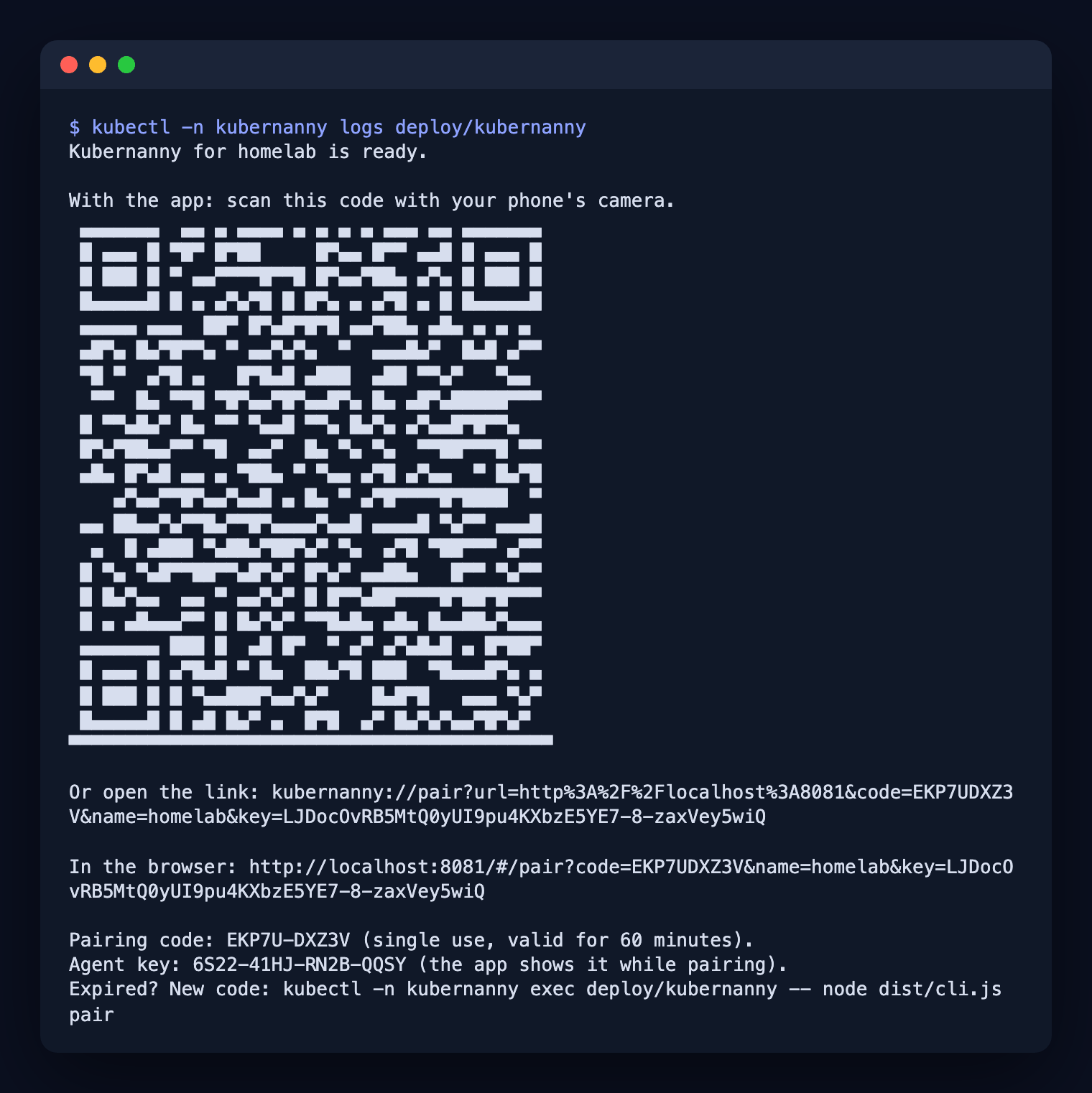 The agent log: QR code, one-time pairing code and the agent's key fingerprint |
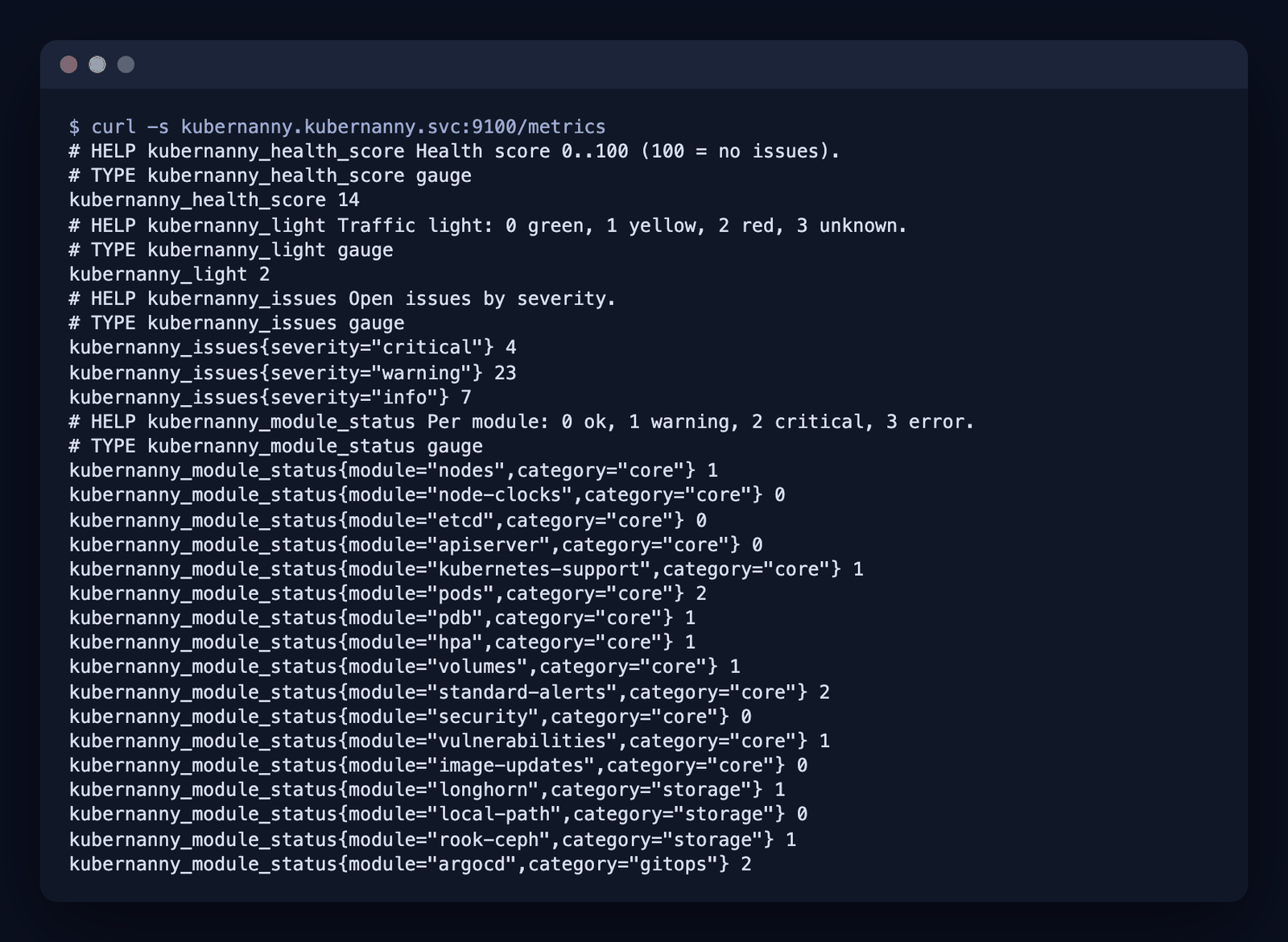 kubernanny_* metrics for your Prometheus |
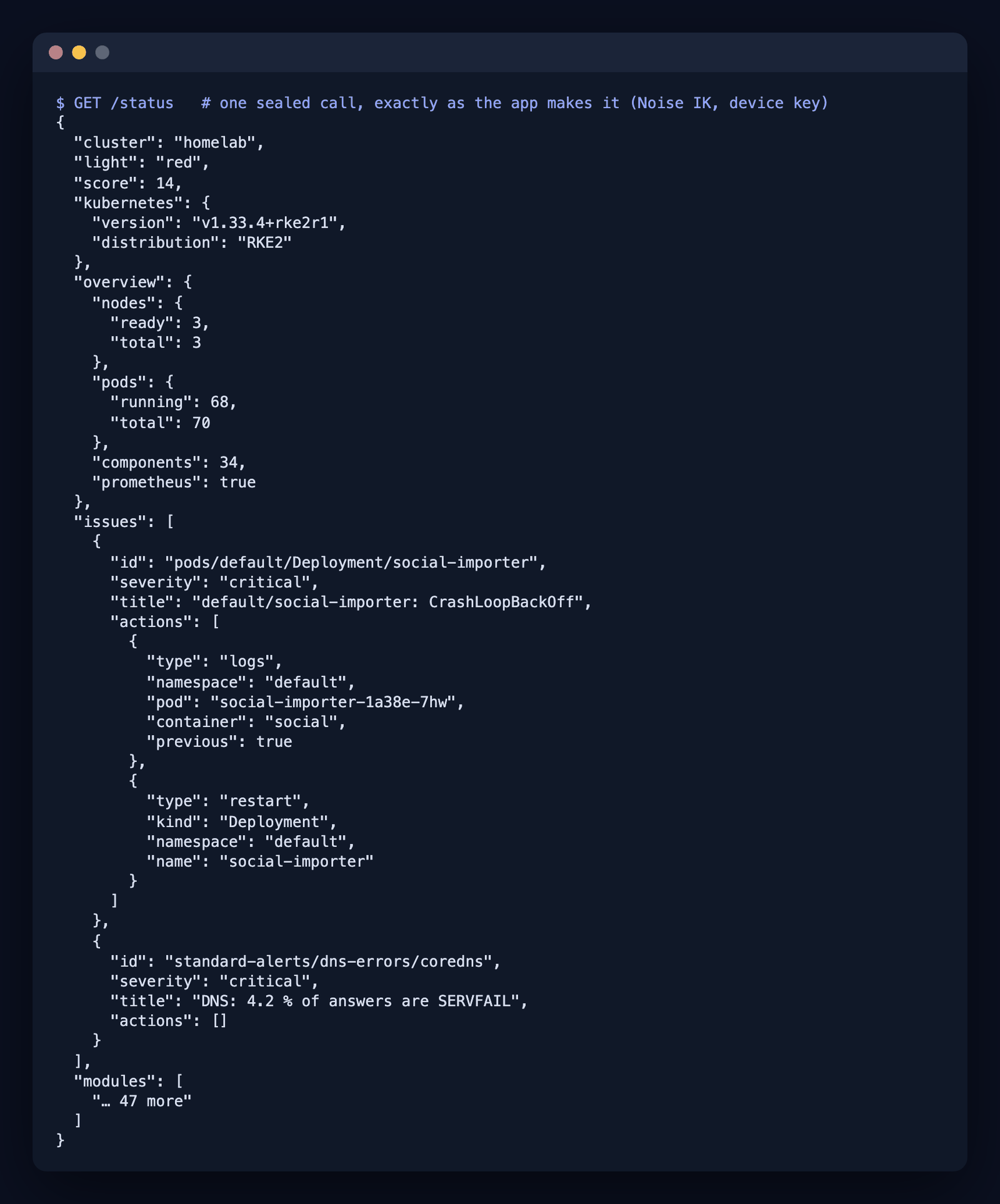 The status API |